
Lets an AI client search tweets, monitor accounts, and manage webhooks using a high-speed X (Twitter) scraper API.
Also known as Xquik-dev/xquik-docs
- Stars
- 17
- Tools
- —
- Downloads, 30 days
- —
- Latest version
- —
- Last commit
- Nov 15, 2026
- License
- MIT
What is Xquik MCP?
Xquik lets an AI client search tweets, monitor accounts, and manage webhooks using a high-speed X (Twitter) scraper API.
Summary generated from the project's README
About Xquik MCP server
Searching tweets, monitoring specific accounts, and managing webhooks through an AI client is what xquik-docs enables. This MCP server connects developers to a high-speed scraper API designed for retrieving X data without requiring a standard X developer account for public reads. Users can integrate this with clients like Claude Code, Cursor, or OpenCode using OpenAPI-native tools or Code Mode.
To get started, you must create an API key via the Xquik dashboard. The server supports various operations including user lookups, follower exports, and direct message workflows. It distinguishes itself by charging only for unique, filter-matching results rather than padding rows with unfiltered data. For real-time needs, the system provides one-second tweet monitors and signed webhooks with HMAC SHA-256 signature verification to ensure secure event delivery.
What you can do with it
- 1Automated Tweet SearchingAn AI agent can search for specific posts using filters like username, date ranges, or keywords.
- 2Real-time Account MonitoringDevelopers can set up monitors to receive notifications whenever a specific user posts a new tweet or reply.
- 3Social Data ExportingYou can instruct an AI to extract follower lists or search results into structured formats like CSV or JSON.
- 4Direct Message ManagementThe server allows for automated workflows involving sending direct messages and tracking their IDs.
Written from the project's README. Every use case is checked against a quote from it.
Automated checks
Ran Nov 14, 2026Full report →Not verified yet. A server needs a score of 80, no serious finding, and enough data for us to check. How checks work · What to fix for more points

- Source repository linked and reachablexquik-dev/xquik-docs is public and reachablegithub.com/xquik-dev/xquik-docs ↗Pass
- Package names this repository as its sourceNot checked
- Build provenance (Sigstore attestation)Not checked
- Open source license (OSI)MITspdx.org/licenses/MIT.html ↗Pass
- Commit or release in the last yearLast commit or release 2026-11-13github.com/xquik-dev/xquik-docs ↗Pass
- OpenSSF ScorecardNot checked
- Package name not close to a popular packageNot checked
- No critical advisory in the package or its dependenciesNot checked
- No hidden instructions to the model0 tool descriptions and the README read; no override phrases, credential paths or hidden charactersPass
- Destructive tools are labelledNot checked
- Remote endpoint answers the MCP handshakeNot checked
README
View on GitHubX (Twitter) API Documentation by Xquik
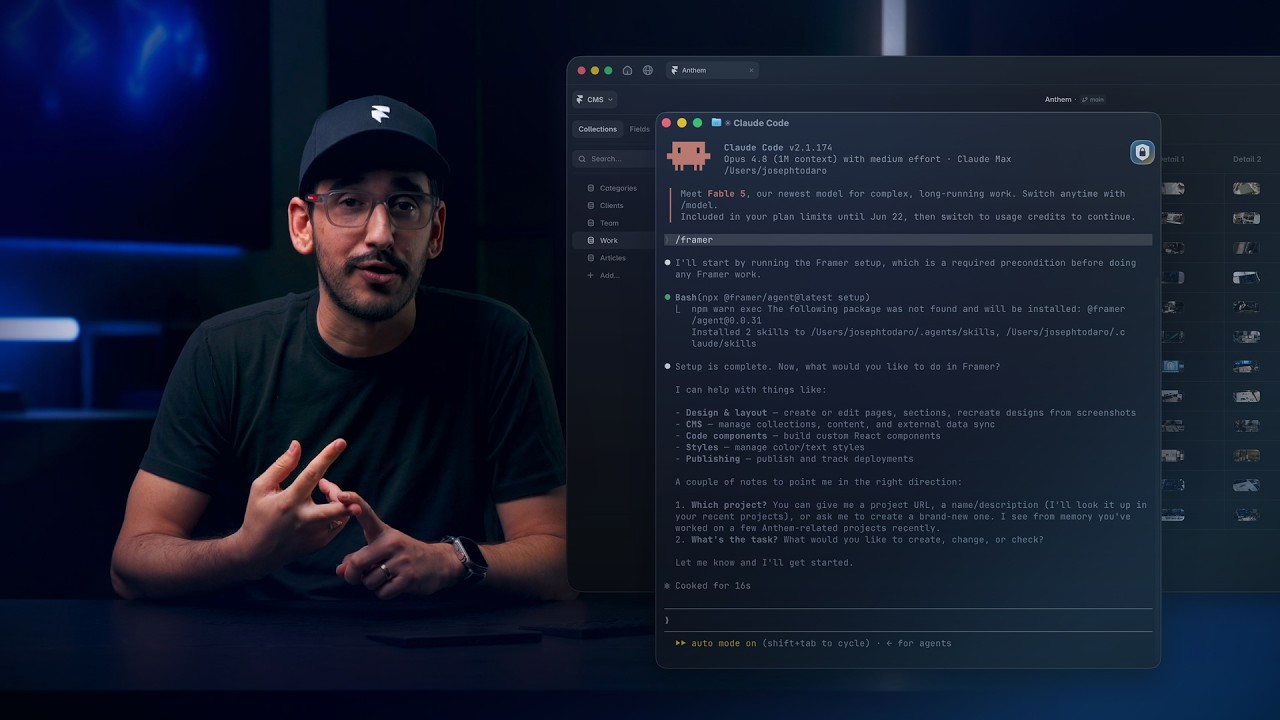
Watch Framer build a tweet ticker with Xquik, from 6:07.
These docs cover the Xquik API.
Use this X (Twitter) API documentation by Xquik to build on search, monitors & webhooks. The published site lives at docs.xquik.com.
Xquik is the world's fastest and cheapest X (Twitter) scraper service with the most complete X (Twitter) data. Most other Apify Actors charge before filtering or deduplication. Xquik charges only for delivered, unique, filter-matching results and never pads rows. Xquik is independent and not affiliated with X Corp.
The Xquik REST API read 45 tweets per second on 2026-10-15. That cost $0.15 per 1,000. The fastest of 4 rival Actors read 12.5 per second. The cheapest cost $0.173 per 1,000. Compare each run. Most rival Actors charge before they filter or dedup. Xquik charges only for delivered, unique, filter-matching results.
X (Twitter) API documentation quickstart
Create an API key in the Xquik dashboard. Then search tweets & posts with 1 request.
curl --get 'https://xquik.com/api/v1/x/tweets/search' \
  --header "x-api-key: ${XQUIK_API_KEY}" \
  --data-urlencode 'q=from:NASA' \
  --data-urlencode 'limit=10'
Search tweets with from:, since:, until:, filters, and cursor pagination.
Twitter monitor & webhook docs
Create a monitor, then register a webhook for its events.
curl -X POST https://xquik.com/api/v1/monitors \
  -H "x-api-key: ${XQUIK_API_KEY}" \
  -H "Content-Type: application/json" \
  -d '{"username": "NASA", "eventTypes": ["tweet.new", "tweet.reply"]}'

curl -X POST https://xquik.com/api/v1/webhooks \
  -H "x-api-key: ${XQUIK_API_KEY}" \
  -H "Content-Type: application/json" \
  -d '{"url": "https://your-server.com/webhook", "eventTypes": ["tweet.new", "tweet.reply"]}'
Next, read the Quickstart, the Webhooks guide or the SDK pages.
Benchmarks & usage



- 8.6 s p99 REST server read time over 7 days, failures included (source)
- 4,300+ accounts on xquik.com (source)
- 67,000+ downloads of Xquik's X (Twitter) API packages across 6 registries (source)
Checked on 2026-11-13. See each number with its date & source on xquik.com/benchmarks or as JSON.
What the docs cover
The pages explain tweet search, user lookup, follower exports & media uploads. Others cover direct messages, 1-second tweet monitors & signed webhooks. SDK clients and X (Twitter) automation guides sit beside them.
- REST API. Operations span X (Twitter) data, monitors, webhooks, extractions, draws, writes & accounts.
- Webhooks. HMAC SHA-256 signature verification, retry semantics & payload schemas.
- MCP server. Use Code Mode or OpenAPI-native tools. Binary downloads use REST.
- OAuth 2.1. Automatic discovery, PKCE, client registration & token refresh.
- SDKs. 10 generated clients cover 8 languages, the CLI & Terraform.
- OpenAPI 3.1. A machine-readable contract for endpoint pages and SDK generation.
Start here
- Quickstart. Make the first authenticated API call.
- API reference. Browse every OpenAPI-backed operation.
- Guest wallets. Fund accountless paid reads through a confirmed hosted checkout.
- Direct MPP. Pay per request on fixed-price GET operations.
- SDKs. Install a typed client, the CLI or the Terraform provider.
- Tweet search export. Export tweets by keyword to CSV, JSON, or XLSX.
- Tweet replies export. Export replies to CSV, JSON, or XLSX.
- Follower export. Export X (Twitter) followers to CRM or warehouse.
- Direct message workflow. Send DMs and store returned message IDs.
- Prefect. Schedule tweet, user, timeline, and trend reads in Prefect flows.
- Supabase. Call Xquik from Edge Functions, SQL & pg_cron, and store webhook events.
- Convex. Call each Xquik operation as a typed Convex action.
- Webhooks. Verify HMAC signatures and receive monitor events.
- Open source assurance. Review OpenSSF project mapping and controls.
- Apify Actors. Run focused X (Twitter) data jobs on Apify.
Use with AI coding agents
- Context7 library. Load indexed Xquik docs in supported coding agents.
- llms.txt. Discover every docs page before you read deeper.
- MCP server. Connect through Code Mode or OpenAPI-native tools.
- MCP 2026-07-28. Understand
server/discover, request-scoped calls & private cache hints. - Coding-agent setup. Connect Claude Code, Cursor, OpenCode, Pi, Codex & other MCP clients.
- Agent catalog. Discover the MCP server, API contract, OAuth metadata & auth.md.
- Agent Skills index. Discover and verify Xquik's hosted
SKILL.md. - auth.md. Read interactive and claimed agent authorization instructions.
- OpenAPI spec. Generate clients or inspect request and response shapes.
Common questions
| Customer question | Documentation |
|---|---|
| How do I search tweets through an API? | Search Tweets API |
| How do I export tweet search results? | Tweet Search Export |
| How do I read an account timeline? | User Tweets API |
| How do I export followers? | Follower Export Guide |
| How do I scrape following accounts? | Following API |
| How do I read my home timeline? | Home Timeline API |
| How do I monitor accounts or keywords? | Brand Monitoring Guide |
| How do I verify signed webhooks? | Webhook Guide |
| How do I post or reply? | Create Tweet API |
| How do I send DMs with returned message IDs? | Direct Message Workflow |
| How do I run Apify dataset workflows? | Xquik on Apify |
| How does Xquik compare with the X API? | X API Alternative Guide |
| How can an AI agent use Xquik? | MCP Server Guide |
Repository layout
api-reference/      OpenAPI operations, grouped by resource
guides/             Workflow, operations, and framework guides
webhooks/           Overview + signature verification
mcp/                MCP server overview + tool reference
oauth/              OAuth 2.1 setup + flow
sdks/               Per-language SDK landing pages
alternatives/       Comparison and migration guides
x-api-quickstart.mdx      2-minute quickstart
docs.json           Navigation + theme config
custom.css          Custom styling
llms.txt            AI-readable site index
openapi.yaml        OpenAPI 3.1 spec, copied from the application
Local development
Install Bun, rustup, OSV-Scanner, Gitleaks & ShellCheck.
Use the pinned npm version in package.json.
bunx --bun npm@12.2.2 ci --ignore-scripts
bun run check:all
openapi.yaml is an exact copy of the application's spec.
Never edit it here.
Clone the application beside this repository, or set XQUIK_PRODUCT_ROOT to it.
bun run sync then copies the spec & rewrites each page's response examples.
The parity & features catalog tests need that checkout too.
Without it, they skip & say so.
A test that can't find its file fails & says to update the checkout.
Run bunx --bun mint@4.3.5 dev when you need a visual preview.
Deployment
main deploys to docs.xquik.com on each merge.
Deployment status appears in commit check runs.
This repository runs no GitHub Actions. Run every required check locally before you push. Verify the published pages after each deployment.
Contributing
See CONTRIBUTING.md for style rules, content conventions & the pull request workflow.
Security
Report a vulnerability in the docs site or a documented endpoint through SECURITY.md. Do not file public issues for security findings.
Questions
Do I need an X (Twitter) developer account?
No. Public reads need only an Xquik API key. Private reads & X (Twitter) account actions need a connected account.
Is this the official X (Twitter) API documentation?
No. Xquik runs its own REST API. These docs cover that API, not the official X API.
More Xquik tools
- X (Twitter) scraper API & X (Twitter) MCP server with REST, MCP & Skill setup.
- X (Twitter) API SDKs for TypeScript, Python, Go & Ruby.
- X (Twitter) API SDKs for Java, Kotlin, C# & PHP.
- Twitter CLI & X CLI for terminal workflows.
- Twitter agent plugins for OpenClaw & Hermes Agent.
- Twitter advanced search operators with tested examples.
- Xquik X API & Twitter scraper and its main dashboard.
License
The documentation source uses the MIT License. The license does not cover the Xquik product, brand or platform.
Xquik is an independent third-party service. Not affiliated with X Corp. "Twitter" and "X" are trademarks of X Corp.
Xquik MCP questions
Do I need an X (Twitter) developer account?
No, public reads only require an Xquik API key, though private reads and account actions require a connected account.
Is this the official X (Twitter) API documentation?
No, Xquik provides its own independent REST API and these documents cover that specific API.
How can an AI agent use Xquik?
AI agents can connect via the MCP server using Code Mode or OpenAPI-native tools.