
Build incident timelines and rank root-cause hypotheses using local case records and offline evidence.
Also known as vmware-skills/VMware-Debug, vmware-debug
- Stars
- 1
- Tools
- —
- Downloads, 30 days
- 933
- Latest version
- 2.3.3
- Last commit
- Nov 13, 2026
- License
- MIT
What is VMware Debug MCP?
VMware Debug builds incident timelines and rank root-cause hypotheses using local case records and offline evidence.
Summary generated from the project's README
About VMware Debug MCP server
Building incident timelines and ranking root-cause hypotheses from offline evidence is what this tool enables for technical investigators. It allows users to correlate case records and audit data stored locally to create a clearer picture of past events. Because it operates entirely on local data, it does not require a VMware API connection or any external remediation capabilities.
Developers can set up this server using the published CLI via uv, requiring Python 3.10 or higher. It is designed to work with various agent hosts including Cursor, Codex, Gemini CLI, Cline, and local models. The workflow focuses on analyzing existing evidence to identify gaps in information and provide specific recommendations for what to check next during an investigation.
This server functions as an offline analysis tool rather than a live management interface. It helps users rank different hypotheses with explicit confidence levels based on the provided documentation and logs. It is part of the larger VMware Skills collection, which includes multiple MCP servers and a shared policy library.
What you can do with it
- 1Correlate offline event dataAnalyze local case records and audit logs to build a chronological incident timeline.
- 2Rank root-cause hypothesesEvaluate different potential causes for an incident and assign confidence levels to each.
- 3Identify investigation next stepsDetermine which specific areas or logs require further inspection to complete an investigation.
Written from the project's README. Every use case is checked against a quote from it.
How to install VMware Debug MCP
Formats verified 10 Nov 2026Add to CursorAdd to GooseInstall VMware Debug MCP in Claude Code
$ claude mcp add vmware-debug -- uvx vmware-debugInstall VMware Debug MCP in Cursor
~/.cursor/mcp.json
{
  "mcpServers": {
    "vmware-debug": {
      "command": "uvx",
      "args": [
        "vmware-debug"
      ]
    }
  }
}Install VMware Debug MCP in VS Code
.vscode/mcp.json
{
  "servers": {
    "vmware-debug": {
      "type": "stdio",
      "command": "uvx",
      "args": [
        "vmware-debug"
      ]
    }
  }
}Install VMware Debug MCP in VS Code CLI
$ code --add-mcp '{"name":"vmware-debug","type":"stdio","command":"uvx","args":["vmware-debug"]}'Install VMware Debug MCP in Claude Desktop
claude_desktop_config.json
{
  "mcpServers": {
    "vmware-debug": {
      "command": "uvx",
      "args": [
        "vmware-debug"
      ]
    }
  }
}Install VMware Debug MCP in Codex
$ codex mcp add vmware-debug -- uvx vmware-debugInstall VMware Debug MCP in Codex config.toml
~/.codex/config.toml
[mcp_servers.vmware-debug]
command = "uvx"
args = ["vmware-debug"]
Install VMware Debug MCP in Gemini CLI
$ gemini mcp add -s user vmware-debug uvx -- vmware-debugInstall VMware Debug MCP in Gemini settings.json
~/.gemini/settings.json
{
  "mcpServers": {
    "vmware-debug": {
      "command": "uvx",
      "args": [
        "vmware-debug"
      ]
    }
  }
}Automated checks
Ran Nov 14, 2026Full report →Passed our automated checks. That is not a security audit: read the code and give the server the narrowest access it needs. How checks work

- Source repository linked and reachablevmware-skills/vmware-debug is public and reachablegithub.com/vmware-skills/vmware-debug ↗Pass
- Package names this repository as its sourcevmware-debug names vmware-skills/vmware-debug as sourcepypi.org/project/vmware-debug/ ↗Pass
- Build provenance (Sigstore attestation)No build attestation published for this releaseNot checked
- Open source license (OSI)MITspdx.org/licenses/MIT.html ↗Pass
- Commit or release in the last yearLast commit or release 2026-11-13github.com/vmware-skills/vmware-debug ↗Pass
- OpenSSF ScorecardNot checked
- Package name not close to a popular packageNo popular package one edit away from vmware-debugPass
- No critical advisory in the package or its dependencies39 resolved dependencies checked; no critical advisoryosv.dev ↗Pass
- No hidden instructions to the model0 tool descriptions and the README read; no override phrases, credential paths or hidden charactersPass
- Destructive tools are labelledNot checked
- Remote endpoint answers the MCP handshakeNot checked
README
View on GitHubVMware-Debug
Build a clearer incident timeline from evidence you already have.
English · 简体中文
Community-maintained · MIT · Not an official VMware/Broadcom product.
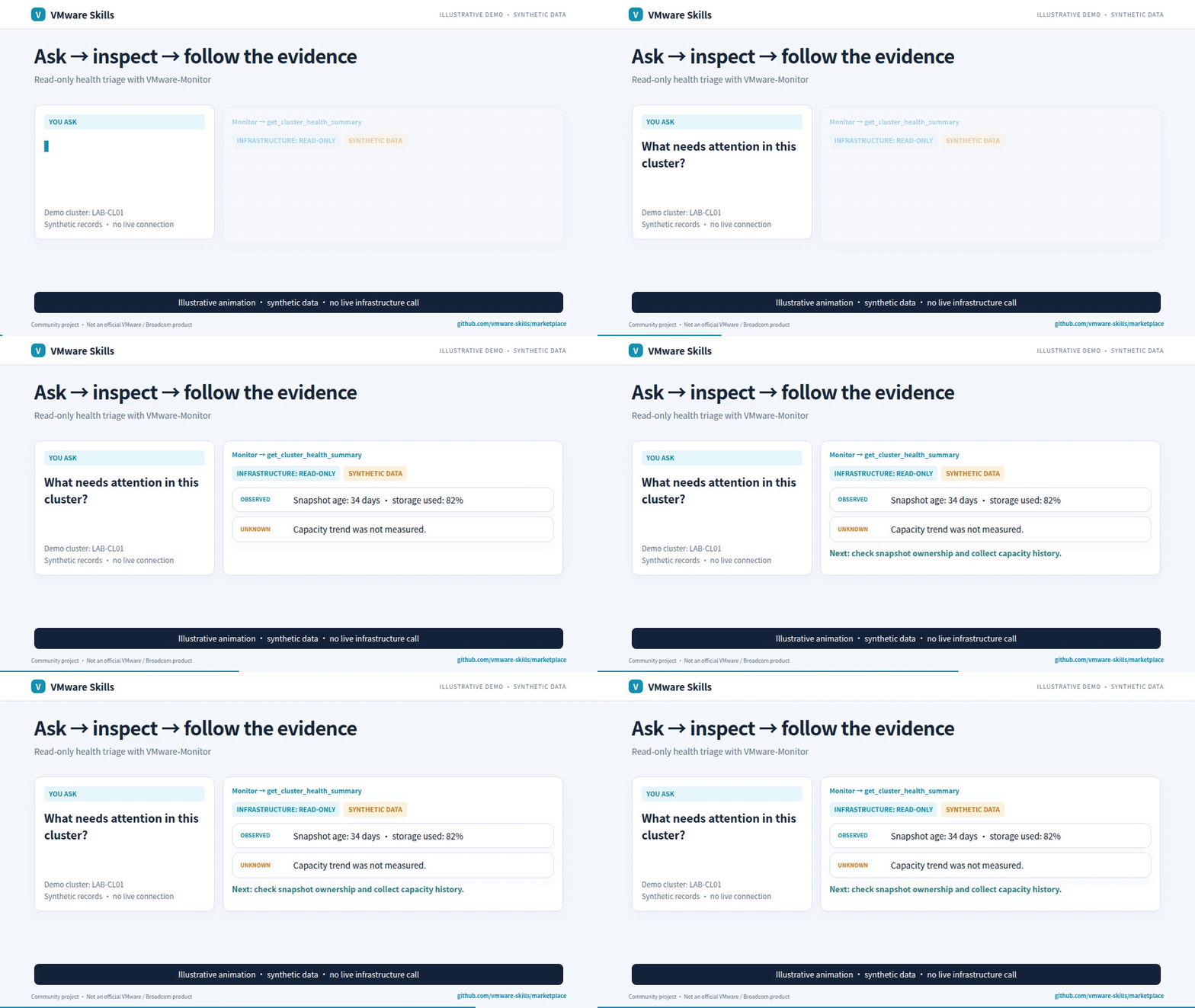
Synthetic-data GIF; video includes redacted historical screenshots. Download the AI-narrated family introduction (~3 min)
Why use it?
- Correlate offline events and case records.
- Rank hypotheses with explicit confidence and gaps.
- Get focused next-check recommendations.
Get started
Install the published CLI and inspect its commands:
uv tool install vmware-debug==2.3.3
vmware-debug --help
Requires uv and Python >=3.10. Keep case evidence and audit data locally; no VMware API connection is needed. Setup guide.
For agent-host installation, use the setup guide and Cursor, Codex, Gemini CLI, Cline and local-model examples.
Choose a model with the shared model-fit workflow: compare the same tasks, review quality and safety, then select the smallest tested passing configuration per task group; this is not a production guarantee.
Know the boundaries
Offline analysis: no VMware API connection or remediation execution. Case records and audit data are stored locally; hypotheses are not established root causes.
Go deeper
- Capabilities
- CLI reference
- Agent guardrails
- Detailed usage and architecture
- MCP launch configuration
- Canonical skill instructions
Part of VMware Skills: 15 skills, 14 MCP servers and one shared Policy library. If it helps your work, star the family portal.
VMware Debug MCP questions
How do I add VMware Debug MCP to Claude Code?
Run claude mcp add vmware-debug -- uvx vmware-debug in your terminal. Add --scope user to make it available in every project.
How do I add VMware Debug MCP to Cursor?
Open ~/.cursor/mcp.json and add the server under mcpServers, using the Cursor config shown in the install section above.
Does this tool require a connection to VMware APIs?
No, the tool performs offline analysis and does not require a VMware API connection or vSphere access.
Can this tool execute remediation actions?
No, the tool is limited to offline analysis and cannot execute remediation.
Are the hypotheses generated by the tool considered official root causes?
No, the tool generates hypotheses based on evidence, but these are not established root causes.