
Engram MCP server
Commit Nov 15, 2026Provides a shared markdown-based memory for AI assistants that syncs with Obsidian and supports semantic and keyword search.
Also known as engram-app/engram, engram
- Stars
- 2
- Tools
- —
- Downloads, 30 days
- —
- Latest version
- 0.85.0
- Last commit
- Nov 15, 2026
- License
- —
What is Engram MCP?
Engram provides a shared markdown-based memory for AI assistants that syncs with Obsidian and supports semantic and keyword search.
Summary generated from the project's README
About Engram MCP server
Engram provides a shared memory system for AI assistants using plain markdown files. It allows both humans and AI models to read and write to the same notes, creating a synchronized knowledge base. This server supports semantic and keyword search to help assistants retrieve relevant information from your existing documentation or personal notes.
Users can connect to the hosted server at mcp.engram.page using OAuth for authentication. It integrates with various clients including Claude Code, Cursor, VS Code, and ChatGPT via custom connectors. For those requiring complete control, the system is self-hostable using Docker Compose. This setup allows for local deployments where you can manage your own data and infrastructure.
Advanced configurations are available for specific needs. You can enable MinIO for S3-style attachment storage in large vaults or switch to Voyage AI to improve embedding quality. The system is built with Elixir and Phoenix, ensuring real-time sync capabilities between your AI tools and your Obsidian vault through the dedicated Engram Obsidian Sync plugin.
What you can do with it
- 1Maintain a shared workspaceAllow an AI agent to write new notes or update existing markdown files that you can later edit in Obsidian.
- 2Deploy a private memory serverRun the entire memory infrastructure on your own local network using Docker.
Written from the project's README. Every use case is checked against a quote from it.
How to install Engram MCP
Formats verified 10 Nov 2026Add to CursorAdd to GooseInstall Engram MCP in Claude Code
$ claude mcp add --transport http engram https://mcp.engram.page/Install Engram MCP in Cursor
~/.cursor/mcp.json
{
  "mcpServers": {
    "engram": {
      "url": "https://mcp.engram.page/"
    }
  }
}Install Engram MCP in VS Code
.vscode/mcp.json
{
  "servers": {
    "engram": {
      "type": "http",
      "url": "https://mcp.engram.page/"
    }
  }
}Install Engram MCP in VS Code CLI
$ code --add-mcp '{"name":"engram","type":"http","url":"https://mcp.engram.page/"}'Install Engram MCP in Codex
$ codex mcp add engram --url https://mcp.engram.page/Install Engram MCP in Codex config.toml
~/.codex/config.toml
[mcp_servers.engram]
url = "https://mcp.engram.page/"
Install Engram MCP in Gemini CLI
$ gemini mcp add -s user --transport http engram https://mcp.engram.page/Install Engram MCP in Gemini settings.json
~/.gemini/settings.json
{
  "mcpServers": {
    "engram": {
      "url": "https://mcp.engram.page/",
      "type": "http"
    }
  }
}Automated checks
Ran Nov 15, 2026Full report →Not verified yet. A server needs a score of 80, no serious finding, and enough data for us to check. How checks work · What to fix for more points

- Source repository linked and reachableengram-app/engram is public and reachablegithub.com/engram-app/engram ↗Pass
- Package names this repository as its sourceNot checked
- Build provenance (Sigstore attestation)Not checked
- Open source license (OSI)No licenseFinding
- Commit or release in the last yearLast commit or release 2026-11-14github.com/engram-app/engram ↗Pass
- OpenSSF ScorecardNot checked
- Package name not close to a popular packageNot checked
- No critical advisory in the package or its dependenciesNot checked
- No hidden instructions to the model0 tool descriptions and the README read; no override phrases, credential paths or hidden charactersPass
- Destructive tools are labelledNot checked
- Remote endpoint answers the MCP handshakeHTTPS endpoint answered 401 (sign-in required)Pass
README
View on GitHubEngram
MCP-native · semantic + keyword search · real-time sync · self-hostable · source-available · Elixir/Phoenix





Connect · Quickstart · Self-host · MCP · API · Architecture · Plugin · Discord
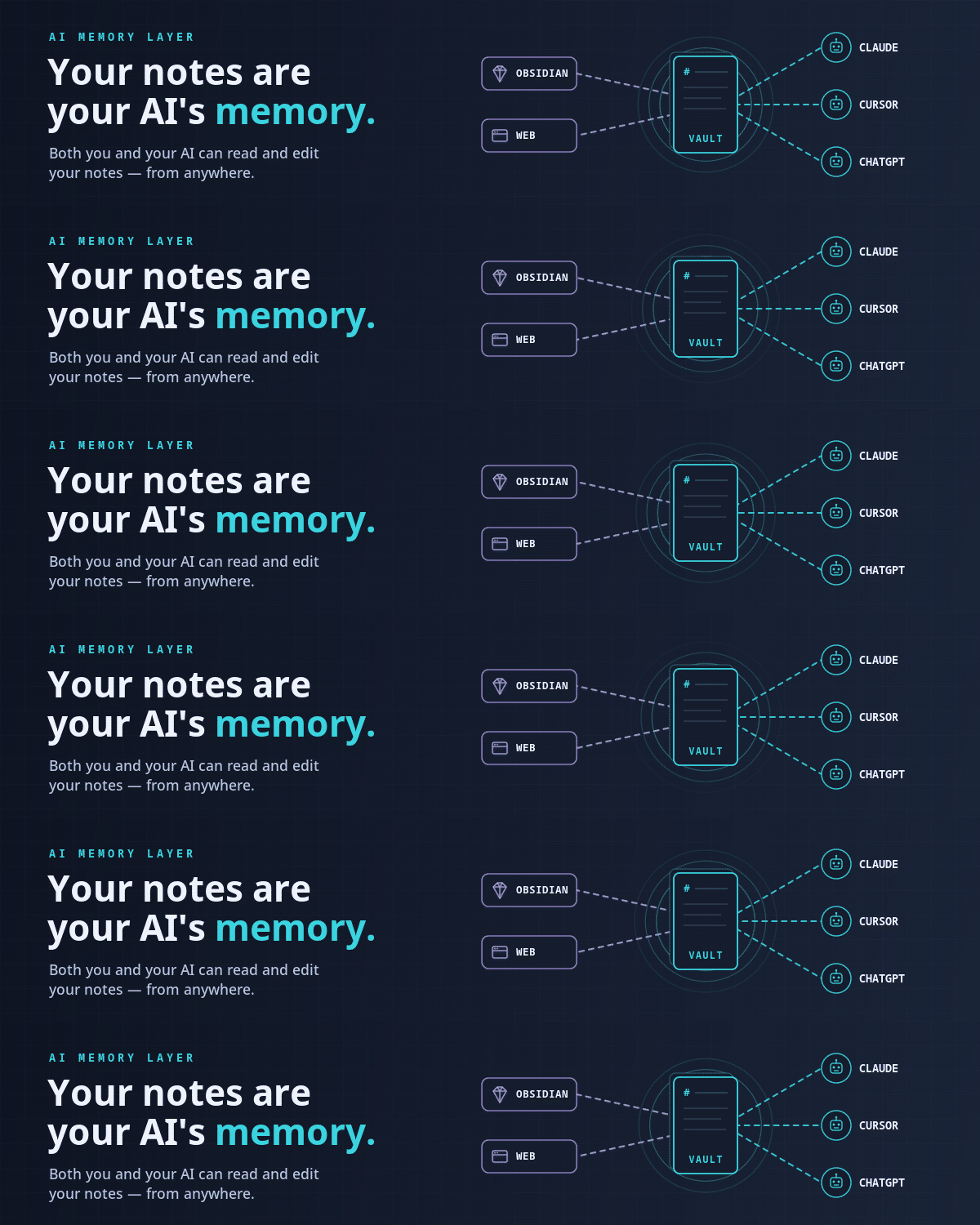
Your notes stay plain markdown that you and your AI assistants both read and write. Pairs with the Engram Obsidian Sync plugin to sync your whole vault.
Connect
Nothing to install. Point any MCP client at the hosted server and sign in when prompted (OAuth):
https://mcp.engram.page
- Claude Code:
claude mcp add --transport http engram https://mcp.engram.page - Claude.ai / ChatGPT: add a custom connector with the URL above.
- Cursor:
{"mcpServers": {"engram": {"url": "https://mcp.engram.page"}}}in~/.cursor/mcp.json - VS Code:
{"servers": {"engram": {"type": "http", "url": "https://mcp.engram.page"}}}in.vscode/mcp.json
More clients: MCP docs.
Self-Host (Docker Compose)
Don't want to run the commands yourself? Open the Quickstart docs, select the whole page, and paste it into your AI assistant — it's written top-to-bottom as imperatives the AI can execute in order.
Otherwise:
git clone https://github.com/engram-app/Engram.git
cd Engram
cp .env.example .env       # then fill in the three secrets at the top
docker compose up -d
App at http://localhost:4000. Migrations run on boot. Only port 4000 is host-exposed; everything else stays on the private Docker network.
Large vaults? Enable MinIO for S3-style attachments:
docker compose --profile s3 up -d — see
storage docs.
Better embeddings? Switch to Voyage AI in .env — see
embeddings docs.
Full self-host documentation
| Topic | Link |
|---|---|
| Quickstart | https://engram.page/docs/self-host/quickstart/ |
| Environment vars | https://engram.page/docs/self-host/environment-variables/ |
| Encryption & keys | https://engram.page/docs/self-host/encryption/ |
| Backup & restore | https://engram.page/docs/self-host/backup-restore/ |
| Upgrades | https://engram.page/docs/self-host/upgrade/ |
| Troubleshooting | https://engram.page/docs/self-host/troubleshooting/ |
| Architecture | https://engram.page/docs/self-host/architecture/ |
| MCP setup | https://engram.page/docs/mcp/ |
| HTTP API | https://engram.page/docs/api/ |
Community
Questions, ideas, or bug reports? Join us on Discord.
Contributing
Local dev setup, tests, and PR rules: see CONTRIBUTING.md.
License
Dual-licensed:
- PolyForm Small Business 1.0.0 — free for organizations under $1M USD prior-year revenue and < 100 employees + contractors.
- Commercial License — required for larger orgs. See
LICENSE-COMMERCIAL.md or email
support@engram.page.
External contributions sign the Engram CLA. See CONTRIBUTING.md.
Security
See SECURITY.md for vulnerability disclosure. Self-host LAN deployments are out of scope of our published SLA — security depends on the operator's network and infra.
Copyright (c) 2026 Rasbandit Software Solutions LLC d/b/a Engram.
Engram MCP questions
How do I add Engram MCP to Claude Code?
Run claude mcp add --transport http engram https://mcp.engram.page/ in your terminal. Add --scope user to make it available in every project.
How do I add Engram MCP to Cursor?
Open ~/.cursor/mcp.json and add the server under mcpServers, using the Cursor config shown in the install section above.
Can I use different embedding models?
Yes, you can switch to Voyage AI by updating your environment variables.