
Context.dev MCP server
Commit Nov 13, 2026Enables AI agents to perform live web searches, scrape websites, extract structured data, and parse documents through the Model Context Protocol.
Also known as context-dot-dev/mcp
- Stars
- 2
- Tools
- —
- Downloads, 30 days
- —
- Latest version
- —
- Last commit
- Nov 13, 2026
- License
- MIT
What is Context.dev MCP?
Context.dev enables AI agents to perform live web searches, scrape websites, extract structured data, and parse documents through the Model Context Protocol.
Summary generated from the project's README
About Context.dev MCP server
Context MCP provides AI agents with live internet access through the Model Context Protocol. It allows users to connect compatible clients like Claude, ChatGPT, Cursor, or Codex to perform web searches, scrape websites, and extract structured data. Instead of running a local scraping engine, the server acts as an interface for the Context.dev API, which handles the heavy lifting of data operations.
Setup is straightforward because no local installation is required for the remote version. Users connect via a specific URL and authenticate using OAuth through a browser or by providing an API key in the authorization header. The server supports various specialized tools including web-search, web-scrape, and parse-document to turn web content or files into Markdown and JSON. It also includes features for monitoring website changes and retrieving brand assets like logos and color schemes.
What you can do with it
- 1Perform live web researchAsk your assistant to find recent developments on a specific topic and provide source links.
- 2Extract structured data from pagesConvert product information from a website into a structured JSON format.
- 3Convert documents to MarkdownTurn a PDF file into a Markdown summary for easier processing by an AI.
- 4Monitor website updatesSet up a system to track changes on a specific pricing page over time.
Written from the project's README. Every use case is checked against a quote from it.
Configuration
CONTEXT_API_KEY
| Name | Description | |
|---|---|---|
| CONTEXT_API_KEY | — |
Automated checks
Ran Nov 14, 2026Full report →Not verified yet. A server needs a score of 80, no serious finding, and enough data for us to check. How checks work

- Source repository linked and reachablecontext-dot-dev/mcp is public and reachablegithub.com/context-dot-dev/mcp ↗Pass
- Package names this repository as its sourceNot checked
- Build provenance (Sigstore attestation)Not checked
- Open source license (OSI)MITspdx.org/licenses/MIT.html ↗Pass
- Commit or release in the last yearLast commit or release 2026-11-13github.com/context-dot-dev/mcp ↗Pass
- OpenSSF ScorecardNot checked
- Package name not close to a popular packageNot checked
- No critical advisory in the package or its dependenciesNot checked
- No hidden instructions to the model0 tool descriptions and the README read; no override phrases, credential paths or hidden charactersPass
- Destructive tools are labelledNot checked
- Remote endpoint answers the MCP handshakeNot checked
README
View on GitHub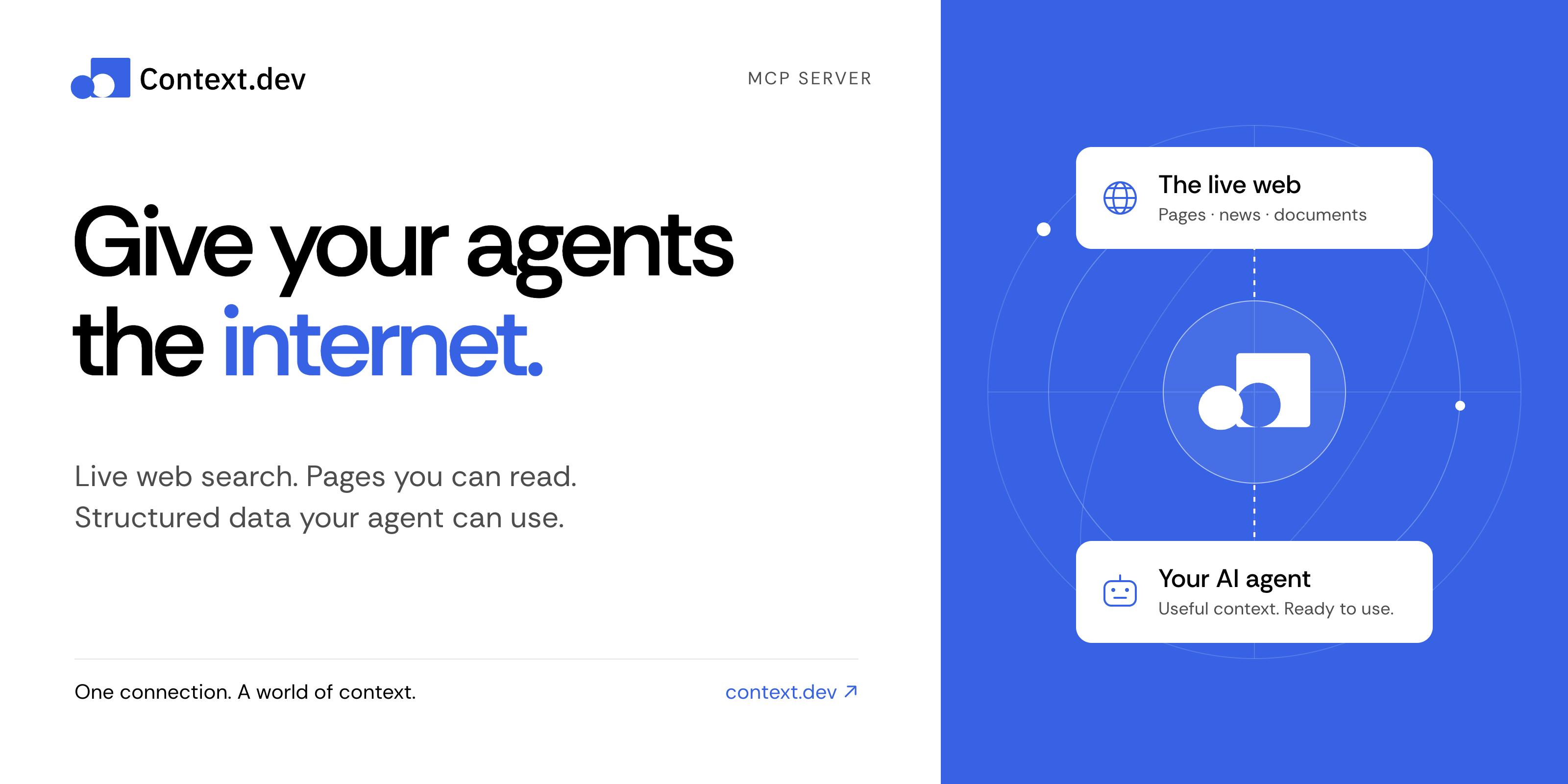
Context MCP server
Give your AI assistant live web search, web scraping, and structured data.
Context MCP is the official Context.dev server for the Model Context Protocol (MCP). Connect Claude, ChatGPT, Codex, Cursor, or another compatible AI client to search the web, read pages, research companies, parse documents, and monitor changes—all from a conversation.
Get started · Things to try · Documentation · Tool reference · Contribute
Connect in a minute
No clone, npm install, or local server needed.
-
Add this remote MCP server to your AI client's MCP or connector settings:
https://mcp.context.dev/mcp -
Sign in with your Context.dev account when prompted.
-
Start a conversation and try: “Search the web for recent developments in battery recycling. Include source links.”
Choose your client for the exact setup:
Use the official Claude connector or ChatGPT integration, then complete sign-in and enable Context in your conversation.
For a manual Claude connection, add a custom connector with the URL above. Client plans and workspace policies can affect connector availability.
claude mcp add --transport http --scope user context https://mcp.context.dev/mcp
Start Claude Code, run /mcp, select context, and finish sign-in in your browser.
codex mcp add context --url https://mcp.context.dev/mcp
Complete browser sign-in. If it does not start automatically, run:
codex mcp login context
Add this entry to .cursor/mcp.json for your project, or ~/.cursor/mcp.json for all projects. Keep any servers you already have.
{
  "mcpServers": {
    "context": {
      "url": "https://mcp.context.dev/mcp"
    }
  }
}
Enable context in Cursor's MCP settings and complete sign-in. The Context.dev Cursor plugin is another installation option; choose one to avoid duplicate connections.
For Gemini CLI, VS Code, OpenCode, and other clients, see the client setup guide. The server uses remote Streamable HTTP and supports OAuth or API key authentication.
Things to try
Ask naturally. Your assistant chooses the appropriate tools.
| What you want | Try this prompt |
|---|---|
| Research with current sources | “Find recent research on sodium-ion batteries. Summarize the main findings and link to the sources.” |
| Read a website | “Read https://docs.context.dev/ and explain how to scrape a page.” |
| Extract structured data | “From this product page, extract the name, price, currency, and availability as JSON: [URL].” |
| Explore documentation | “Crawl this documentation section and summarize its authentication methods: [URL].” |
| Research a company | “Find recent news about Stripe and retrieve its brand colors and logo.” |
| Work with a document | “Convert this PDF to Markdown and summarize the key points.” |
| Track changes | “Create a monitor for this pricing page and tell me what changes: [URL].” |
Document parsing requires a client that can supply the file's bytes. Creating monitors or batches changes your Context account and can consume credits; review the proposed action before approving it.
What can Context MCP do?
| Capability | Tools |
|---|---|
| Search and answers — find current sources and research a question | web-search, web-answers |
| Read and extract — turn pages into Markdown, HTML, screenshots, or structured JSON | web-scrape |
| Map and crawl — discover URLs and read linked pages | web-map, web-crawl |
| Company news — search a topic or a named company | get-news-search |
| Brand and design — retrieve logos, colors, company details, and design styles | get-brand, brand-retrieve-unified, brand-search, web-styleguide |
| Companies and people — find businesses and professional profiles | company-search, people-search, people-enrich |
| Documents — convert supplied files into Markdown | parse-document |
| Batches and monitors — process many URLs and track changes over time | Batch, monitor, and webhook tools |
| Account tools — inspect usage, debug requests, and manage website access policies | Usage, log, and access-policy tools |
See the complete tool reference for tool names, response formats, permissions, and limits.
Frequently asked questions
Is Context MCP free and open source?
This server's source code is available under the MIT license. Calls to Context.dev use your account's credits and entitlements, including when you run this server yourself. See current plans and pricing.
Do I need an API key?
Most supported clients connect through OAuth: sign in once in your browser. If your client cannot use OAuth, configure a private header instead:
Authorization: Bearer YOUR_CONTEXT_API_KEY
X-API-Key also works. Keep the key in your client's secret configuration, outside committed files and prompts. Prefer headers over putting credentials in the server URL.
Does this run the scraping engine on my computer?
No. This repository runs the MCP interface. Search, scraping, extraction, and other data operations are handled by the Context.dev API. Self-hosting changes where the MCP server runs; it still needs a Context account.
Why does my client show fewer tools?
OpenCode and Kilo receive a smaller core catalog by default. To request the full catalog, use https://mcp.context.dev/mcp?profile=full. To explicitly request the core catalog, use ?profile=core.
How can I use less context in my agent?
Ask for focused results, relevant highlights, or compact responses. web-search and web-scrape accept responseMode: "compact". Compact responses reduce returned content; they do not change API credit costs. See response limits and compact mode.
What if a connection or request fails?
Check that the URL includes /mcp, complete sign-in, and enable the server in your client. Reconnect if authentication has expired. If you run out of credits, check usage and billing; reconnecting will not replenish credits. See the setup and troubleshooting guide.
Run locally or self-host
For contributors and teams that want to run their own MCP interface:
git clone https://github.com/context-dot-dev/mcp.git
cd mcp
npm ci
Then start it with a key stored in your environment:
export CONTEXT_API_KEY="YOUR_CONTEXT_API_KEY"
npm run dev
Use Node.js 22.12 or later. Connect to http://localhost:3000/mcp. A real API key sends requests to the Context.dev API and uses your account's credits. Keep a local server with a fallback API key private.
- Development guide — setup, tests, and endpoint generation.
- Deployment guide — OAuth, domains, and production configuration.
- Contributing — report a bug or propose a change.
- Security policy — report a vulnerability privately.
Documentation and support
- Context.dev documentation and API reference
- Agent quickstart and documentation index for AI tools
- GitHub issues for bugs and feature requests
- Contact Context.dev for account help
Built by Context.dev. Licensed under MIT.
Context.dev MCP questions
Do I need an API key?
Most clients use OAuth for easy sign-in via a browser. If your client doesn't support OAuth, you can use a private header with your Context API key.
Does the scraping engine run locally on my machine?
No, the MCP interface is what you run, but all actual search, scraping, and data operations are processed by the Context.dev API.