
SpeedPainter Explainer Video MCP server
Commit Nov 3, 2026Converts text, URLs, or documents into narrated hand-drawn whiteboard explainer videos with subtitles.
Also known as SpeedPainterOrg/explainer-video, explainer-video
- Stars
- 59
- Tools
- —
- Downloads, 30 days
- —
- Latest version
- 0.5.0
- Last commit
- Nov 3, 2026
- License
- —
What is SpeedPainter Explainer Video MCP?
SpeedPainter Explainer Video converts text, URLs, or documents into narrated hand-drawn whiteboard explainer videos with subtitles.
Summary generated from the project's README
About SpeedPainter Explainer Video MCP server
SpeedPainter Explainer Video transforms written content into narrated whiteboard-style animations. Developers and content creators can use this server to turn plain text, specific web URLs, or uploaded documents into videos featuring hand-drawn elements and burned-in subtitles. The tool handles the heavy lifting of video production by converting information into a visual format suitable for explanations.
Installation is handled via npx, and the setup process automatically detects environments like Claude Code and Codex. Users may need to complete a Google sign-in during the initial session. While the agent reads files locally to maintain privacy, only the necessary extracted content is sent to the service for processing. You can customize the output by selecting different languages, durations, aspect ratios, and voices, or simply rely on the provided defaults.
What you can do with it
- 1Convert web articles to videoTransform a specific webpage URL into a narrated whiteboard animation.
- 2Generate historical summariesCreate a short video explaining a specific historical timeline or event.
- 3Animate document contentTurn a local document into a visual presentation with subtitles.
Written from the project's README. Every use case is checked against a quote from it.
How to install SpeedPainter Explainer Video MCP
Formats verified 10 Nov 2026Install SpeedPainter Explainer Video MCP in Claude Code
$ claude mcp add --transport http explainer-video https://api.speedpainter.org/mcpInstall SpeedPainter Explainer Video MCP in Cursor
~/.cursor/mcp.json
{
  "mcpServers": {
    "explainer-video": {
      "url": "https://api.speedpainter.org/mcp"
    }
  }
}Install SpeedPainter Explainer Video MCP in VS Code
.vscode/mcp.json
{
  "servers": {
    "explainer-video": {
      "type": "http",
      "url": "https://api.speedpainter.org/mcp"
    }
  }
}Install SpeedPainter Explainer Video MCP in Codex
~/.codex/config.toml
[mcp_servers.explainer-video]
url = "https://api.speedpainter.org/mcp"
Install SpeedPainter Explainer Video MCP in Gemini CLI
~/.gemini/settings.json
{
  "mcpServers": {
    "explainer-video": {
      "httpUrl": "https://api.speedpainter.org/mcp"
    }
  }
}Automated checks
Ran Nov 14, 2026Full report →Not verified yet. A server needs a score of 80, no serious finding, and enough data for us to check. How checks work

- Source repository linked and reachablespeedpainterorg/explainer-video is public and reachablegithub.com/speedpainterorg/explainer-video ↗Pass
- Package names this repository as its sourceNot checked
- Build provenance (Sigstore attestation)Not checked
- Open source license (OSI)No licenseFinding
- Commit or release in the last yearLast commit or release 2026-11-03github.com/speedpainterorg/explainer-video ↗Pass
- OpenSSF ScorecardNot checked
- Package name not close to a popular packageNot checked
- No critical advisory in the package or its dependenciesNot checked
- No hidden instructions to the model0 tool descriptions and the README read; no override phrases, credential paths or hidden charactersPass
- Destructive tools are labelledNot checked
- Remote endpoint answers the MCP handshakeHTTPS endpoint answered 401 (sign-in required)Pass
README
View on GitHubExplainer Video
Turn text, web pages, and documents into narrated hand-drawn videos.
Website · Demo · Privacy · Support
See it in action
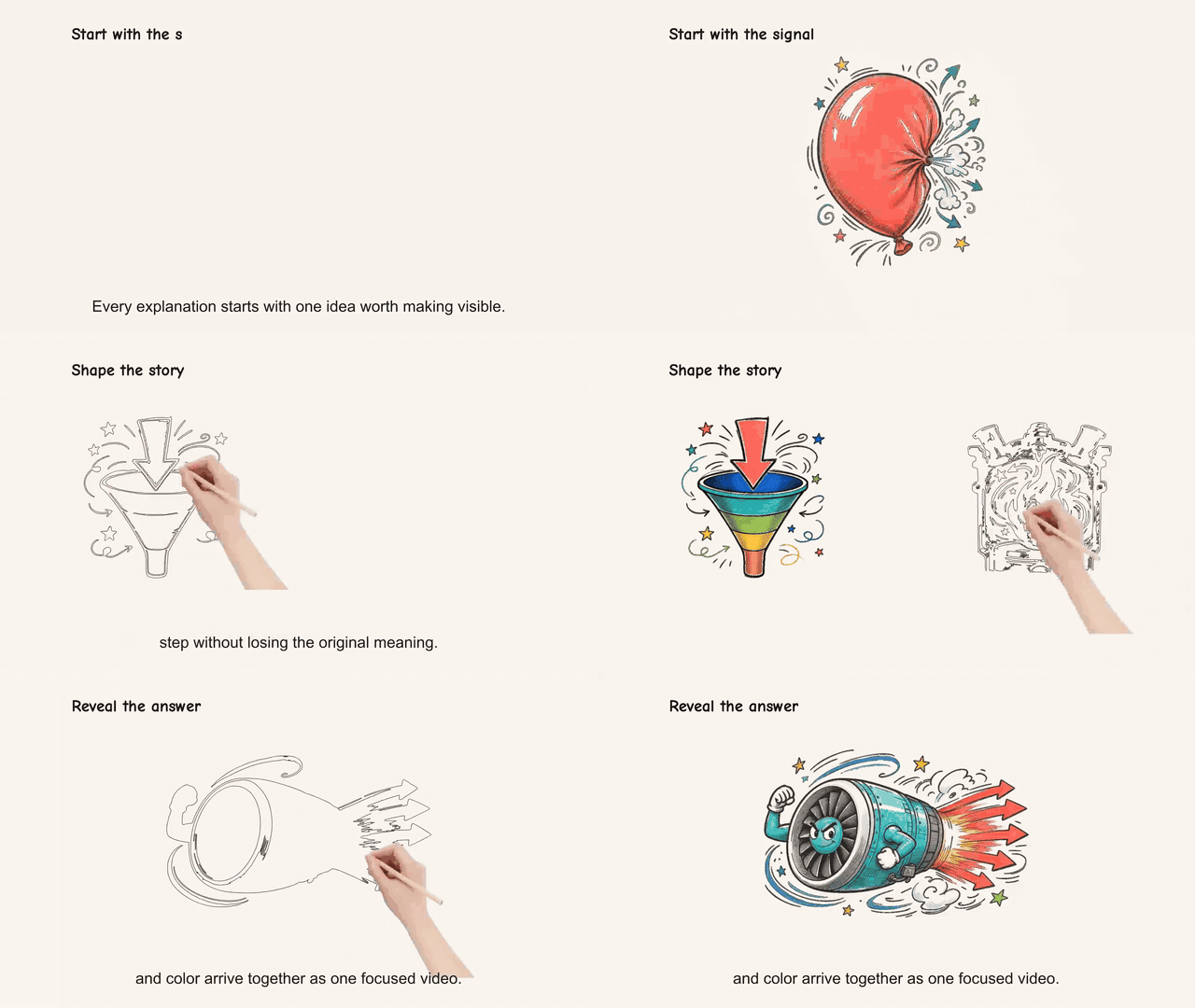
Watch the full demo with narration and burned subtitles.
Install
npx --yes github:SpeedPainterOrg/explainer-video
The installer detects Codex and Claude Code automatically. Start a new agent session after installing and complete Google sign-in if prompted.
Make a video
Create a 30-second explainer video about the history of the FIFA World Cup,
from the first tournament in 1930 to today.
You can provide text, a URL, or a document and choose the language, duration, aspect ratio, voice, and subtitles. Sensible defaults are used when you do not specify them.
Privacy
- Your agent reads the original file locally; the file itself is not uploaded.
- Only the extracted content needed to create the video is sent to the service.
- You never need to provide an image, voice, storage, or renderer API key.
SpeedPainter Explainer Video MCP questions
How do I add SpeedPainter Explainer Video MCP to Claude Code?
Run claude mcp add --transport http explainer-video https://api.speedpainter.org/mcp in your terminal. Add --scope user to make it available in every project.
How do I add SpeedPainter Explainer Video MCP to Cursor?
Open ~/.cursor/mcp.json and add the server under mcpServers, using the Cursor config shown in the install section above.
What can I use to create a video?
You can provide text, a URL, or a document to generate a video.
Do I need to provide my own API keys for images or voices?
No, you do not need to provide API keys for images, voices, storage, or renderers.
Is my original file uploaded to the service?
No, your agent reads the file locally and only the extracted content required for the video is sent.