
Pixelbolt MCP server
Commit Nov 15, 2026Lets an AI agent create, inspect, and fix pixel art sprites, tiles, and animations from JSON recipes, exporting PNG, APNG, GIF, and atlases.
Also known as skulitom/Pixelbolt, pixelbolt
- Stars
- 96
- Tools
- —
- Downloads, 30 days
- —
- Latest version
- 0.16.0
- Last commit
- Nov 15, 2026
- License
- MIT
What is Pixelbolt MCP?
Pixelbolt lets an AI agent create, inspect, and fix pixel art sprites, tiles, and animations from JSON recipes, exporting PNG, APNG, GIF, and atlases.
Summary generated from the project's README
About Pixelbolt MCP server
Game developers and asset creators can use Pixelbolt to generate, inspect, and modify pixel art assets through an AI agent. The system converts editable JSON recipes into various formats including PNG sprite sheets, texture atlases, animated PNGs, and GIFs. It is designed for agents like Claude Code, Cursor, or Codex to handle tasks such as creating character poses, fluid simulations for fire or water, and autotile sets for game engines like Godot or Tiled.
Users can run the tool locally using Node.js 20 or newer without needing API keys, network services, or native graphics libraries. It operates as a local MCP server or via a command line interface. While it excels at creating repeatable, text-based art like explosions, magic effects, and slime, it is not intended for photographic images or large-scale murals. Developers can also use a local browser studio to preview and edit the same JSON recipes used by their agents.
What you can do with it
- 1Create character animation templatesHave an agent author character limbs and bodies to expand simple templates into editable poses like walking, jumping, or attacking.
- 2Fix specific pixel detailsUse the text-based nature of the recipes to have an agent correct a single pixel or frame without needing to redraw the entire asset.
Written from the project's README. Every use case is checked against a quote from it.
Automated checks
Ran Nov 13, 2026Full report →Not verified yet. A server needs a score of 80, no serious finding, and enough data for us to check. How checks work · What to fix for more points

- Source repository linked and reachablePass
- Open source license (OSI)Pass
- Commit or release in the last yearPass
- Package name not close to a popular packageNot checked
- Remote endpoint uses HTTPSNot checked
- Destructive tools are labelledNot checked
- No hidden instructions to the modelPass
- No critical advisory in the package or its dependenciesNot checked
README
View on GitHubPixelbolt
The gallery: 66 pixel art effects, sprites and scenes from Pixelbolt 0.11.0, all playing, each one click from its recipe in the playground.
Give Claude Code the pixel art skill in one line (Node.js 20 or newer):
npx -y pixelbolt@latest skill install
For Codex, Cursor and the other agents the open skills CLI supports: npx skills add skulitom/Pixelbolt. It copies the skill file alone, which then runs Pixelbolt through npx. The CLI reports installs to the skills.sh leaderboard unless DISABLE_TELEMETRY=1 is set. The skills CLI needs Node.js 22.20 or newer.
Pixel art and sprite animation that your AI agent can make, check and fix. Pixelbolt turns an editable JSON recipe into sprites, tiles, icons, effects and short animations, and exports them as PNG sprite sheets, texture atlases, animated PNGs, GIFs and frames for a video editor. Agents drive it through a local MCP server or the command line; you can open, play and edit the same recipe in a local browser studio.
Try it in your browser: render, export and share recipes with nothing installed.
Poke the pixels: blow on a live pixel-art campfire, pour honey and slime, then save a GIF or share a link that replays exactly what you did.
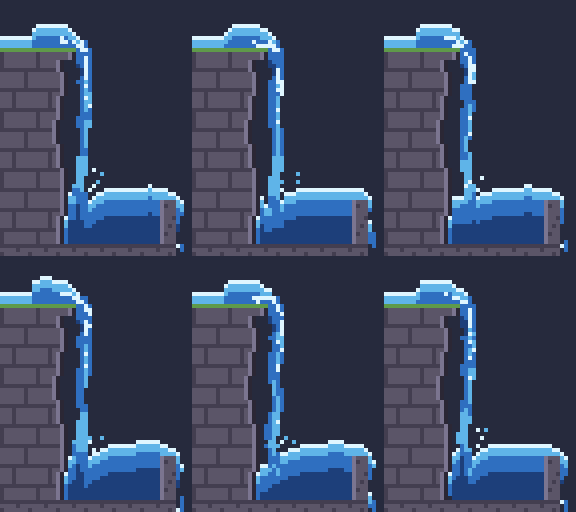
Effect guides: fire, explosions, smoke and steam, water, slime and honey, and magic, each with recipes that open in the playground. Using Unreal Engine? Import the sheets into Paper2D, with flipbooks (tested in 5.8.4). Need ground tiles? Free autotile tile sets for Godot 4 and Tiled, drawn from a terrain description (tested in Godot 4.7.2 and Tiled 1.12.2). Just want files? Six free pixel art waterfall sprite sheets: one simulated waterfall in stone, lava, slime and moonlit, with Godot 4 files.
Neon Voyage: a free browser game made with Pixelbolt. Every sprite, effect and letter is a recipe, and the rocket's exhaust is a live fluid simulation that bends as you steer.
English · 简体中文 · 日本語 · 한국어 · Español



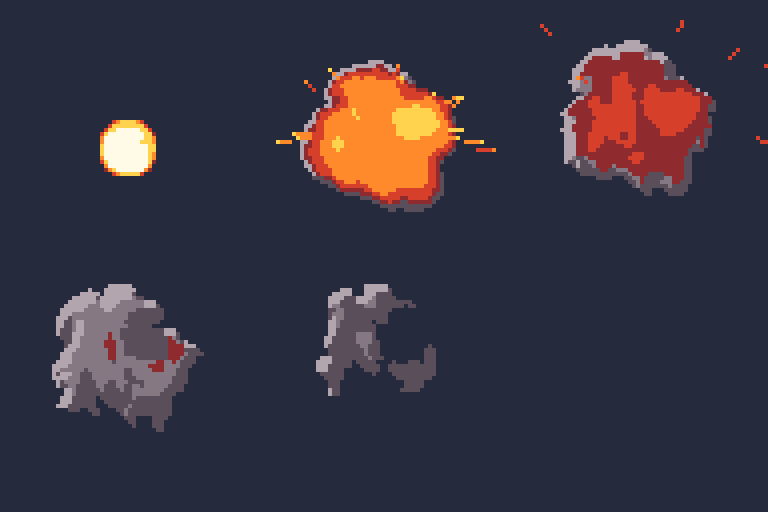
Fire, smoke, steam, explosions, magic, water, honey, slime and sand come from a real fluid simulation that runs on your own CPU in well under a second and bakes every frame into palette pixels you can edit, with seamless loops (fluid effects).
- Who it's for: game developers, game-jam teams and web or video makers who want an agent such as Claude, Codex or Cursor to draw and revise their pixel art, and people building agents that need exact, repeatable images.
- Use it when you want small 2D game assets that stay editable as text: the agent reads every pixel back, fixes one pixel or one frame without redrawing the rest, and the same recipe renders the same image every time.
- Don't use it for painted or photographic images, large animations (an animation frame is at most 256 × 256 pixels, and a project at most 256 frames and 4,194,304 pixels in all; a single still, such as a 1920 × 1080 backdrop or mural, may be up to 4096 pixels a side within that total), generating art with an image model, or editing GIFs and Aseprite files (it imports PNG only, at up to 8 bits per channel).
- Compared with aseprite-mcp, pixel-mcp, pixscii, pixelart-mcp, pixelforge-mcp and SpriteCook, with Pixelbolt's measured runs, the others read from their code and docs, and when to choose each one instead: Pixel art and sprite MCP servers for AI agents: 7 compared (checked 17 October 2026; refreshed 29 October). For fire, smoke, explosion, water and spell effects, with Pixel FX Designer, SpriteMancer, Fluid FX, Pixel Composer, PHOSPHOR, BlastFX and Pixel VFX Forge: Pixel FX Designer alternatives: 8 tools compared (checked 19 October 2026; Pixel VFX Forge added 27 October). Measured with and without Pixelbolt on Claude Haiku, Sonnet and Opus 5.5, in a benchmark we planned in advance: Does a pixel-art MCP server help Claude? (run 23 October to 3 November 2026; on 0.11.0, 32 of 36 runs passed every check with Pixelbolt and 31 without, blind pairs 18 to 13 with one by default, p = 0.47, at 1.47 times the cost, short of our rule for saying it helps; animations and effects, which 0.11.0 was built for, 9 of 15 pairs, p = 0.61, and a same-day repeat would have failed that bar). For ring-escape, bouncing-ball and territory battle Shorts, with BallTok, Satisfying Labs, BounceMatch, ReelBall, BallSimulator, BallEngine, Korpi, WaveSpeed's free maker and physim: Ring escape and territory battle Shorts with a free, open-source simulator (checked 9 November 2026; two clips with their recipes and one command each).
Try it. You need Node.js 20 or newer; there is nothing else to install, no API key and no network service:
git clone https://github.com/skulitom/Pixelbolt.git
cd Pixelbolt
node bin/pixelbolt.js preview --open
Give it to your agent. For Claude Code, one line installs the pixel art skill, with nothing to clone and no MCP server (Pixelbolt 0.9.2 or later):
npx -y pixelbolt@latest skill install
It writes ~/.claude/skills/pixelbolt-pixel-art/ (--project writes the current folder's .claude/skills/ instead, --dir any skills folder), runs every command it names through npx -y pixelbolt@<that version>, and never replaces a copy you have changed unless you add --force. For Pixelbolt's MCP tools too, install the Claude Code plugin instead: it brings the server and the same skill together. In Claude Desktop, download pixelbolt.mcpb from the latest release and open it (or install it from file under Settings → Extensions), choose a workspace folder for recipes and artwork, then ask the agent to call pixel_help. For Codex, Cursor and other MCP clients, see Connect an agent through MCP. Pixelbolt is in the official MCP Registry as io.github.skulitom/pixelbolt.
Pixelbolt was called PixelForge until 0.8.0. The pixelforge command still works as an alias, and recipe files keep their pixelforge-* format tags, so existing files and agent setups keep working.
Gallery · Fluid effects · Quick start · Agent setup · MCP server · Portable builds · Recipe reference · Contributing · Sibling tools
How it works
Write a JSON recipe with palettes, text grids, reusable symbols and drawing operations. Get transparent PNGs, sprite sheets, animated PNGs, GIFs for sharing, numbered frames for video editors, and the metadata and player needed to use them. Inspect and edit the recipe in a local browser studio.
Zero runtime dependencies. No build step, API key, image model, network service or native graphics library. Requires Node.js 20 or newer. Works from a checkout on Windows, macOS and Linux.
Figures in motion
Author limbs as bones, bodies as masses, and faces or props as grids. Relative joints and two-bone reach keep attachments together; idle, walk, run, jump, attack and hurt templates expand into editable poses. Review planted feet, ground contact and loop joins in the CLI, MCP or studio. Small grid parts (boots, hands, blades) turn best as hand-drawn views; --draft-views drafts them by pixel-art rules for you to correct and paste. The output uses the existing sprite player.
node bin/pixelbolt.js preview character.poses.json
node bin/pixelbolt.js compile character.poses.json --expand --out character-edit.poses.json
node bin/pixelbolt.js compile character.poses.json --draft-views boot:15,345,hand:45 --preview drafts.png
node bin/pixelbolt.js inspect character.poses.json --motion run --speed 48
Baked wave effects
Looping interference and portal interiors combine waves before colouring them, leaving cancellation gaps between bright bands. Two editable presets bake to ordinary sprite frames and appear in the studio's sample list. The game only plays the exported animation.
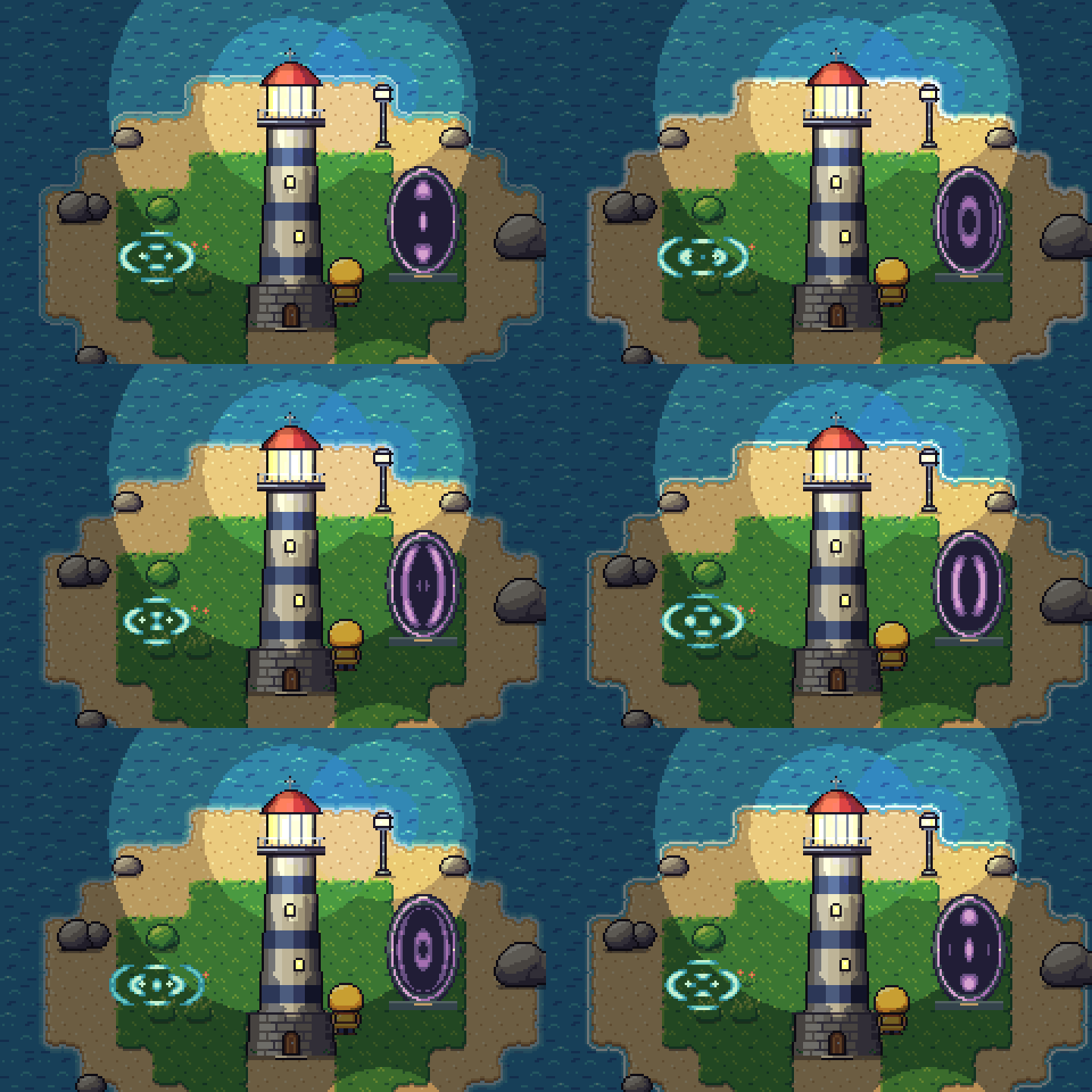
node bin/pixelbolt.js preview examples/portal.wave.json --open
node bin/pixelbolt.js compile examples/portal.wave.json --out output/portal.json
node bin/pixelbolt.js render output/portal.json --out output/portal-assets
Wave controls and limits · Scene comparison and review. Loops only; masks shape the artwork without simulating reflection or collision.
Gallery
An AI agent drew these with Pixelbolt. Its scripts write the recipes, particle sources and scenes; Pixelbolt renders every sprite to a transparent sheet with an atlas, plays each 240×135 room as a scene and writes the GIFs. They are shown at 3×.
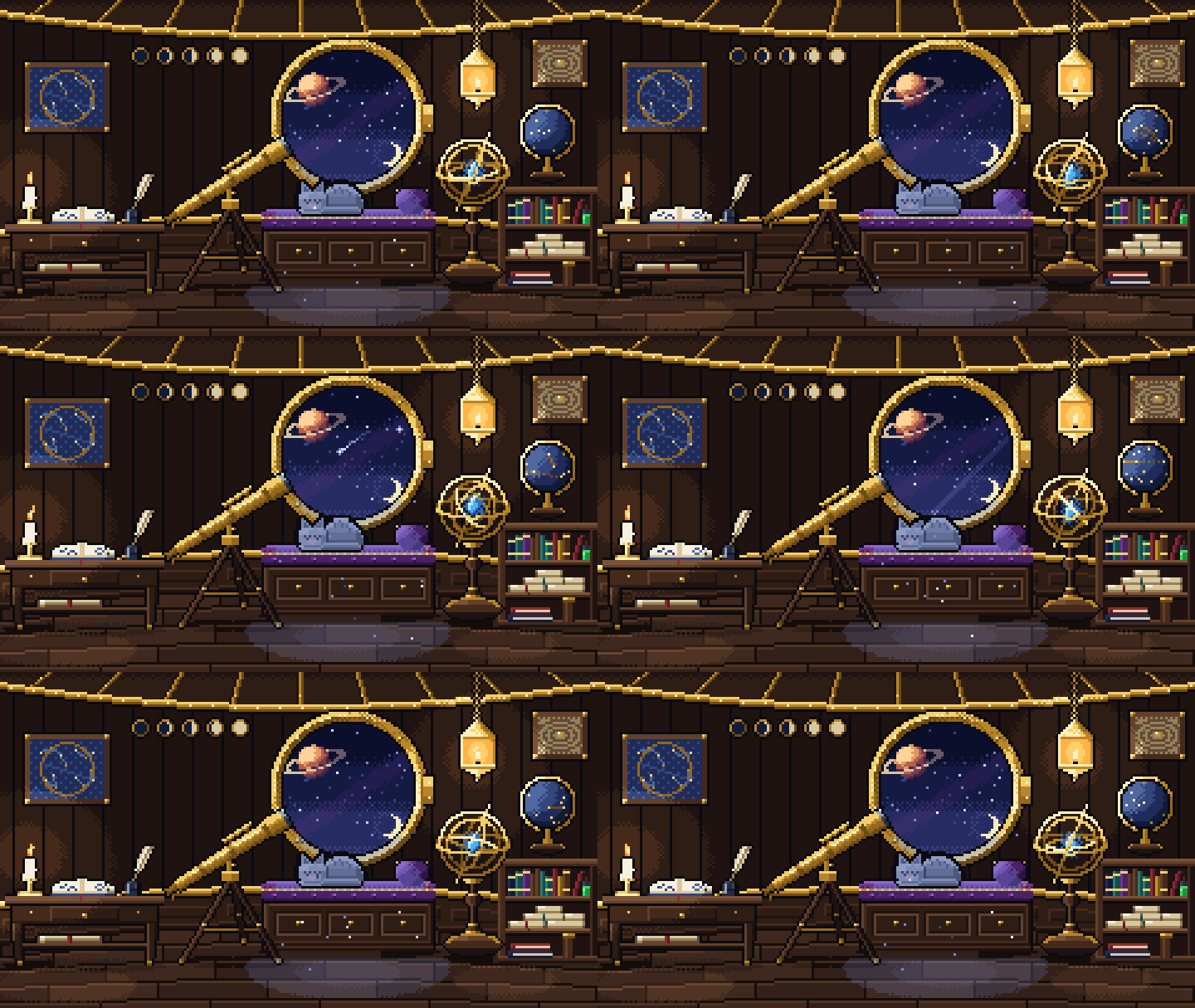
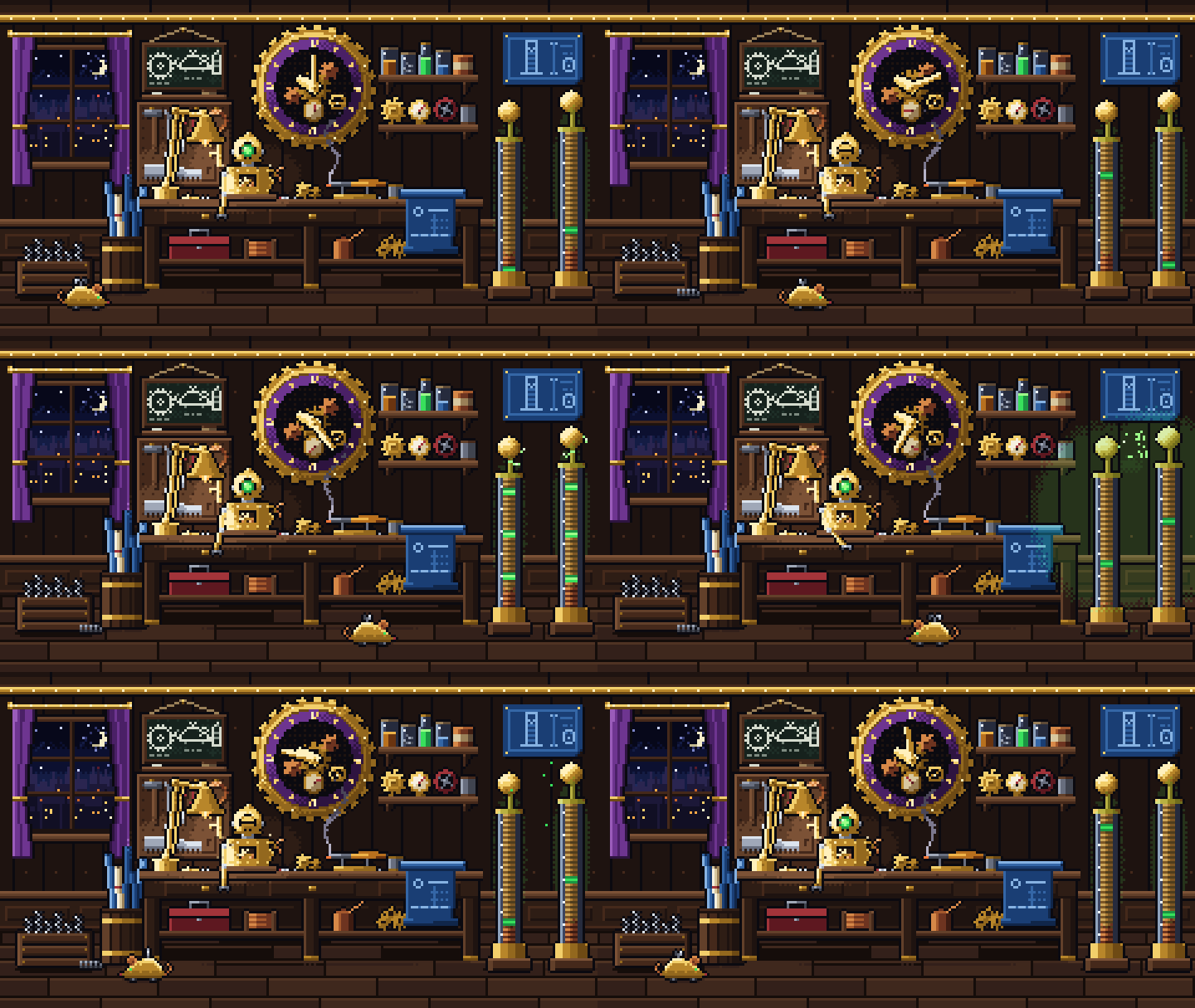
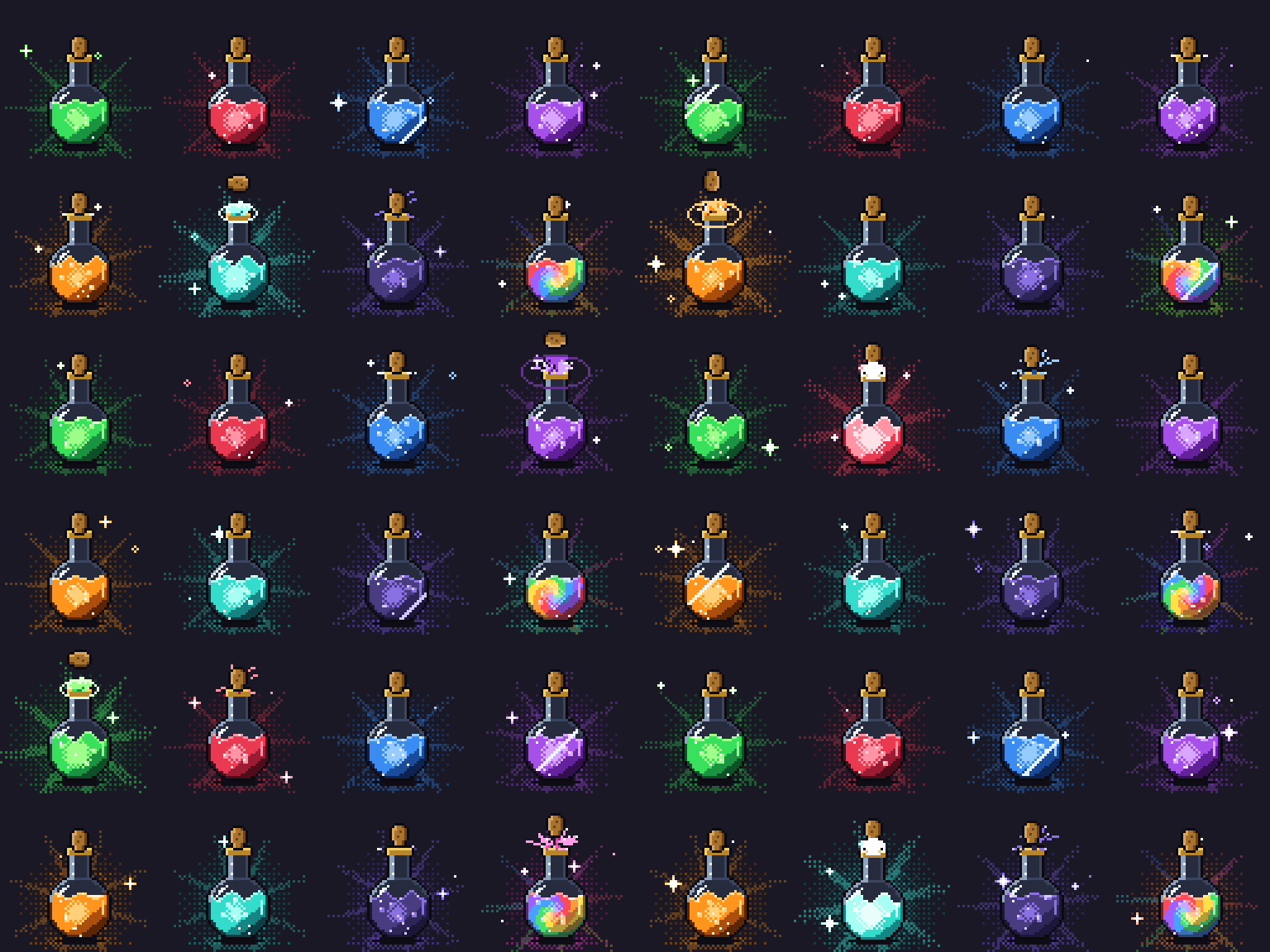
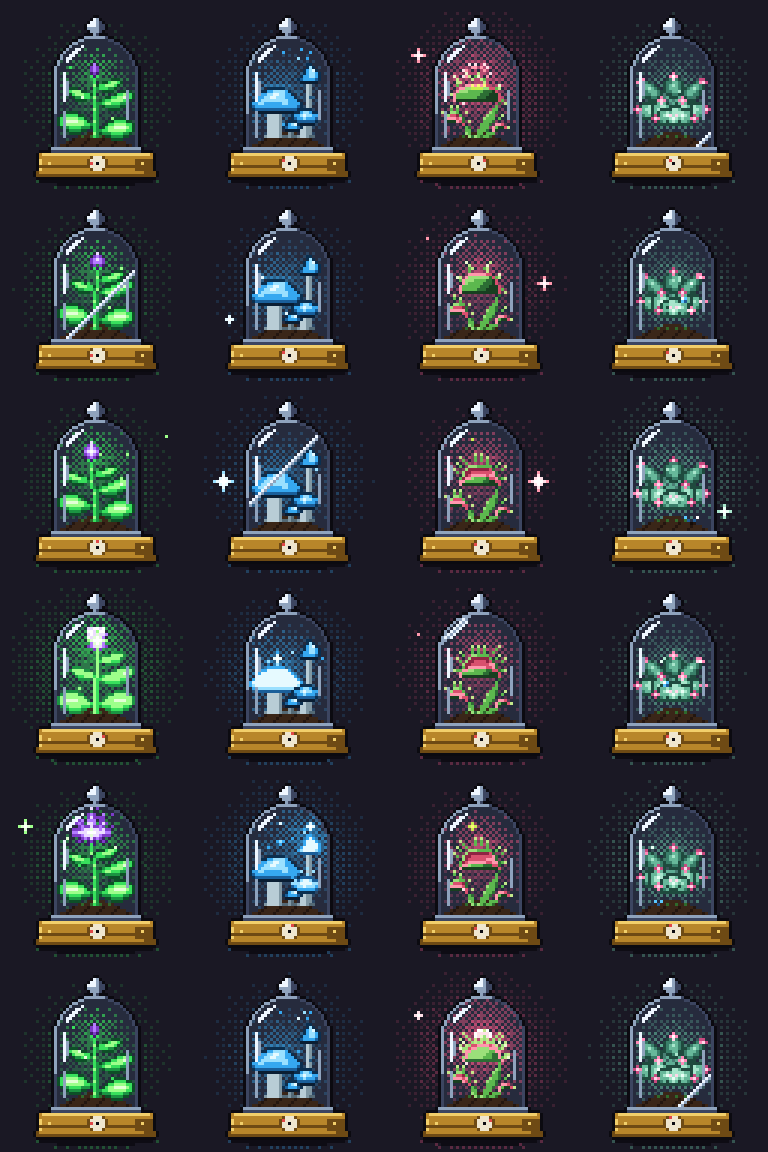
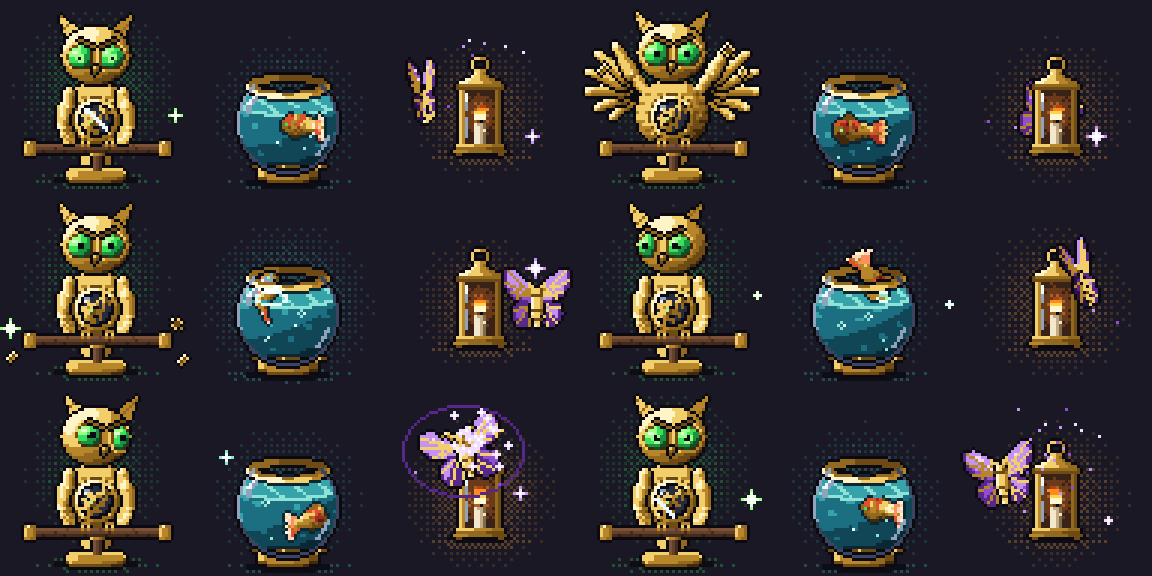
Two more rooms and how these were made
Fluid effects
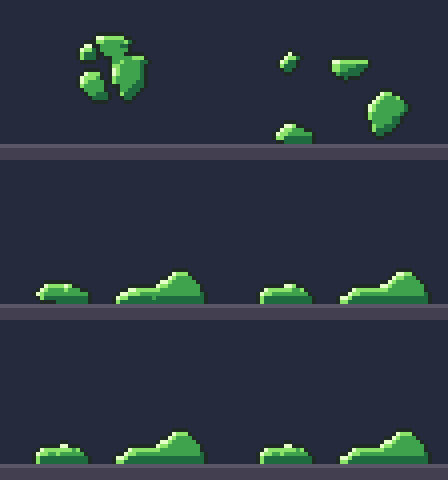
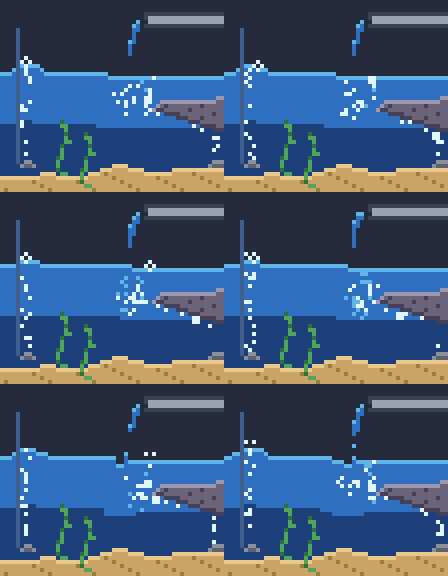
A pixelforge-fluid source runs a small, deterministic fluid simulation and compiles it into an ordinary recipe of palette grids: gases with buoyancy, swirling vorticity, cooling and dissipation, and liquids as FLIP particles on the same grid, thin as water, thick as honey (a stream that never breaks, a mound that slowly sinks) or firm as slime (a blob that squashes, springs back and holds its shape). Look layers map density, temperature, speed and depth onto your palette ramps through ordered dither, so no colour outside the palette can appear, and looping effects close their seam. Each preset below compiles in well under a second on a laptop CPU, with no GPU and no model calls. Shown at 4×.

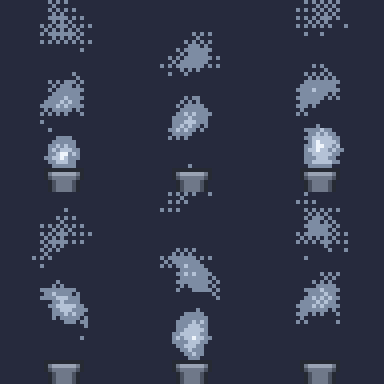







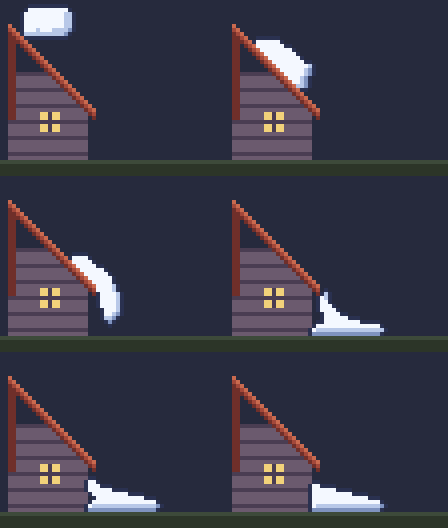
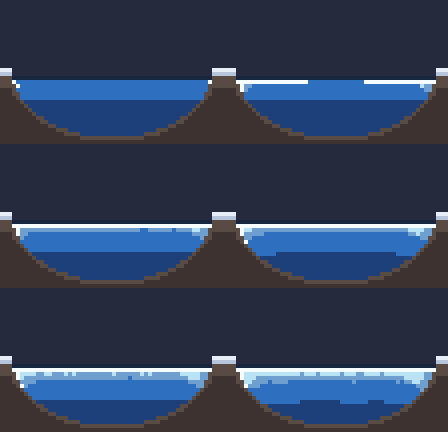
Obstacles can be smooth, so thick liquids slide down drawn slopes, or move and vanish on cue; dust can be thrown; a liquid can burst in mid-air or change on a frame you choose; bubbles behave like air, and air pockets keep theirs:



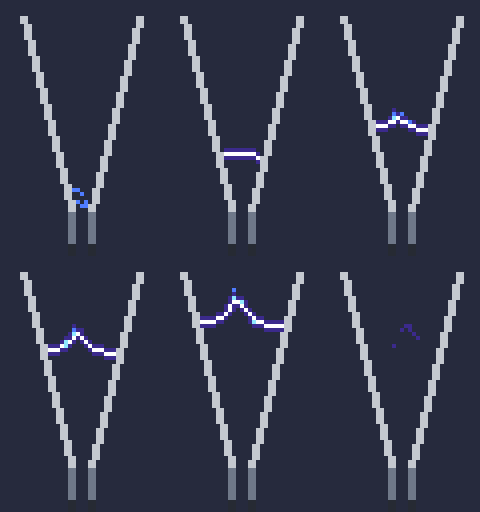
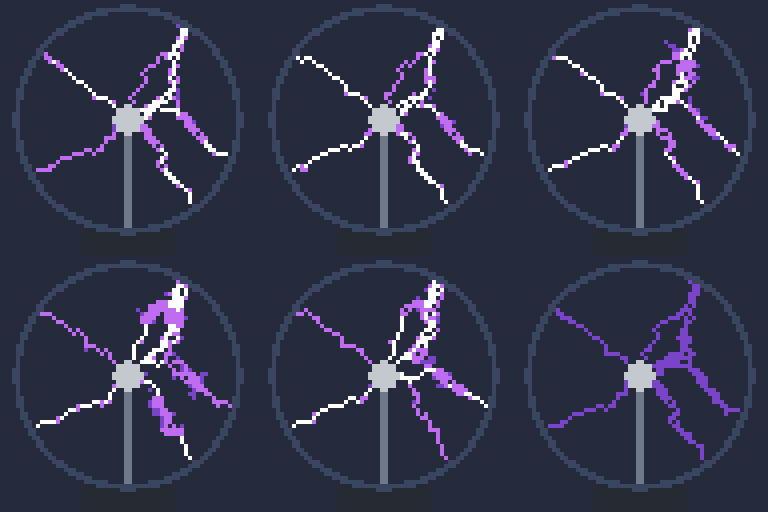
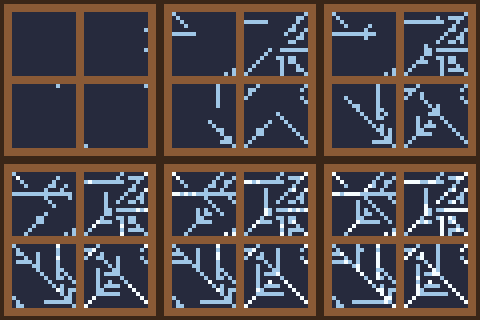
Gases can carry electricity: electrodes break the gas down into branching plasma that conducts, glows, heats the air and fades:

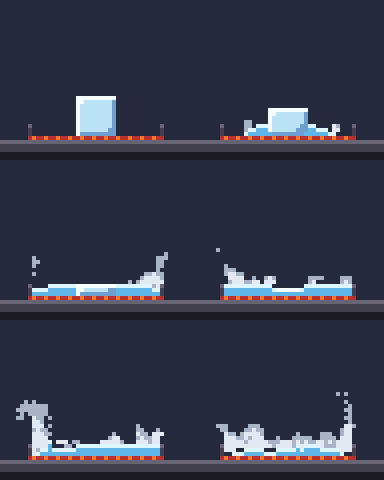
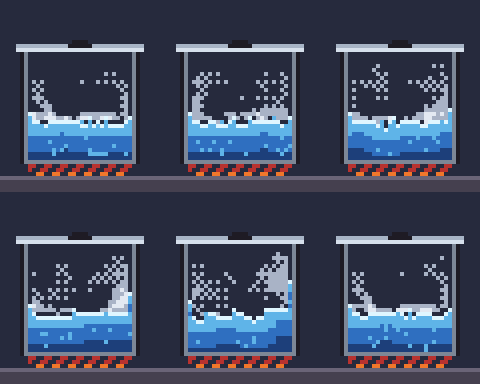
Liquids can carry heat and change phase: ice melts and freezes, water boils into steam that beads back as dew, frost grows on cold glass and dry ice turns straight into fog:
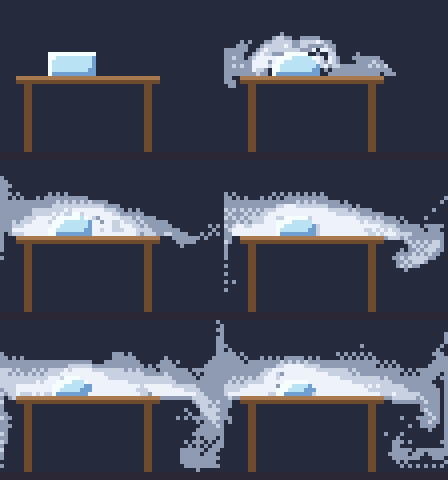
node bin/pixelbolt.js compile examples/campfire.fluid.json --out output/campfire.json
node bin/pixelbolt.js gif output/campfire.json --scale 4 --out output/campfire.gif
Liquids can be grains: sand holds its slope at any height, lands dead, avalanches down a face steeper than its repose and comes to rest:

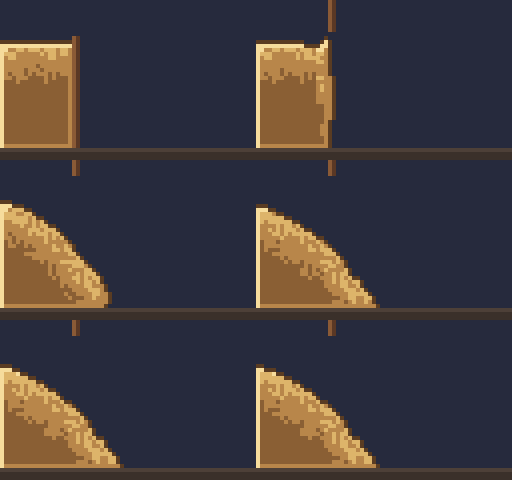
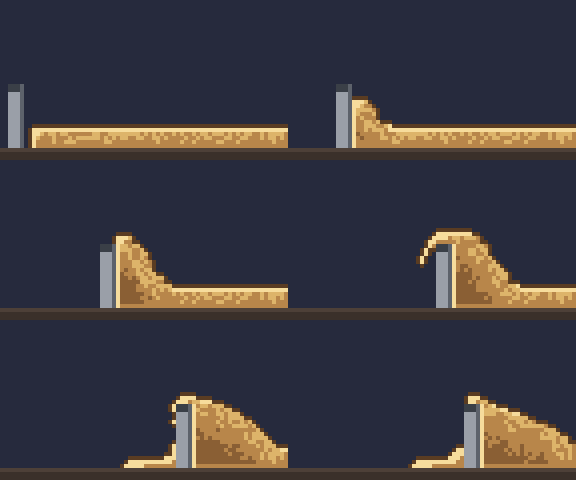
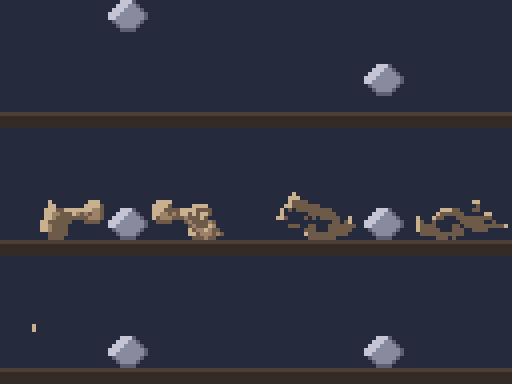
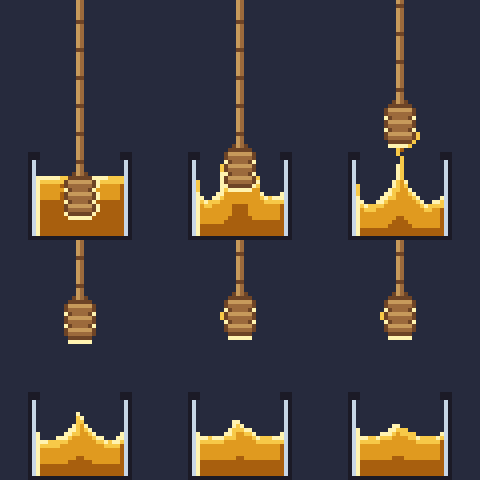
Bodies share a fluid: a crate dropped into a pool splashes and floats by its density while a stone sinks, a crate on sand rides it down when it slumps, a turning paddle stirs a pool, a red-hot stone boils one away and sand poured on a plank tips it:
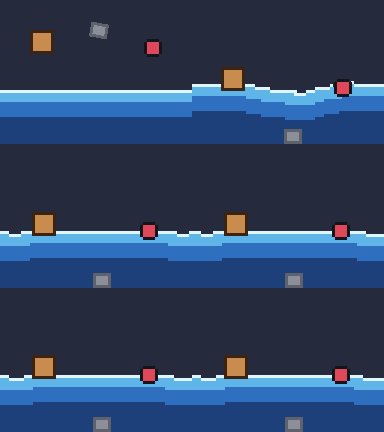
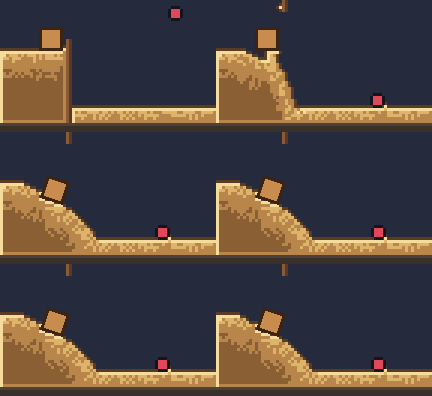
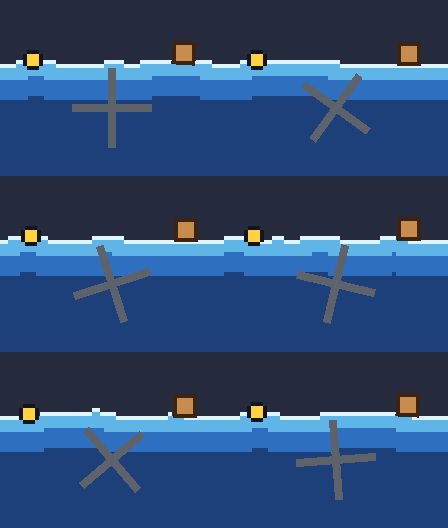

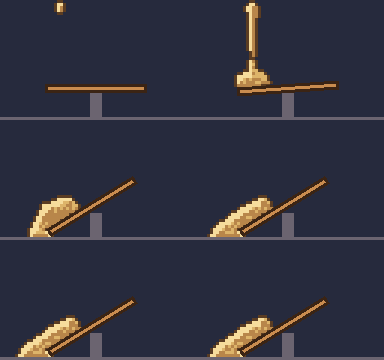
The thirty-seven presets are in examples/ (*.fluid.json); agents compile them with MCP pixel_compile and read the format with pixel_help topic fluid. In the studio, Fluid lab (/fluid.html) runs the same compiler in your browser: pick a preset, move a few sliders and download the GIF, sprite sheet, recipe or edited source. Effects lab (/effects.html) does the same for the pixelforge-fx spell and particle presets: pick one of a source's effects (turned copies included), change its strength, speed and seed, and download. The fluid effects guide covers emitters, sparks, obstacles, looks, loops, thick fluids (viscosity, yield stress, adhesion), sticky liquids that move with an obstacle and stretch into strings, and electricity. In a web page, createLiveFluid runs the same simulation live, a frame at a time, and takes pushes, puffs and emitter boosts from the pointer (live fluids).
Pixelbolt MCP questions
How do I install Pixelbolt for Claude Code?
Run the skill install one-liner with Node.js 20 or newer; it writes the pixel art skill to your Claude skills folder. For MCP tools too, install the Claude Code plugin instead.
What image formats can Pixelbolt export?
It exports transparent PNGs, sprite sheets, animated PNGs, GIFs, numbered frames for video editors, plus atlas metadata and a player.
Does Pixelbolt require an API key or image model?
No. It has zero runtime dependencies, needs no API key, image model, or network service, and only requires Node.js 20 or newer.
Can Pixelbolt generate fluid effects like fire and smoke?
Yes, fire, smoke, steam, explosions, magic, water, honey, slime and sand come from a real fluid simulation baked into editable palette pixels with seamless loops.
What are Pixelbolt's size limits for animations and images?
An animation frame is at most 256 × 256 pixels, and a project is at most 256 frames and 4,194,304 pixels total. A single still may be up to 4096 pixels a side within that total.