Provides an AI client with read-only access to aggregate web analytics and official documentation.
Also known as pascalebeier/hitkeep
- Stars
- 106
- Tools
- —
- Downloads, 30 days
- —
- Latest version
- 2.14.2
- Last commit
- Nov 16, 2026
- License
- MIT
What is HitKeep MCP?
HitKeep provides an AI client with read-only access to aggregate web analytics and official documentation.
Summary generated from the project's README
About HitKeep MCP server
HitKeep provides an MCP server that grants AI assistants read-only access to your web analytics and official documentation. This tool is designed for developers and site owners who want to give approved assistants governed access to their data. It works by connecting an AI client to an MCP endpoint, allowing the assistant to view aggregate evidence from your traffic, conversions, and Search Console data.
You can deploy this via a self-hosted Go binary, Docker, or use the managed HitKeep Cloud service. The server integrates with a privacy-first analytics engine that tracks crawler fetches, AI-referred visits, and chatbot outcomes. Because it uses an MCP connection with OAuth access controls, you can manage exactly what your AI assistants can see without exposing your entire database or sensitive user profiles.
What you can do with it
- 1Analyze AI traffic patternsAsk an AI assistant to report on how much traffic is coming from crawler fetches and AI referrals.
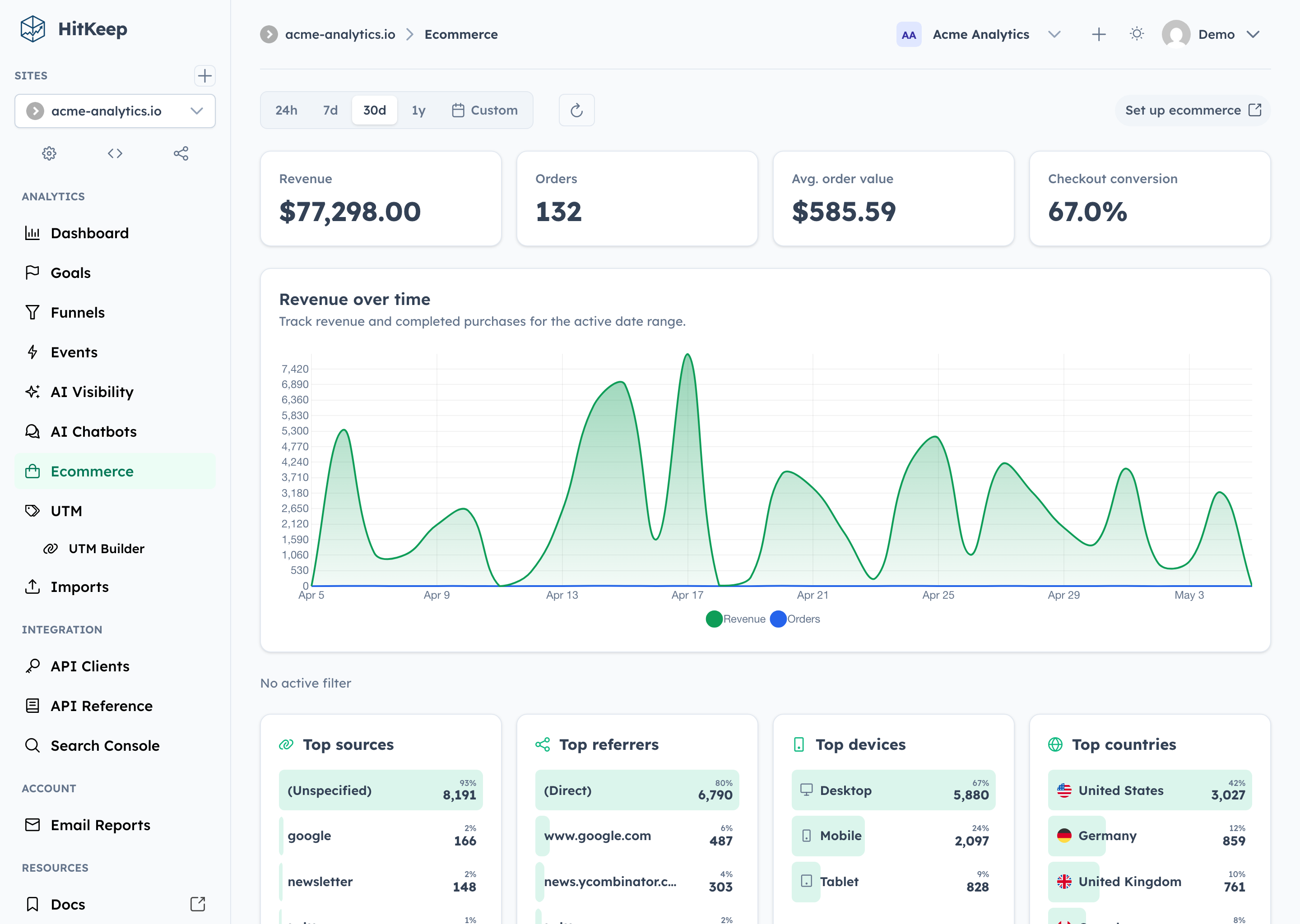
- 2Review ecommerce performanceRequest a summary of revenue KPIs and top products from your web store.
- 3Audit conversion funnelsUse an AI assistant to examine how users move through specific goals and funnels.
Written from the project's README. Every use case is checked against a quote from it.
How to install HitKeep MCP
HitKeep gives each account its own endpoint, so there is no address to copy here. Get yours from the provider, put it in place of the part in braces, and add it to your client as a remote server.
https://{hitkeep_host}/mcp
Automated checks
Ran Nov 12, 2026Full report →Passed our automated checks. That is not a security audit: read the code and give the server the narrowest access it needs. How checks work

- Source repository linked and reachablePass
- Open source license (OSI)Pass
- Commit or release in the last yearPass
- Package name not close to a popular packageNot checked
- Remote endpoint uses HTTPSPass
- Destructive tools are labelledNot checked
- No hidden instructions to the modelPass
- No critical advisory in the package or its dependenciesNot checked
README
View on GitHub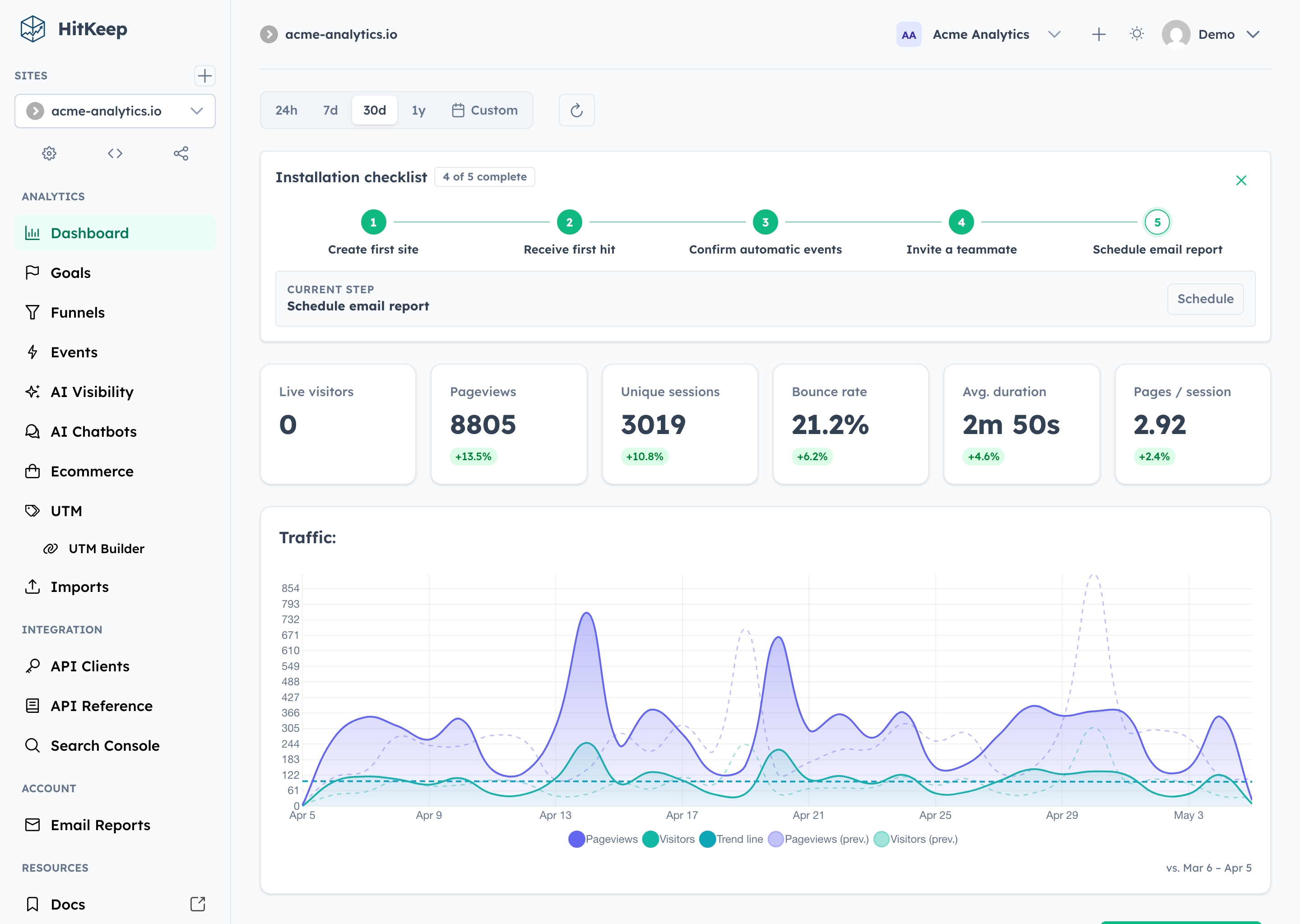
Why HitKeep
- 100% open source. The complete product is MIT-licensed. Custom tracking domains and team SSO live in the same public codebase—not in a separate proprietary edition.
- Full data sovereignty. Self-host one Go binary with embedded DuckDB and NSQ, or export your data in open formats. Complete takeout, APIs, webhooks, share links, and permissions keep the data useful outside HitKeep.
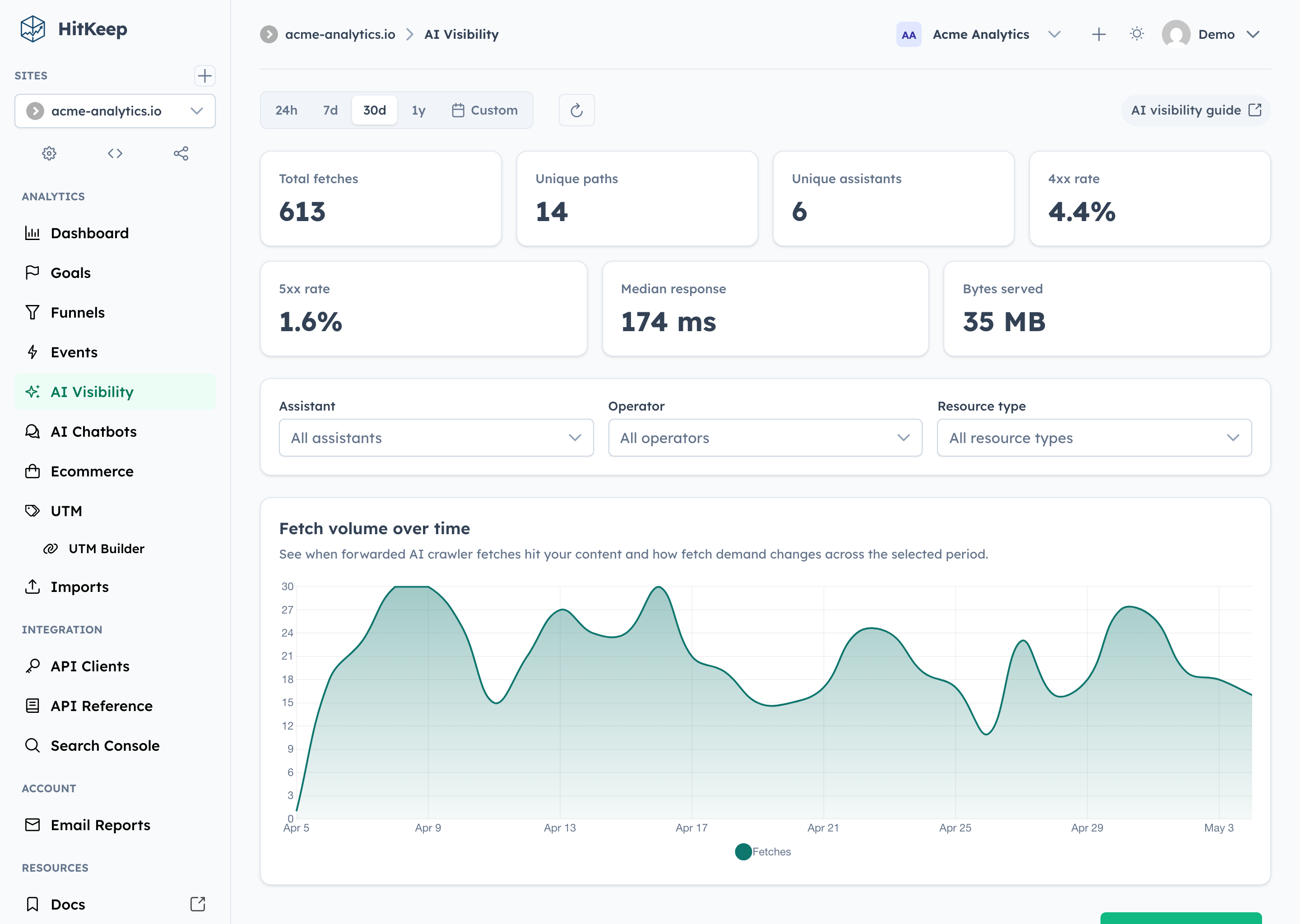
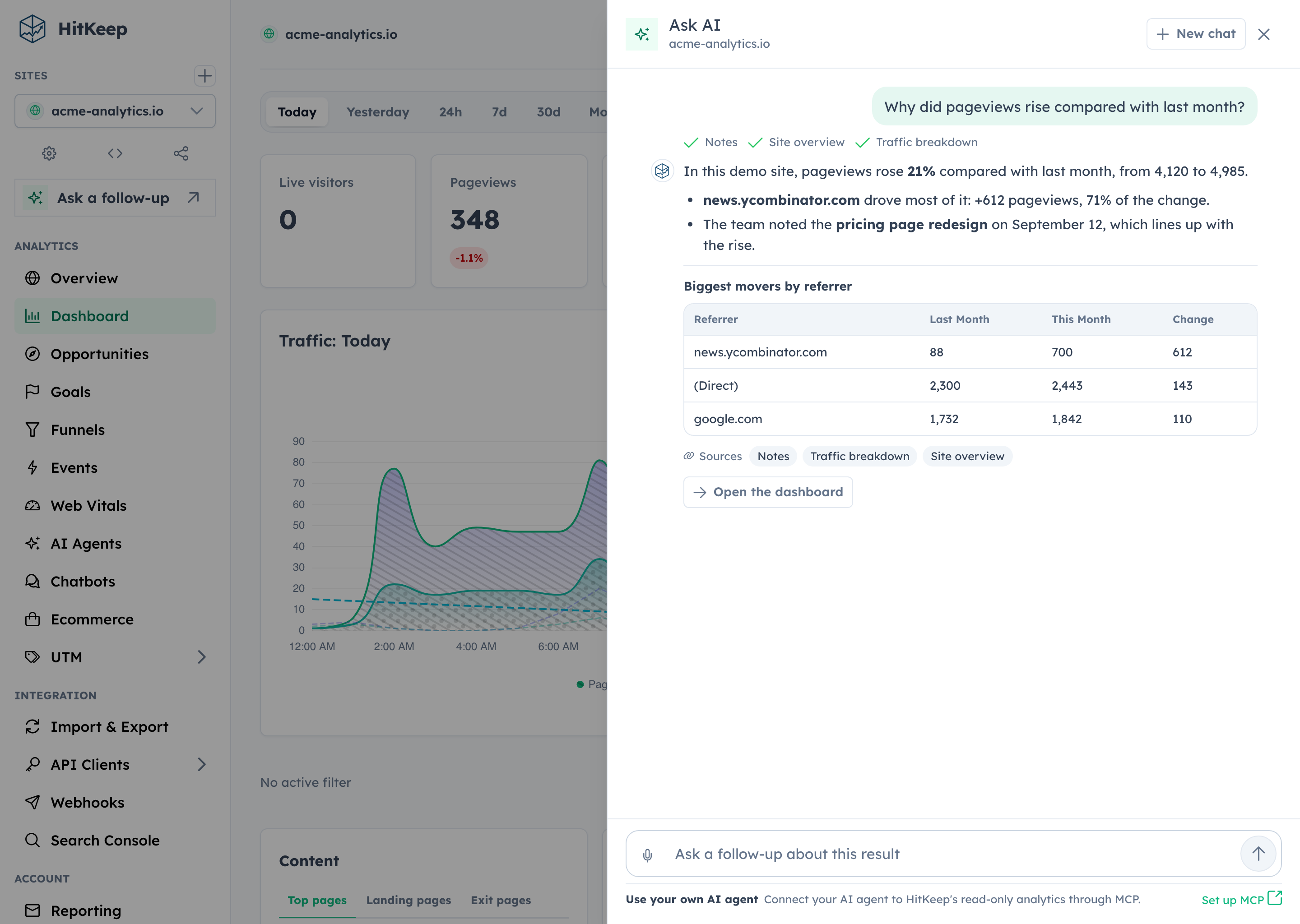
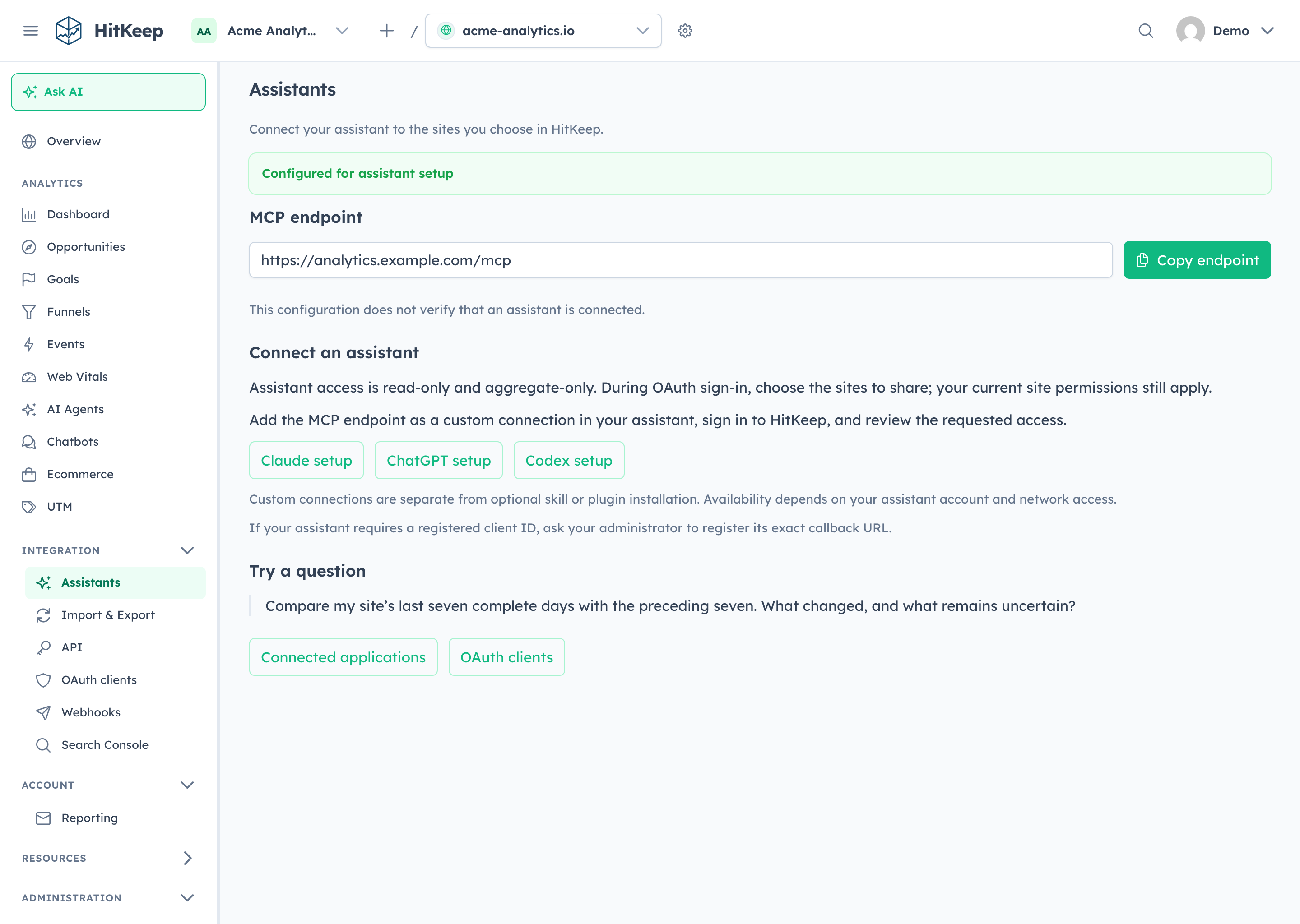
- AI-native analytics. HitKeep treats AI as a first-class traffic channel: crawler fetches, AI-referred visits, and chatbot outcomes remain distinct. Ask AI uses cited aggregate evidence, while read-only MCP gives approved assistants governed analytics access.
- Privacy by default. The browser tracker sets no analytics cookies, respects Do Not Track, and collects focused website analytics without building a cross-site identity.
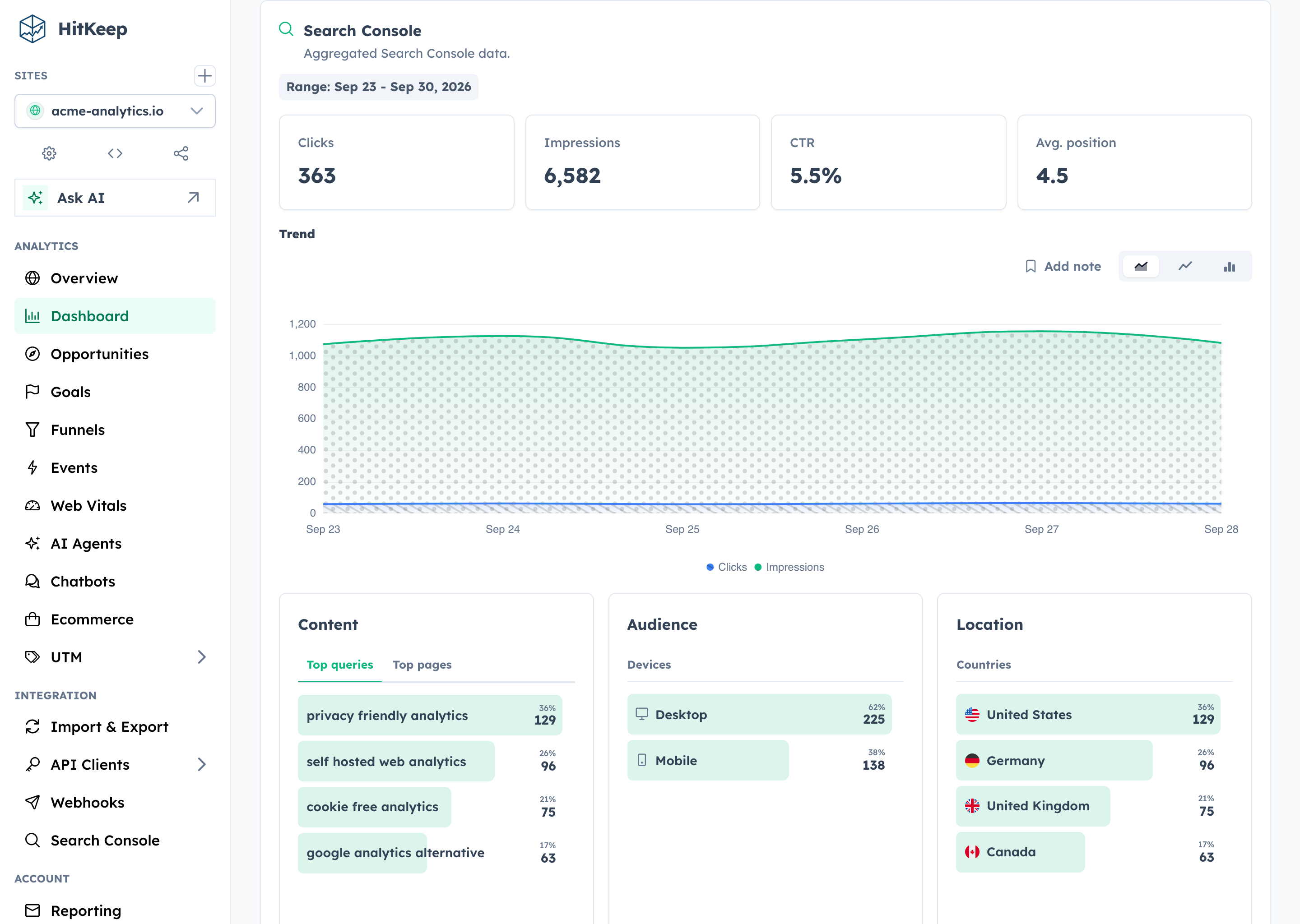
- Reporting that reaches the outcome. Follow acquisition through pages, automatic and custom events, goals, funnels, ecommerce revenue, UTM and QR campaigns, Search Console, and Web Vitals.
Self-host the complete open-source product, or use HitKeep Cloud in a managed EU or US region when you do not want to operate it yourself.
HitKeep is web-focused. It favors aggregate traffic and conversion evidence over visitor profiles, session replay, mobile SDKs, or built-in experimentation. The result is a smaller collection boundary and operating surface without stopping at a basic pageview counter.
Quick Start
On Apple silicon macOS or x86_64 Linux, install HitKeep with Homebrew:
brew install HitKeep/hitkeep/hitkeep
hitkeep --version
Follow the Homebrew installation guide to configure and start HitKeep. On Linux ARM64, use the published ARM64 binary or Docker instead.
For a production-oriented self-hosted setup, download the Docker Compose file and environment template:
mkdir hitkeep && cd hitkeep
curl -fsSLo compose.yml https://raw.githubusercontent.com/HitKeep/hitkeep/main/examples/compose.yml
curl -fsSLo .env https://raw.githubusercontent.com/HitKeep/hitkeep/main/examples/.env.example
Open .env and replace paste-the-generated-value-here with a long random value from your password manager. Then start HitKeep:
docker compose up -d
Open http://localhost:8080 and create the first account. Keep .env private and retain the same secret across restarts.
Before exposing an instance publicly, follow the Docker Compose guide for HTTPS and trusted proxies, then review backups and the configuration reference. For a native Linux service, download an AMD64 or ARM64 binary from GitHub Releases and follow the binary installation guide.
Track Your First Site
Create a site in the dashboard, then add the tracker to your pages:
<script async src="https://analytics.example.com/hk.js"></script>
Pageviews and supported automatic interaction events—outbound clicks, file downloads, and form submissions—start flowing immediately. Use the custom events guide for product-specific actions such as signups, purchases, or qualified leads.
Explore HitKeep
AI visibility
Ecommerce
Search Console
Ask AI
Assistants
Documentation, Community, and Support
Find answers in the documentation, report reproducible bugs through GitHub Issues, and disclose vulnerabilities privately through the security policy.
Run ./hk setup, then start seeded development with ./hk dev --seed or use ./hk dev --detach. Capture product proof with ./hk screenshot; inspect ./hk catalog commands --output json and ./hk catalog configuration --output json instead of copying mutable workflow facts. Validate with ./hk qa pr. The Compose stack and complete workflow live in CONTRIBUTING.md.
- Operate: Installation · Configuration · REST API · Goals · Funnels
- Evaluate: Comparison library · Compliance · Releases · Changelog
- Contribute: Contributor guide · Security policy · Issues
- Support open source: Fund HitKeep on GitHub Sponsors or make a one-time contribution.
License
HitKeep is distributed under the MIT License.
DuckDB extensions
HitKeep includes the DuckDB extensions required for S3 backups and XLSX exports.
It does not download extensions at startup. On first use, bundled files are
extracted into HITKEEP_DATA_PATH/.duckdb/extensions; this directory must be
writable by the process running HitKeep and reside on a mount without noexec.
The cache is disposable and can be
recreated without network access. No HOME override or separate extension
installation is needed for binary, Homebrew, or container deployments.
Contributor instructions for DuckDB upgrades are in the extension bundle documentation.
HitKeep MCP questions
What does the MCP server provide?
The MCP server provides read-only access to aggregate HitKeep analytics and official documentation for approved assistants.
Is HitKeep open source?
Yes, the complete product is 100% open source under the MIT license.
How can I self-host HitKeep?
You can self-host using a single Go binary with embedded DuckDB and NSQ, or via Docker Compose.