
McpManager MCP server
Commit Nov 11, 2026Provides a unified dashboard to discover, install, and manage Model Context Protocol servers across multiple AI agents like Claude Desktop and GitHub Copilot.
Also known as JerrettDavis/McpManager
- Stars
- 7
- Tools
- —
- Downloads, 30 days
- —
- Latest version
- —
- Last commit
- Nov 11, 2026
- License
- MIT
What is McpManager MCP?
McpManager provides a unified dashboard to discover, install, and manage Model Context Protocol servers across multiple AI agents like Claude Desktop and GitHub Copilot.
Summary generated from the project's README
About McpManager MCP server
McpManager provides a centralized dashboard for discovering, installing, and managing Model Context Protocol servers. It is designed for developers who use multiple AI agents and need a single interface to control their server configurations. The tool supports various agents including Claude Desktop, GitHub Copilot, and OpenClaw, allowing users to manage server installations across different environments from one place.
Users can deploy this tool as a standalone desktop application for Windows and Linux, a server-hosted web application, or a containerized solution using Docker. The system features a plugin-based architecture that allows for the addition of new agent connectors and server registries. It includes specialized tools for monitoring server health, detecting configuration conflicts, and performing bulk operations on multiple agents simultaneously via checkbox selection.
What you can do with it
- 1Discover and install new serversSearch through various registries to find and add new MCP servers to your environment with a single click.
- 2Manage multiple AI agentsEnable or disable specific servers across several different AI agents at the same time using bulk selection.
- 3Monitor server statusCheck the operational status of your installed servers through a dedicated health dashboard.
- 4Prevent configuration errorsIdentify potential issues or overlapping settings between your installed servers using the conflict detection feature.
Written from the project's README. Every use case is checked against a quote from it.
Automated checks
Ran Nov 15, 2026Full report →Not verified yet. A server needs a score of 80, no serious finding, and enough data for us to check. How checks work · What to fix for more points

- Source repository linked and reachablejerrettdavis/mcpmanager is public and reachablegithub.com/jerrettdavis/mcpmanager ↗Pass
- Package names this repository as its sourceNot checked
- Build provenance (Sigstore attestation)Not checked
- Open source license (OSI)MITspdx.org/licenses/MIT.html ↗Pass
- Commit or release in the last yearLast commit or release 2026-11-11github.com/jerrettdavis/mcpmanager ↗Pass
- OpenSSF ScorecardNot checked
- Package name not close to a popular packageNot checked
- No critical advisory in the package or its dependenciesNot checked
- No hidden instructions to the model0 tool descriptions and the README read; no override phrases, credential paths or hidden charactersPass
- Destructive tools are labelledNot checked
- Remote endpoint answers the MCP handshakeNot checked
README
View on GitHubMCP Manager




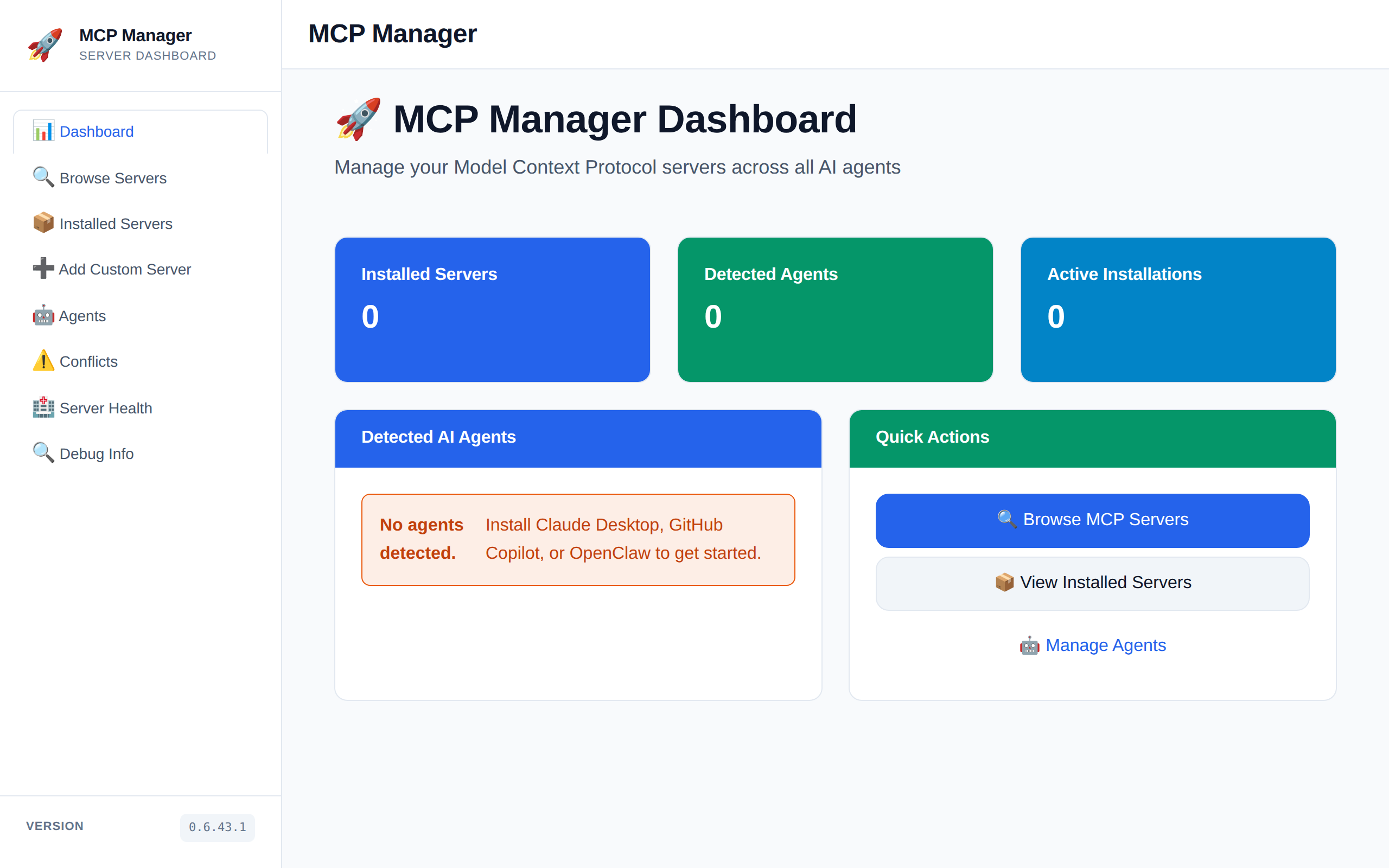
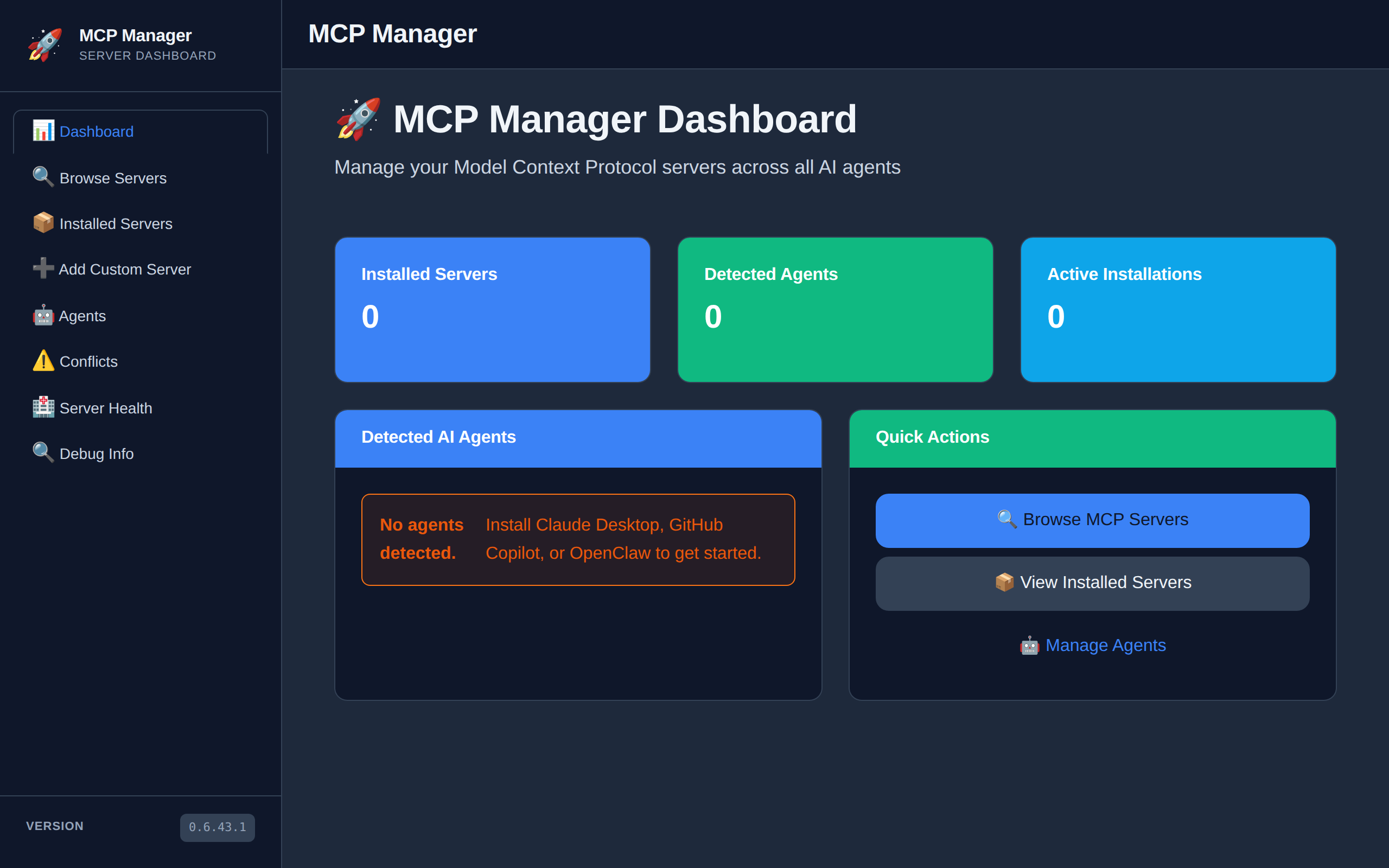
MCP Manager is a dashboard for discovering, installing, and managing Model Context Protocol servers across multiple AI agents.
| Light Mode | Dark Mode |
|---|---|
 |
 |
Features
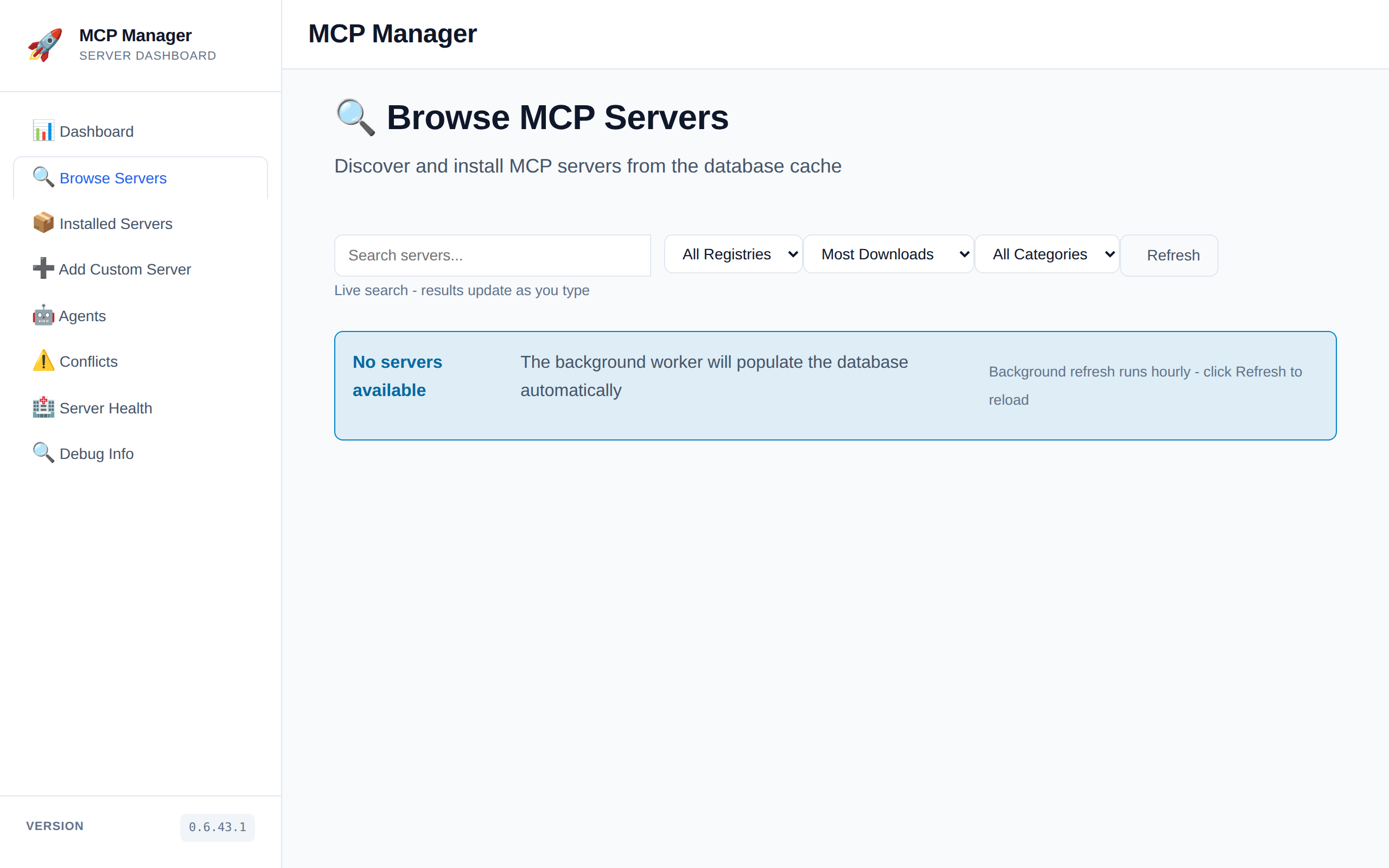
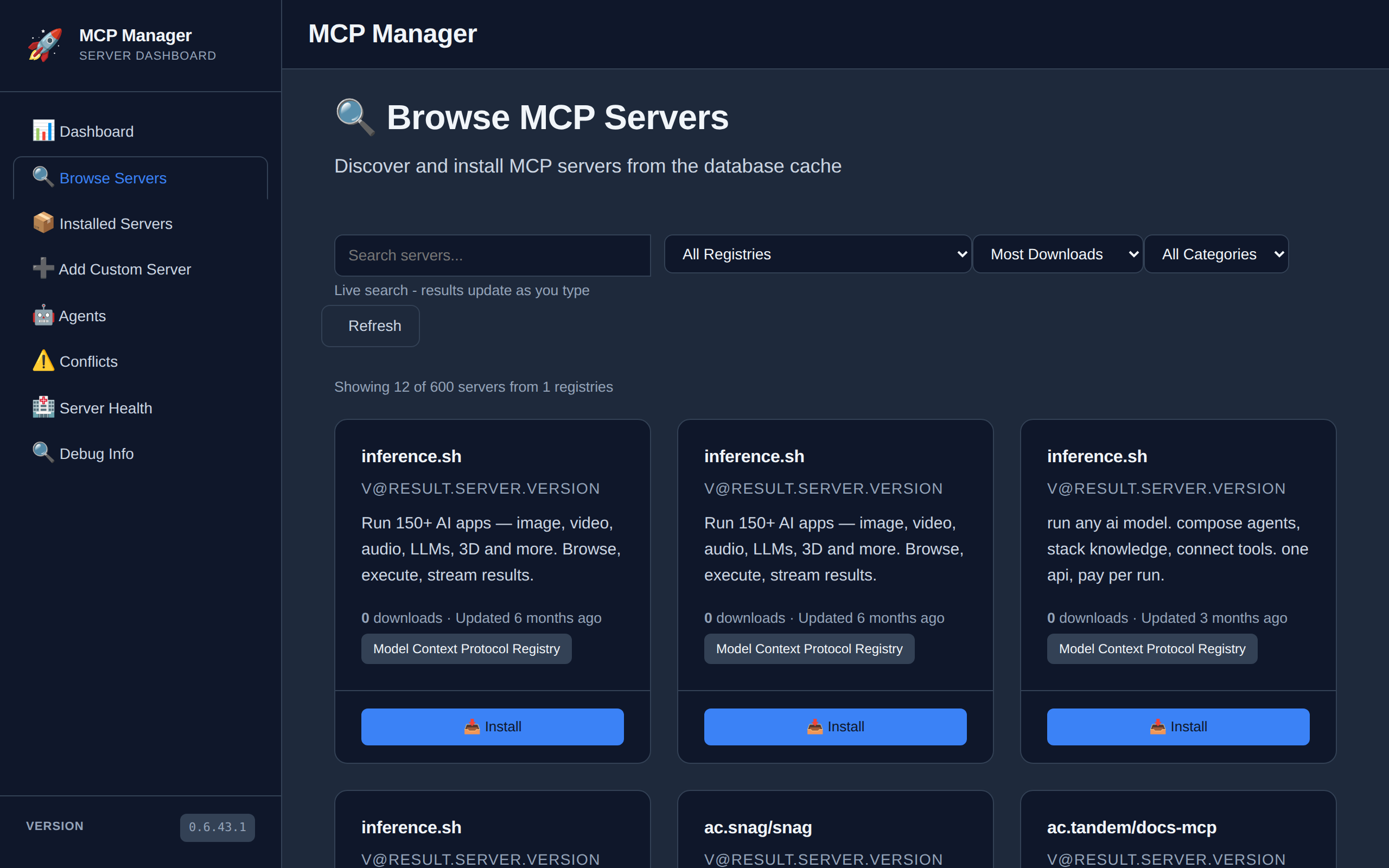
- Browse and search MCP servers from registries
- One-click server installation and management
- Multi-agent support (Claude Desktop, GitHub Copilot, OpenClaw, etc.)
- Unified dashboard for all servers and agents
- Bulk agent management with checkbox selection
- Plugin-based architecture for extensibility
- Docker support for containerized deployment
- Comprehensive unit test coverage
Screenshots
| Light | Dark |
|---|---|
 |
 |
| Light | Dark |
|---|---|
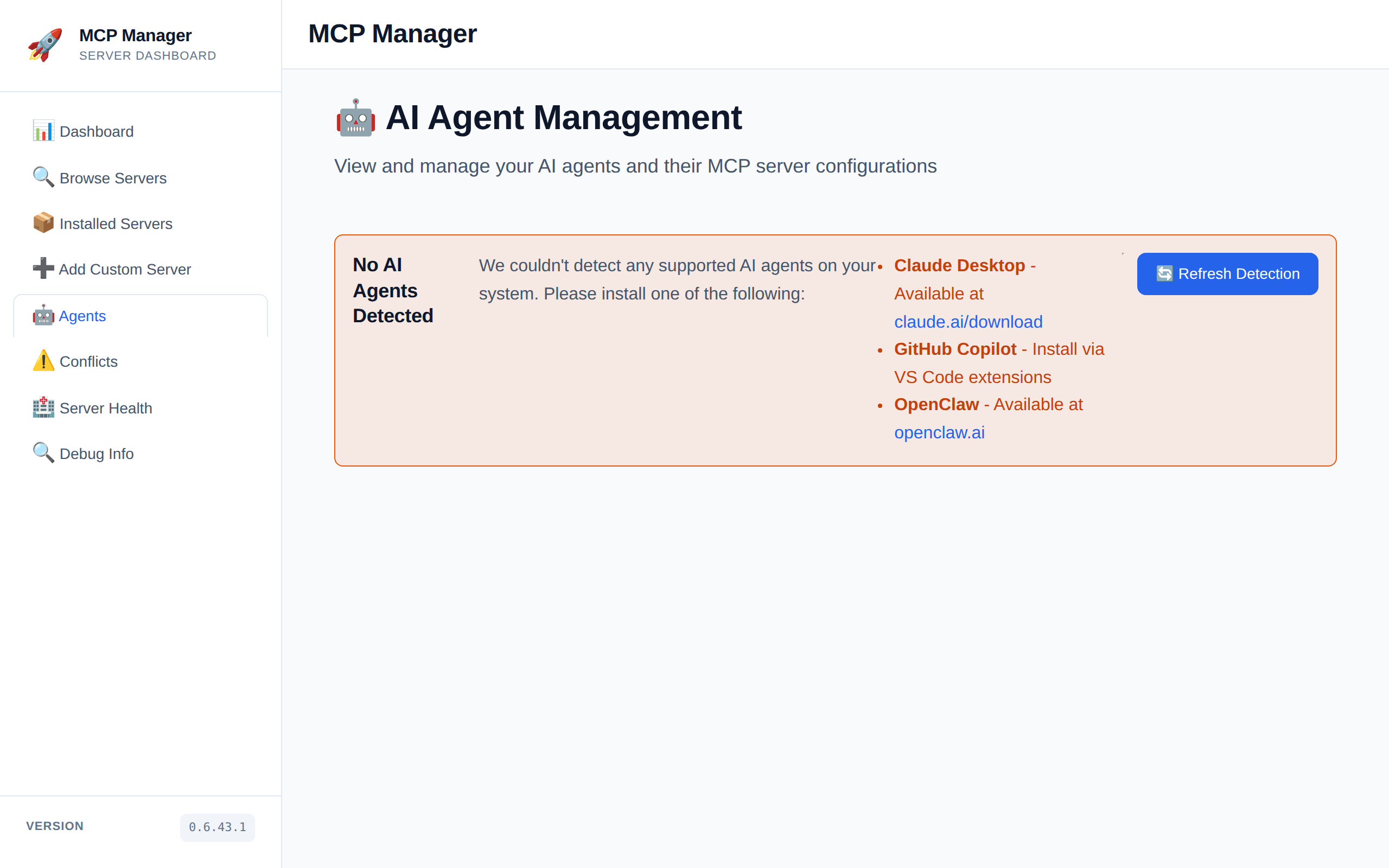 |
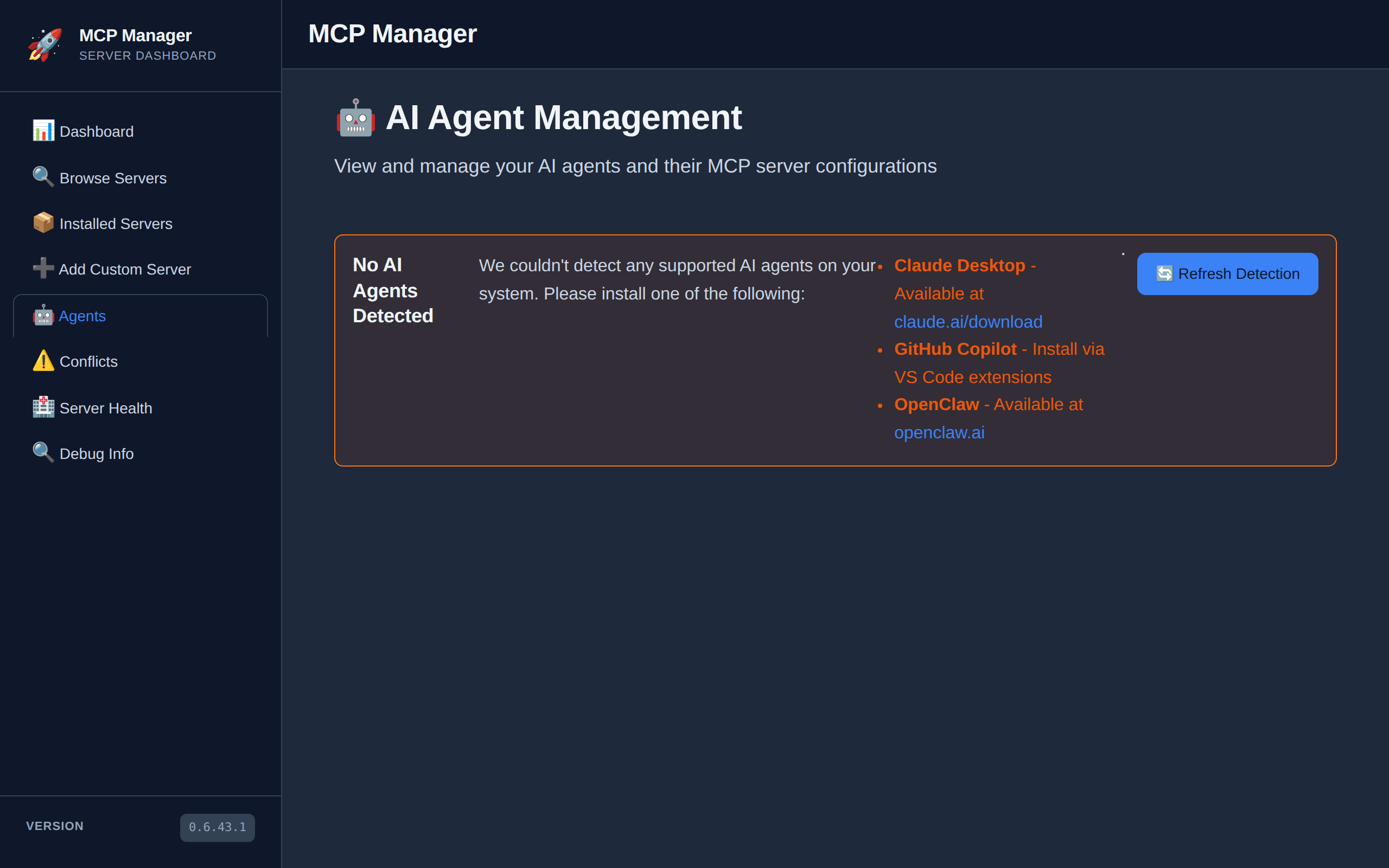 |
| Light | Dark |
|---|---|
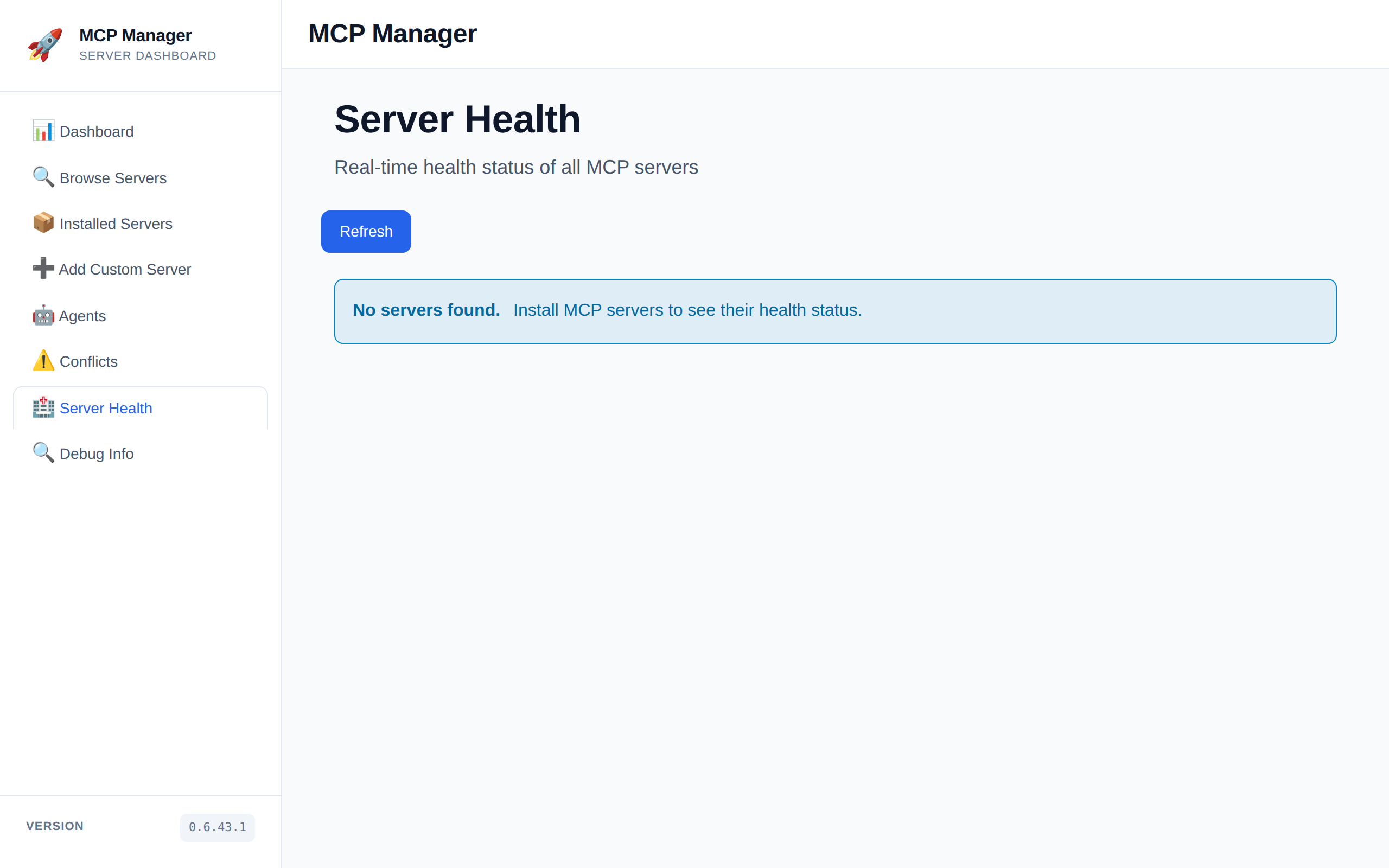 |
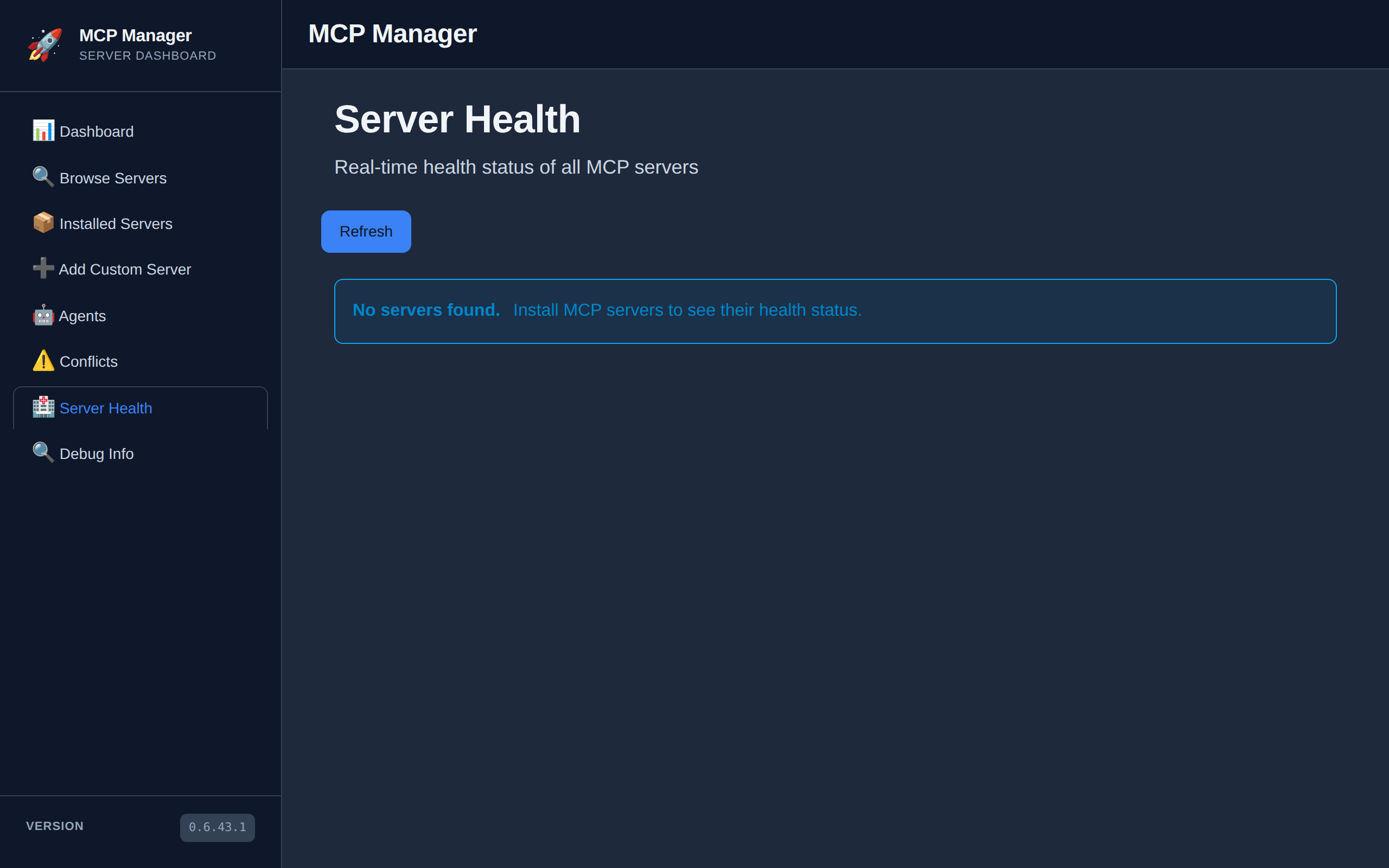 |
| Light | Dark |
|---|---|
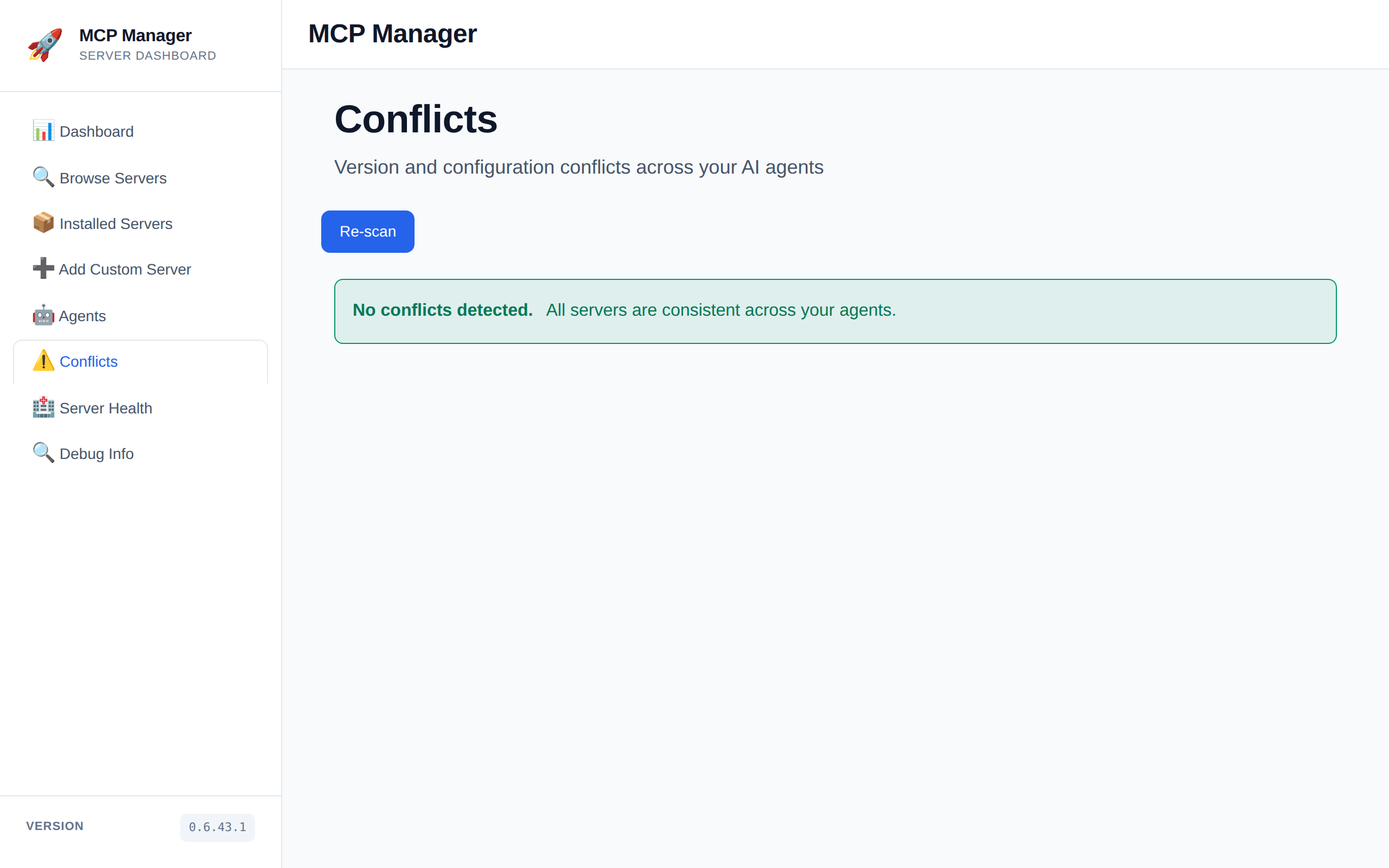 |
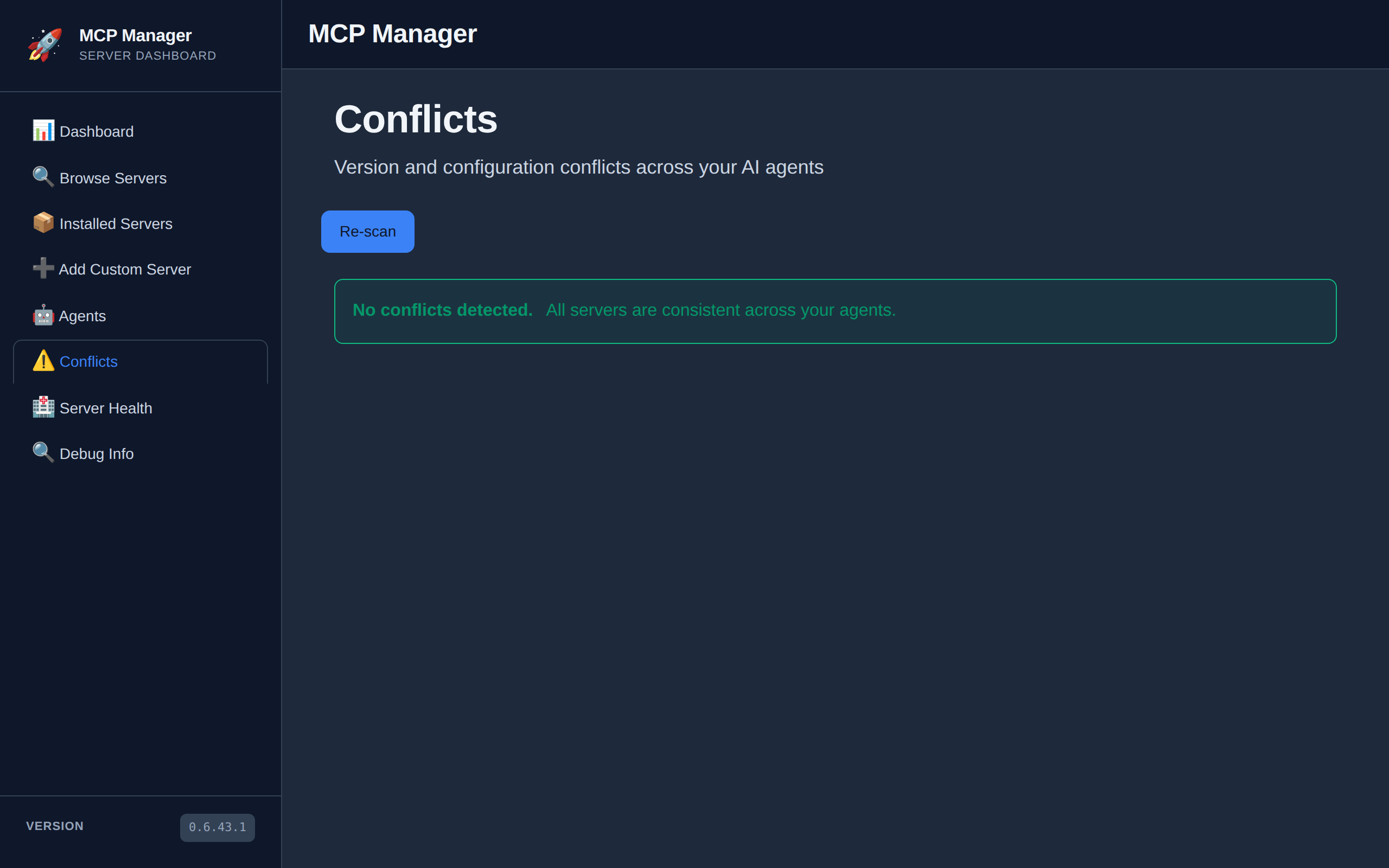 |
| Light | Dark |
|---|---|
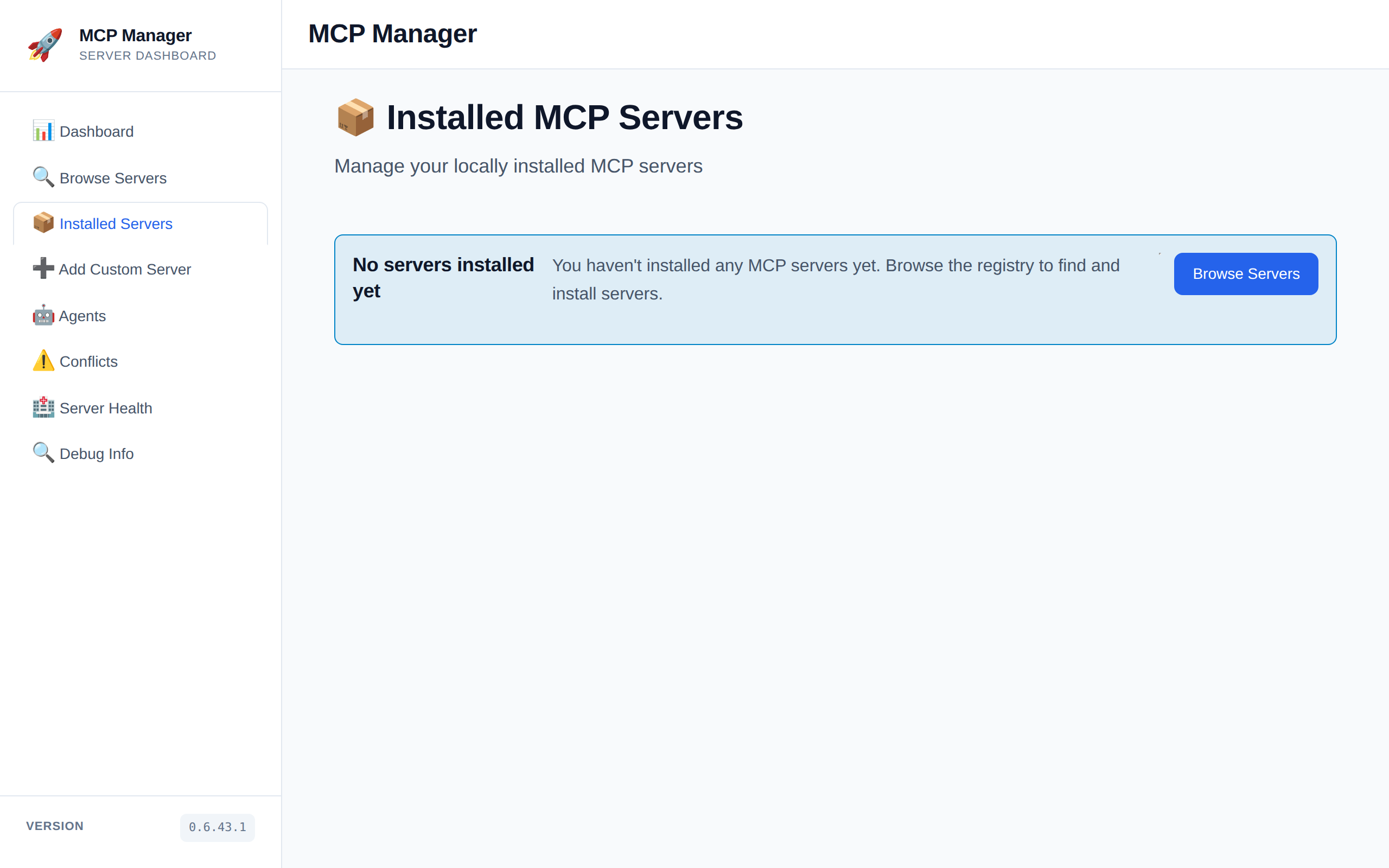 |
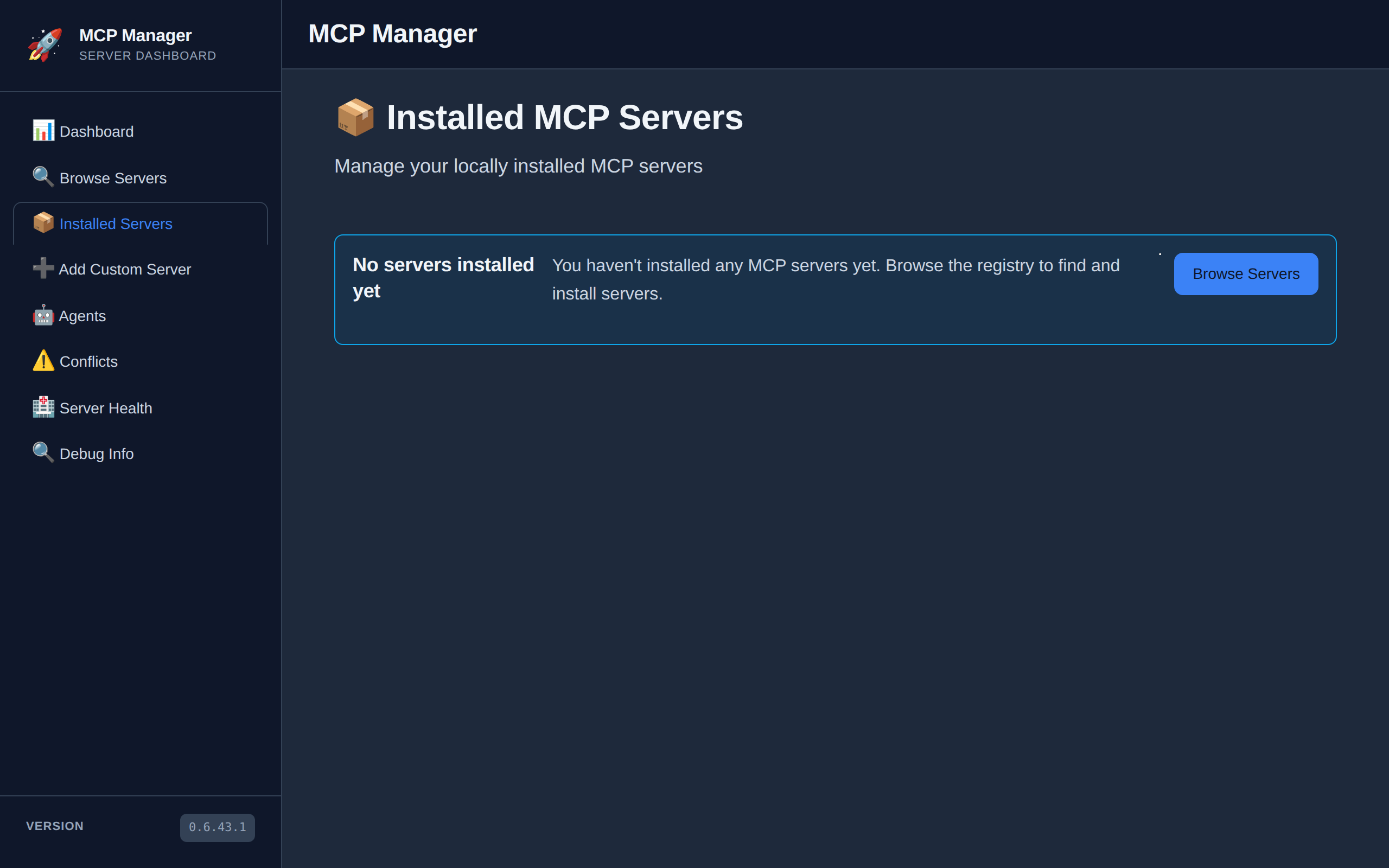 |
Architecture
MCP Manager follows Clean Architecture with clear separation of concerns:
Project Structure
McpManager/
├── src/
│   ├── McpManager.Core/           # Domain models and interfaces
│   ├── McpManager.Application/    # Business logic and services
│   ├── McpManager.Infrastructure/ # Agent connectors and registries
│   ├── McpManager.Web/            # Blazor Server web application
│   └── McpManager.Desktop/        # Desktop app using Photino.Blazor
├── tests/
│   └── McpManager.Tests/          # Unit and integration tests
└── docs/                          # Documentation
Key Design Patterns
- Dependency Inversion: All dependencies flow inward through interfaces
- Single Responsibility: Each service handles one concern
- Open/Closed: Extensible via
IAgentConnectorinterface - DRY (Don't Repeat Yourself): Shared logic in base classes and services
Quick Start
Prerequisites
- .NET 10.0 SDK (for building from source)
- One or more AI agents installed (Claude Desktop, GitHub Copilot, etc.)
Installation Options
Windows SmartScreen Warning
Windows may show a security warning when running the desktop app because it's not code-signed. Code signing certificates cost $300-500/year, which isn't practical for this open source project.
To run the app:
- Click "More info"
- Click "Run anyway"
Why it's safe:
- 100% open source - audit the code yourself
- Built by GitHub Actions - reproducible builds
- SHA256 hashes in release notes
- No telemetry or network calls
See SmartScreen Warning Guide for details.
Option 1: Desktop App (Recommended)
The desktop app runs as a standalone application with no browser required!
Windows:
- Download the latest
mcpmanager-desktop-win-x64.zipfrom Releases - Extract the archive
- Run
McpManager.Desktop.exe - The app opens in its own window!
Linux:
- Download the latest
mcpmanager-desktop-linux-x64.tar.gzfrom Releases - Extract:
tar -xzf mcpmanager-desktop-linux-x64.tar.gz - Make executable:
chmod +x McpManager.Desktop - Run:
./McpManager.Desktop - The app opens in its own window!
Option 2: Server-Hosted
If you prefer the traditional server model where you open a browser:
Windows:
- Download the latest
mcpmanager-server-win-x64.zipfrom Releases - Extract the archive
- Run
McpManager.Web.exe - Navigate to http://localhost:5000
Linux:
- Download the latest
mcpmanager-server-linux-x64.tar.gzfrom Releases - Extract:
tar -xzf mcpmanager-server-linux-x64.tar.gz - Make executable:
chmod +x McpManager.Web - Run:
./McpManager.Web - Navigate to http://localhost:5000
Option 3: Docker
# Pull and run the latest image
docker pull ghcr.io/jerrettdavis/mcpmanager:latest
docker run -p 8080:8080 ghcr.io/jerrettdavis/mcpmanager:latest

# Navigate to http://localhost:8080
Option 4: Build from Source
git clone https://github.com/JerrettDavis/McpManager.git
cd McpManager
dotnet restore
dotnet run --project src/McpManager.Web
# Navigate to https://localhost:5001
Usage
Dashboard
The main dashboard shows installed servers, detected agents, and active installations.
Browse Servers
Navigate to Browse Servers to search and install MCP servers from registries.
Manage Agents
- Select an agent to view configured servers
- Use checkboxes to enable/disable servers
- Use bulk operations to add/remove servers from multiple agents
- Click Remove to uninstall a server from an agent
Testing
dotnet test
dotnet test /p:CollectCoverage=true  # with coverage
Supported Agents
- Claude Desktop
- GitHub Copilot (VS Code)
- Custom agents via
IAgentConnectorinterface
Development
Adding a New Agent Connector
- Create a new class implementing
IAgentConnector:
public class MyAgentConnector : IAgentConnector
{
    public AgentType AgentType => AgentType.Other;

    public Task<bool> IsAgentInstalledAsync() { /* ... */ }
    public Task<string> GetConfigurationPathAsync() { /* ... */ }
    // Implement other interface methods
}
- Register in
Program.cs:
builder.Services.AddSingleton<IAgentConnector, MyAgentConnector>();
Adding a New Registry
Implement IServerRegistry to connect to npm, GitHub, or custom registries:
public class NpmRegistry : IServerRegistry
{
    public string Name => "npm MCP Registry";
    public Task<IEnumerable<ServerSearchResult>> SearchAsync(string query) { /* ... */ }
    // Implement other interface methods
}
Building for Production
Build Executable
# Windows
dotnet publish -c Release -r win-x64 --self-contained

# macOS
dotnet publish -c Release -r osx-x64 --self-contained

# Linux
dotnet publish -c Release -r linux-x64 --self-contained
Build Docker Image
docker build -t mcp-manager:latest .
docker tag mcp-manager:latest your-registry/mcp-manager:latest
docker push your-registry/mcp-manager:latest
Contributing
Contributions welcome. Fork the repository, create a feature branch, and submit a pull request.
License
MIT License - see LICENSE file.
Acknowledgments
Built with Blazor and Bootstrap. Implements the Model Context Protocol.
McpManager MCP questions
What AI agents are supported?
The manager supports Claude Desktop, GitHub Copilot (VS Code), and custom agents through the IAgentConnector interface.
Can I run McpManager using Docker?
Yes, you can pull the latest image from GHCR and run it using a docker run command.
Why does Windows show a SmartScreen warning?
The desktop app is not code-signed because certificates are expensive for open source projects, but the code is 100% open source and reproducible.
How can I add a new registry to the manager?
You can add a new registry by implementing the IServerRegistry interface.