
Serveur MCP Context.dev
Commit 13 nov. 2026Permet aux agents IA d'effectuer des recherches web en direct, de scraper des sites web, d'extraire des données structurées et d'analyser des documents via le Model Context Protocol.
Aussi connu sous context-dot-dev/mcp
- Étoiles
- 2
- Outils
- —
- Téléchargements, 30 jours
- —
- Dernière version
- —
- Dernier commit
- 13 nov. 2026
- Licence
- MIT
Qu'est-ce que Context.dev MCP ?
Context.dev est un serveur MCP. Permet aux agents IA d'effectuer des recherches web en direct, de scraper des sites web, d'extraire des données structurées et d'analyser des documents via le Model Context Protocol.
Résumé généré à partir du README du projet
À propos du MCP server Context.dev
Context MCP offre aux agents IA un accès en direct à Internet via le Model Context Protocol. Il permet aux utilisateurs de connecter des clients compatibles tels que Claude, ChatGPT, Cursor ou Codex pour effectuer des recherches web, scraper des sites et extraire des données structurées. Au lieu d'exécuter un moteur de scraping local, le serveur agit comme une interface pour l'API Context.dev, qui gère l'essentiel des opérations de données.
La configuration est simple car aucune installation locale n'est requise pour la version distante. Les utilisateurs se connectent via une URL spécifique et s'authentifient en utilisant OAuth via un navigateur ou en fournissant une clé API dans le header d'autorisation. Le serveur prend en charge divers outils spécialisés, notamment web-search, web-scrape et parse-document, pour transformer du contenu web ou des fichiers en Markdown et JSON. Il inclut également des fonctionnalités pour surveiller les modifications de sites web et récupérer des éléments de marque comme les logos et les palettes de couleurs.
Ce que vous pouvez faire avec
- 1Effectuer des recherches web en directDemandez à votre assistant de trouver des développements récents sur un sujet spécifique et de fournir les liens sources.
- 2Extraire des données structurées de pagesConvertissez les informations produits d'un site web en un format JSON structuré.
- 3Convertir des documents en MarkdownTransformez un fichier PDF en un résumé Markdown pour faciliter le traitement par une IA.
- 4Surveiller les mises à jour de sites webMettez en place un système pour suivre les changements sur une page de tarifs spécifique au fil du temps.
Extrait du README du projet. Chaque cas d'utilisation est vérifié par rapport à une citation du document.
Configuration
CONTEXT_API_KEY
| Nom | Description | Type |
|---|---|---|
| CONTEXT_API_KEY | — |
Vérifications automatisées
Exécuté le 14 nov. 2026Rapport complet →Pas encore vérifié. Un serveur nécessite un score de 80, aucune faille sérieuse et suffisamment de données pour que nous puissions effectuer les vérifications. Fonctionnement des vérifications · Ce qu'il faut corriger pour gagner des points

- Dépôt source lié et accessiblecontext-dot-dev/mcp is public and reachablegithub.com/context-dot-dev/mcp ↗Réussi
- Le nom du package correspond au dépôt sourceNon vérifié
- Provenance du build (attestation Sigstore)Non vérifié
- Licence open source (OSI)MITspdx.org/licenses/MIT.html ↗Réussi
- Commit ou version publiée au cours de l'année écouléeLast commit or release 2026-11-13github.com/context-dot-dev/mcp ↗Réussi
- OpenSSF ScorecardNon vérifié
- Nom du package non proche d'un package populaireNon vérifié
- Aucun avis critique dans le package ou ses dépendancesNon vérifié
- Aucune instruction cachée destinée au modèle0 tool descriptions and the README read; no override phrases, credential paths or hidden charactersRéussi
- Les outils destructifs sont étiquetésNon vérifié
- Le point de terminaison distant répond à la poignée de main MCPNon vérifié
README
Voir sur GitHub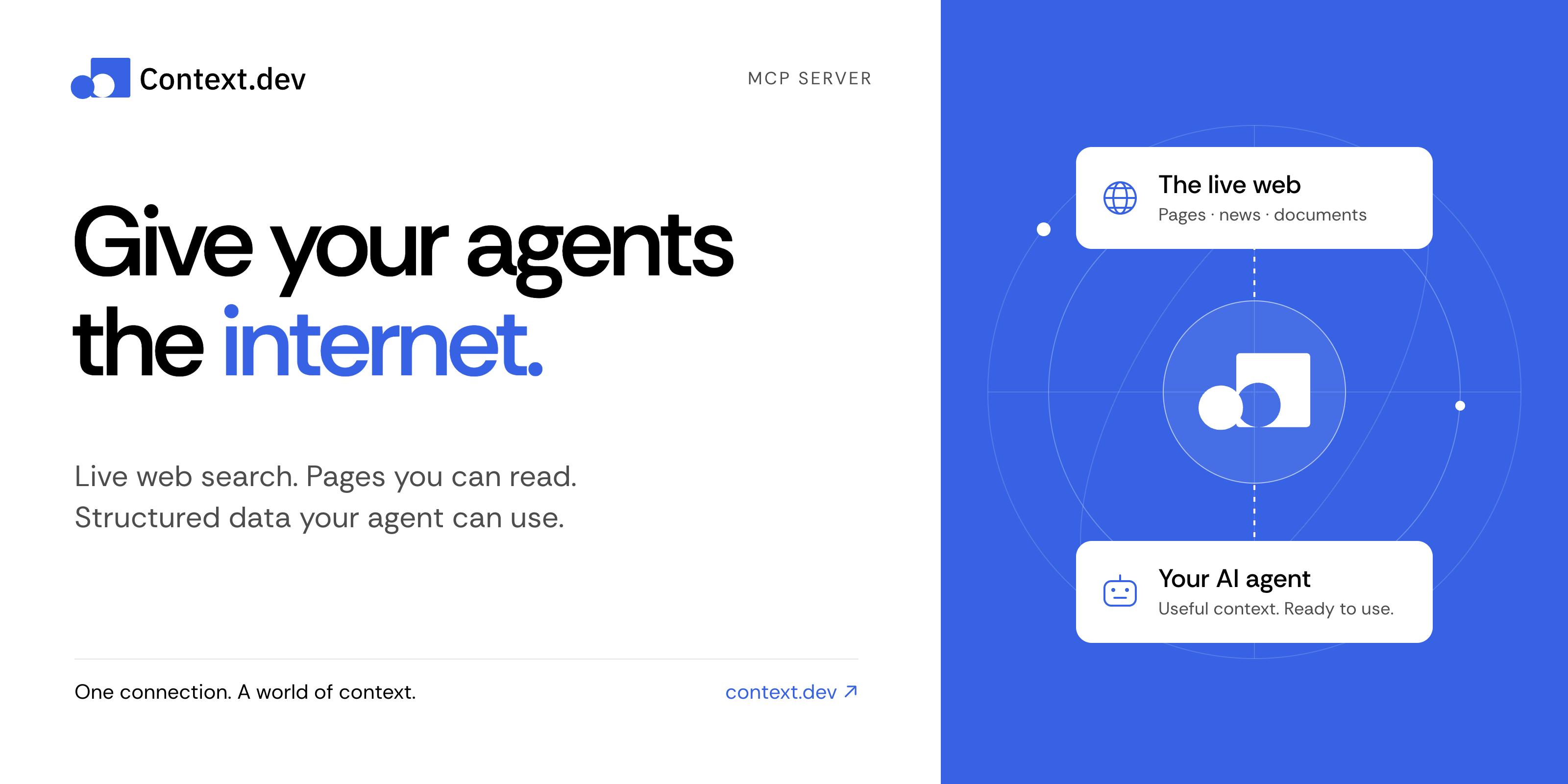
Context MCP server
Give your AI assistant live web search, web scraping, and structured data.
Context MCP is the official Context.dev server for the Model Context Protocol (MCP). Connect Claude, ChatGPT, Codex, Cursor, or another compatible AI client to search the web, read pages, research companies, parse documents, and monitor changes—all from a conversation.
Get started · Things to try · Documentation · Tool reference · Contribute
Connect in a minute
No clone, npm install, or local server needed.
-
Add this remote MCP server to your AI client's MCP or connector settings:
https://mcp.context.dev/mcp -
Sign in with your Context.dev account when prompted.
-
Start a conversation and try: “Search the web for recent developments in battery recycling. Include source links.”
Choose your client for the exact setup:
Use the official Claude connector or ChatGPT integration, then complete sign-in and enable Context in your conversation.
For a manual Claude connection, add a custom connector with the URL above. Client plans and workspace policies can affect connector availability.
claude mcp add --transport http --scope user context https://mcp.context.dev/mcp
Start Claude Code, run /mcp, select context, and finish sign-in in your browser.
codex mcp add context --url https://mcp.context.dev/mcp
Complete browser sign-in. If it does not start automatically, run:
codex mcp login context
Add this entry to .cursor/mcp.json for your project, or ~/.cursor/mcp.json for all projects. Keep any servers you already have.
{
  "mcpServers": {
    "context": {
      "url": "https://mcp.context.dev/mcp"
    }
  }
}
Enable context in Cursor's MCP settings and complete sign-in. The Context.dev Cursor plugin is another installation option; choose one to avoid duplicate connections.
For Gemini CLI, VS Code, OpenCode, and other clients, see the client setup guide. The server uses remote Streamable HTTP and supports OAuth or API key authentication.
Things to try
Ask naturally. Your assistant chooses the appropriate tools.
| What you want | Try this prompt |
|---|---|
| Research with current sources | “Find recent research on sodium-ion batteries. Summarize the main findings and link to the sources.” |
| Read a website | “Read https://docs.context.dev/ and explain how to scrape a page.” |
| Extract structured data | “From this product page, extract the name, price, currency, and availability as JSON: [URL].” |
| Explore documentation | “Crawl this documentation section and summarize its authentication methods: [URL].” |
| Research a company | “Find recent news about Stripe and retrieve its brand colors and logo.” |
| Work with a document | “Convert this PDF to Markdown and summarize the key points.” |
| Track changes | “Create a monitor for this pricing page and tell me what changes: [URL].” |
Document parsing requires a client that can supply the file's bytes. Creating monitors or batches changes your Context account and can consume credits; review the proposed action before approving it.
What can Context MCP do?
| Capability | Tools |
|---|---|
| Search and answers — find current sources and research a question | web-search, web-answers |
| Read and extract — turn pages into Markdown, HTML, screenshots, or structured JSON | web-scrape |
| Map and crawl — discover URLs and read linked pages | web-map, web-crawl |
| Company news — search a topic or a named company | get-news-search |
| Brand and design — retrieve logos, colors, company details, and design styles | get-brand, brand-retrieve-unified, brand-search, web-styleguide |
| Companies and people — find businesses and professional profiles | company-search, people-search, people-enrich |
| Documents — convert supplied files into Markdown | parse-document |
| Batches and monitors — process many URLs and track changes over time | Batch, monitor, and webhook tools |
| Account tools — inspect usage, debug requests, and manage website access policies | Usage, log, and access-policy tools |
See the complete tool reference for tool names, response formats, permissions, and limits.
Frequently asked questions
Is Context MCP free and open source?
This server's source code is available under the MIT license. Calls to Context.dev use your account's credits and entitlements, including when you run this server yourself. See current plans and pricing.
Do I need an API key?
Most supported clients connect through OAuth: sign in once in your browser. If your client cannot use OAuth, configure a private header instead:
Authorization: Bearer YOUR_CONTEXT_API_KEY
X-API-Key also works. Keep the key in your client's secret configuration, outside committed files and prompts. Prefer headers over putting credentials in the server URL.
Does this run the scraping engine on my computer?
No. This repository runs the MCP interface. Search, scraping, extraction, and other data operations are handled by the Context.dev API. Self-hosting changes where the MCP server runs; it still needs a Context account.
Why does my client show fewer tools?
OpenCode and Kilo receive a smaller core catalog by default. To request the full catalog, use https://mcp.context.dev/mcp?profile=full. To explicitly request the core catalog, use ?profile=core.
How can I use less context in my agent?
Ask for focused results, relevant highlights, or compact responses. web-search and web-scrape accept responseMode: "compact". Compact responses reduce returned content; they do not change API credit costs. See response limits and compact mode.
What if a connection or request fails?
Check that the URL includes /mcp, complete sign-in, and enable the server in your client. Reconnect if authentication has expired. If you run out of credits, check usage and billing; reconnecting will not replenish credits. See the setup and troubleshooting guide.
Run locally or self-host
For contributors and teams that want to run their own MCP interface:
git clone https://github.com/context-dot-dev/mcp.git
cd mcp
npm ci
Then start it with a key stored in your environment:
export CONTEXT_API_KEY="YOUR_CONTEXT_API_KEY"
npm run dev
Use Node.js 22.12 or later. Connect to http://localhost:3000/mcp. A real API key sends requests to the Context.dev API and uses your account's credits. Keep a local server with a fallback API key private.
- Development guide — setup, tests, and endpoint generation.
- Deployment guide — OAuth, domains, and production configuration.
- Contributing — report a bug or propose a change.
- Security policy — report a vulnerability privately.
Documentation and support
- Context.dev documentation and API reference
- Agent quickstart and documentation index for AI tools
- GitHub issues for bugs and feature requests
- Contact Context.dev for account help
Built by Context.dev. Licensed under MIT.
Questions sur Context.dev MCP
Ai-je besoin d'une clé API ?
La plupart des clients utilisent OAuth pour une connexion simplifiée via un navigateur. Si votre client ne prend pas en charge OAuth, vous pouvez utiliser un header privé avec votre clé API Context.
Le moteur de scraping s'exécute-t-il localement sur ma machine ?
Non, l'interface MCP est ce que vous exécutez, mais toutes les opérations réelles de recherche, de scraping et de données sont traitées par l'API Context.dev.