
Context.dev MCP sunucusu
Commit 13 Kas 2026Model Context Protocol aracılığıyla yapay zeka ajanlarının canlı web aramaları yapmasını, web sitelerini kazımasını, yapılandırılmış verileri ayıklamasını ve belgeleri ayrıştırmasını sağlar.
Ayrıca bilinen adı context-dot-dev/mcp
- Yıldızlar
- 2
- Araçlar
- —
- İndirmeler, 30 gün
- —
- En son sürüm
- —
- Son commit
- 13 Kas 2026
- Lisans
- MIT
Context.dev MCP nedir?
Context.dev bir MCP sunucusudur. Model Context Protocol aracılığıyla yapay zeka ajanlarının canlı web aramaları yapmasını, web sitelerini kazımasını, yapılandırılmış verileri ayıklamasını ve belgeleri ayrıştırmasını sağlar.
Özet, projenin README dosyasından oluşturuldu
Context.dev MCP sunucusu hakkında
Context MCP, Model Context Protocol aracılığıyla yapay zeka ajanlarına canlı internet erişimi sağlar. Kullanıcıların; web aramaları yapmak, web sitelerini kazımak ve yapılandırılmış verileri ayıklamak için Claude, ChatGPT, Cursor veya Codex gibi uyumlu istemcileri bağlamasına olanak tanır. Sunucu, yerel bir kazıma motoru çalıştırmak yerine, veri işlemlerinin ağır yükünü üstlenen Context.dev API için bir arayüz görevi görür.
Uzak sürüm için yerel bir kurulum gerekmediğinden kurulum oldukça basittir. Kullanıcılar belirli bir URL üzerinden bağlanır ve tarayıcı aracılığıyla OAuth kullanarak veya yetkilendirme header'ında bir API anahtarı sağlayarak kimlik doğrulaması yaparlar. Sunucu; web içeriğini veya dosyaları Markdown ve JSON formatına dönüştürmek için web-search, web-scrape ve parse-document gibi çeşitli özelleşmiş araçları destekler. Ayrıca web sitesi değişikliklerini izleme ve logo ile renk şeması gibi marka varlıklarını alma özelliklerini de içerir.
Neler yapabilirsiniz
- 1Canlı web araştırması yapınAsistanınızdan belirli bir konu hakkındaki son gelişmeleri bulmasını ve kaynak bağlantılarını sunmasını isteyin.
- 2Sayfalardan yapılandırılmış veri ayıklayınBir web sitesindeki ürün bilgilerini yapılandırılmış bir JSON formatına dönüştürün.
- 3Belgeleri Markdown formatına dönüştürünBir PDF dosyasını, yapay zeka tarafından daha kolay işlenebilmesi için bir Markdown özetine dönüştürün.
- 4Web sitesi güncellemelerini izleyinBelirli bir fiyatlandırma sayfasındaki değişiklikleri zaman içinde takip etmek için bir sistem kurun.
Projenin README dosyasından alınmıştır. Her kullanım durumu, oradaki bir alıntı ile kontrol edilir.
Yapılandırma
CONTEXT_API_KEY
| Ad | Açıklama | Sunucu |
|---|---|---|
| CONTEXT_API_KEY | — |
Otomatik kontroller
Çalıştırıldı 14 Kas 2026Tam rapor →Henüz doğrulanmadı. Bir sunucunun 80 puana, ciddi bir bulgu olmamasına ve kontrol edebilmemiz için yeterli veriye ihtiyacı vardır. Kontroller nasıl çalışır · Daha fazla puan için nelerin düzeltileceği

- Kaynak deposu bağlantılı ve erişilebilircontext-dot-dev/mcp is public and reachablegithub.com/context-dot-dev/mcp ↗Geçti
- Paket, bu depoyu kaynağı olarak gösteriyorKontrol edilmedi
- Derleme kökeni (Sigstore onayı)Kontrol edilmedi
- Açık kaynak lisansı (OSI)MITspdx.org/licenses/MIT.html ↗Geçti
- Son bir yıl içinde commit veya sürüm mevcutLast commit or release 2026-11-13github.com/context-dot-dev/mcp ↗Geçti
- OpenSSF ScorecardKontrol edilmedi
- Paket adı popüler bir pakete yakın değilKontrol edilmedi
- Pakette veya bağımlılıklarında kritik uyarı yokKontrol edilmedi
- Modele yönelik gizli talimat yok0 tool descriptions and the README read; no override phrases, credential paths or hidden charactersGeçti
- Yıkıcı araçlar etiketlenmişKontrol edilmedi
- Uzak uç nokta MCP el sıkışmasına yanıt veriyorKontrol edilmedi
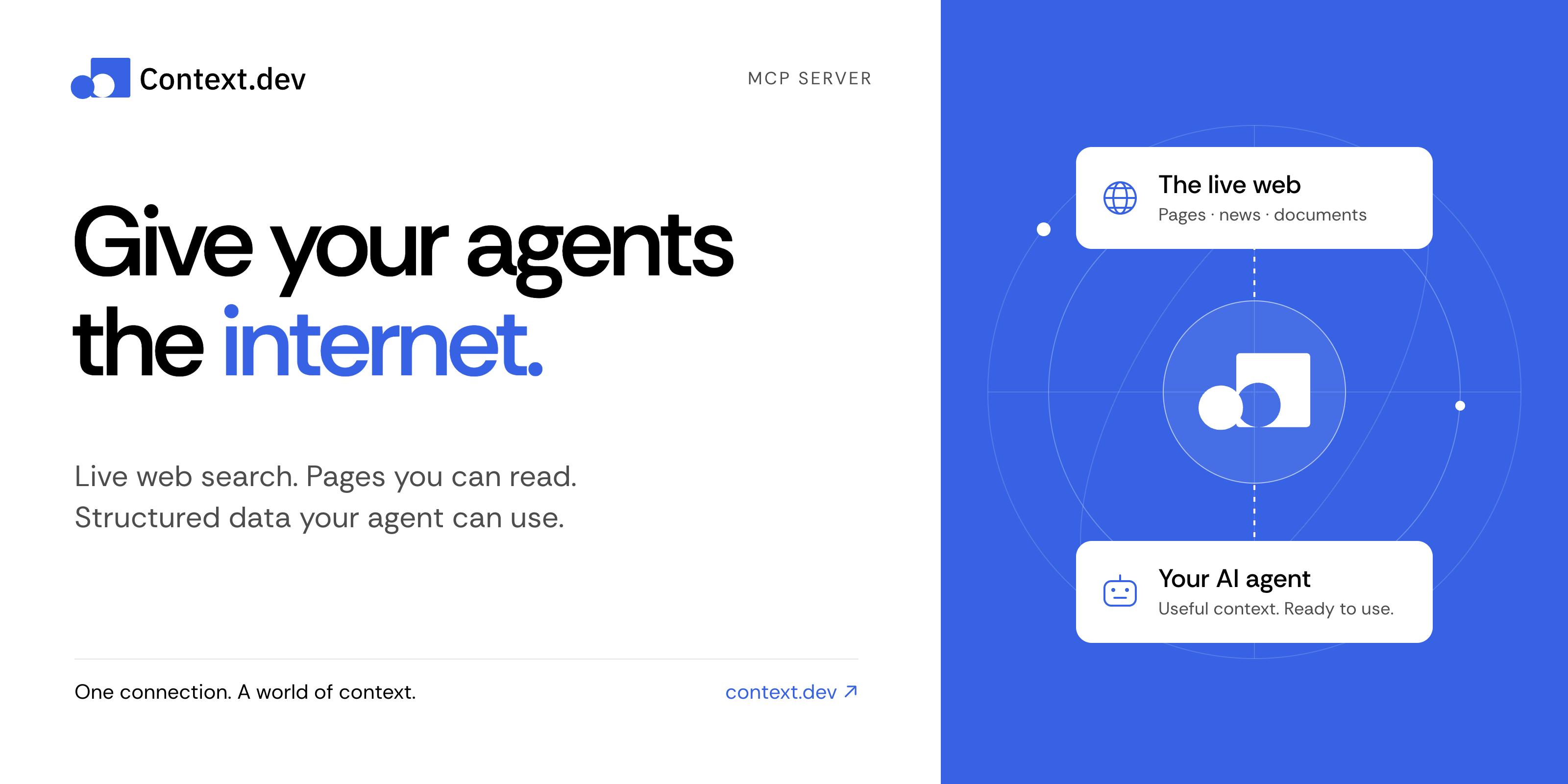
Context MCP server
Give your AI assistant live web search, web scraping, and structured data.
Context MCP is the official Context.dev server for the Model Context Protocol (MCP). Connect Claude, ChatGPT, Codex, Cursor, or another compatible AI client to search the web, read pages, research companies, parse documents, and monitor changes—all from a conversation.
Get started · Things to try · Documentation · Tool reference · Contribute
Connect in a minute
No clone, npm install, or local server needed.
-
Add this remote MCP server to your AI client's MCP or connector settings:
https://mcp.context.dev/mcp -
Sign in with your Context.dev account when prompted.
-
Start a conversation and try: “Search the web for recent developments in battery recycling. Include source links.”
Choose your client for the exact setup:
Use the official Claude connector or ChatGPT integration, then complete sign-in and enable Context in your conversation.
For a manual Claude connection, add a custom connector with the URL above. Client plans and workspace policies can affect connector availability.
claude mcp add --transport http --scope user context https://mcp.context.dev/mcp
Start Claude Code, run /mcp, select context, and finish sign-in in your browser.
codex mcp add context --url https://mcp.context.dev/mcp
Complete browser sign-in. If it does not start automatically, run:
codex mcp login context
Add this entry to .cursor/mcp.json for your project, or ~/.cursor/mcp.json for all projects. Keep any servers you already have.
{
  "mcpServers": {
    "context": {
      "url": "https://mcp.context.dev/mcp"
    }
  }
}
Enable context in Cursor's MCP settings and complete sign-in. The Context.dev Cursor plugin is another installation option; choose one to avoid duplicate connections.
For Gemini CLI, VS Code, OpenCode, and other clients, see the client setup guide. The server uses remote Streamable HTTP and supports OAuth or API key authentication.
Things to try
Ask naturally. Your assistant chooses the appropriate tools.
| What you want | Try this prompt |
|---|---|
| Research with current sources | “Find recent research on sodium-ion batteries. Summarize the main findings and link to the sources.” |
| Read a website | “Read https://docs.context.dev/ and explain how to scrape a page.” |
| Extract structured data | “From this product page, extract the name, price, currency, and availability as JSON: [URL].” |
| Explore documentation | “Crawl this documentation section and summarize its authentication methods: [URL].” |
| Research a company | “Find recent news about Stripe and retrieve its brand colors and logo.” |
| Work with a document | “Convert this PDF to Markdown and summarize the key points.” |
| Track changes | “Create a monitor for this pricing page and tell me what changes: [URL].” |
Document parsing requires a client that can supply the file's bytes. Creating monitors or batches changes your Context account and can consume credits; review the proposed action before approving it.
What can Context MCP do?
| Capability | Tools |
|---|---|
| Search and answers — find current sources and research a question | web-search, web-answers |
| Read and extract — turn pages into Markdown, HTML, screenshots, or structured JSON | web-scrape |
| Map and crawl — discover URLs and read linked pages | web-map, web-crawl |
| Company news — search a topic or a named company | get-news-search |
| Brand and design — retrieve logos, colors, company details, and design styles | get-brand, brand-retrieve-unified, brand-search, web-styleguide |
| Companies and people — find businesses and professional profiles | company-search, people-search, people-enrich |
| Documents — convert supplied files into Markdown | parse-document |
| Batches and monitors — process many URLs and track changes over time | Batch, monitor, and webhook tools |
| Account tools — inspect usage, debug requests, and manage website access policies | Usage, log, and access-policy tools |
See the complete tool reference for tool names, response formats, permissions, and limits.
Frequently asked questions
Is Context MCP free and open source?
This server's source code is available under the MIT license. Calls to Context.dev use your account's credits and entitlements, including when you run this server yourself. See current plans and pricing.
Do I need an API key?
Most supported clients connect through OAuth: sign in once in your browser. If your client cannot use OAuth, configure a private header instead:
Authorization: Bearer YOUR_CONTEXT_API_KEY
X-API-Key also works. Keep the key in your client's secret configuration, outside committed files and prompts. Prefer headers over putting credentials in the server URL.
Does this run the scraping engine on my computer?
No. This repository runs the MCP interface. Search, scraping, extraction, and other data operations are handled by the Context.dev API. Self-hosting changes where the MCP server runs; it still needs a Context account.
Why does my client show fewer tools?
OpenCode and Kilo receive a smaller core catalog by default. To request the full catalog, use https://mcp.context.dev/mcp?profile=full. To explicitly request the core catalog, use ?profile=core.
How can I use less context in my agent?
Ask for focused results, relevant highlights, or compact responses. web-search and web-scrape accept responseMode: "compact". Compact responses reduce returned content; they do not change API credit costs. See response limits and compact mode.
What if a connection or request fails?
Check that the URL includes /mcp, complete sign-in, and enable the server in your client. Reconnect if authentication has expired. If you run out of credits, check usage and billing; reconnecting will not replenish credits. See the setup and troubleshooting guide.
Run locally or self-host
For contributors and teams that want to run their own MCP interface:
git clone https://github.com/context-dot-dev/mcp.git
cd mcp
npm ci
Then start it with a key stored in your environment:
export CONTEXT_API_KEY="YOUR_CONTEXT_API_KEY"
npm run dev
Use Node.js 22.12 or later. Connect to http://localhost:3000/mcp. A real API key sends requests to the Context.dev API and uses your account's credits. Keep a local server with a fallback API key private.
- Development guide — setup, tests, and endpoint generation.
- Deployment guide — OAuth, domains, and production configuration.
- Contributing — report a bug or propose a change.
- Security policy — report a vulnerability privately.
Documentation and support
- Context.dev documentation and API reference
- Agent quickstart and documentation index for AI tools
- GitHub issues for bugs and feature requests
- Contact Context.dev for account help
Built by Context.dev. Licensed under MIT.
Context.dev MCP soruları
Bir API anahtarına ihtiyacım var mı?
Çoğu istemci, tarayıcı üzerinden kolay giriş için OAuth kullanır. Eğer istemciniz OAuth desteklemiyorsa, Context API anahtarınızla birlikte özel bir header kullanabilirsiniz.
Kazıma motoru makinemde yerel olarak mı çalışıyor?
Hayır, çalıştırdığınız şey MCP arayüzüdür; ancak tüm gerçek arama, kazıma ve veri işlemleri Context.dev API tarafından işlenir.