
Позволяет ИИ-агентам запрашивать и выделять облачные и SaaS-ресурсы десятков провайдеров, используя семантику SQL.
Также известен как stackql/stackql, stackql, @stackql/mcp-server, stackql-mcp-server
- Звёзды
- 1 080
- Инструменты
- —
- Загрузки, 30 дней
- —
- Последняя версия
- 1.0.888
- Последний коммит
- 12 нояб. 2026 г.
- Лицензия
- MIT
Что такое StackQL MCP?
StackQL — это MCP server. Позволяет ИИ-агентам запрашивать и выделять облачные и SaaS-ресурсы десятков провайдеров, используя семантику SQL.
Сводка сгенерирована из README проекта
О StackQL MCP server
StackQL MCP Server предоставляет ИИ-агентам способ управления и инспекции облачных и SaaS-ресурсов с помощью стандартной семантики SQL. Он выступает в роли уровня трансляции, который анализирует SQL-запросы и преобразует их в API-запросы для более чем 40 различных провайдеров, включая AWS, Google, Azure, Okta и GitHub. Это позволяет разработчикам взаимодействовать со сложной инфраструктурой через единый интерфейс данных, а не изучать API каждого отдельного провайдера.
Сервер можно интегрировать в совместимые с MCP клиенты, такие как Claude, Cursor или VS Code. Он доступен несколькими способами установки, включая npm через npx, PyPI через uvx, Docker-контейнеры, а также специализированные сборки для macOS, Windows и Linux. Для автоматизированных сред его можно внедрить в рабочие процессы GitHub Actions. Пользователи могут запускать сервер через stdio или использовать его в режиме только для чтения для безопасного проведения аудитов безопасности и FinOps.
Что вы можете с ним делать
- 1Развертывание облачной инфраструктурыИИ-агент может создавать и изменять облачные ресурсы, отправляя SQL-команды.
- 2Проведение кросс-облачного аудитаРазработчики могут одновременно запускать аудит безопасности и управления затратами в нескольких облачных провайдерах.
- 3Автоматизация инфраструктуры в CI/CDИнтегрируйте управление облачными ресурсами и проверку соответствия требованиям непосредственно в рабочие процессы GitHub Actions.
Взято из README проекта. Каждый вариант использования проверен на соответствие цитате из него.
Как установить StackQL MCP
Форматы проверены 10 ноя 2026Установка StackQL MCP в Claude Code
$ claude mcp add stackql -- docker run -i --rm docker.io/stackql/stackql-mcp:1.0.888Установка StackQL MCP в Cursor
~/.cursor/mcp.json
{
  "mcpServers": {
    "stackql": {
      "command": "docker",
      "args": [
        "run",
        "-i",
        "--rm",
        "docker.io/stackql/stackql-mcp:1.0.888"
      ]
    }
  }
}Установка StackQL MCP в VS Code
.vscode/mcp.json
{
  "servers": {
    "stackql": {
      "type": "stdio",
      "command": "docker",
      "args": [
        "run",
        "-i",
        "--rm",
        "docker.io/stackql/stackql-mcp:1.0.888"
      ]
    }
  }
}Установка StackQL MCP в Claude Desktop
claude_desktop_config.json
{
  "mcpServers": {
    "stackql": {
      "command": "docker",
      "args": [
        "run",
        "-i",
        "--rm",
        "docker.io/stackql/stackql-mcp:1.0.888"
      ]
    }
  }
}Установка StackQL MCP в Codex
~/.codex/config.toml
[mcp_servers.stackql]
command = "docker"
args = ["run", "-i", "--rm", "docker.io/stackql/stackql-mcp:1.0.888"]
Установка StackQL MCP в Gemini CLI
~/.gemini/settings.json
{
  "mcpServers": {
    "stackql": {
      "command": "docker",
      "args": [
        "run",
        "-i",
        "--rm",
        "docker.io/stackql/stackql-mcp:1.0.888"
      ]
    }
  }
}Автоматические проверки
Запущено 12 нояб. 2026 г.Полный отчёт →Прошло наши автоматизированные проверки. Это не аудит безопасности: изучите код и предоставьте серверу минимально необходимый доступ. Как работают проверки

- Связанный и доступный исходный репозиторийПройдено
- Open source лицензия (OSI)Пройдено
- Коммит или релиз за последний годПройдено
- Имя пакета не похоже на популярный пакетПройдено
- Удаленная конечная точка использует HTTPSНе проверялось
- Деструктивные инструменты помеченыНе проверялось
- Нет скрытых инструкций для моделиПройдено
- Нет критических уязвимостей в пакете и зависимостяхПройдено
README
Открыть на GitHub







Deploy, manage and query cloud resources and interact with APIs using SQL
The Universal Interface for the Agentic Era. Configuration-as-Data. Infrastructure-as-Context.
Read the docs »
Raise an Issue ·
Request a Feature ·
Developer Guide ·
BYO Providers
About The Project
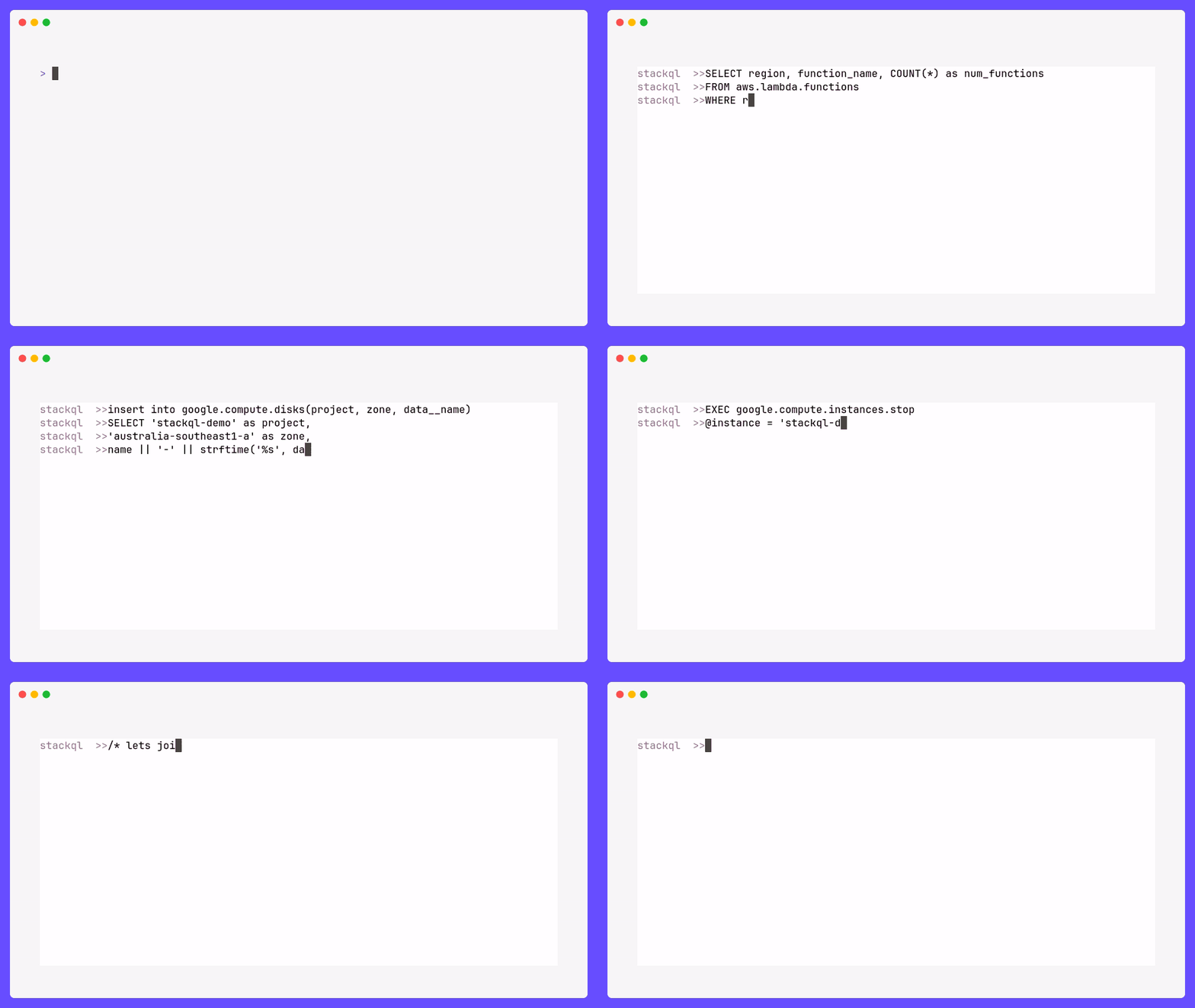
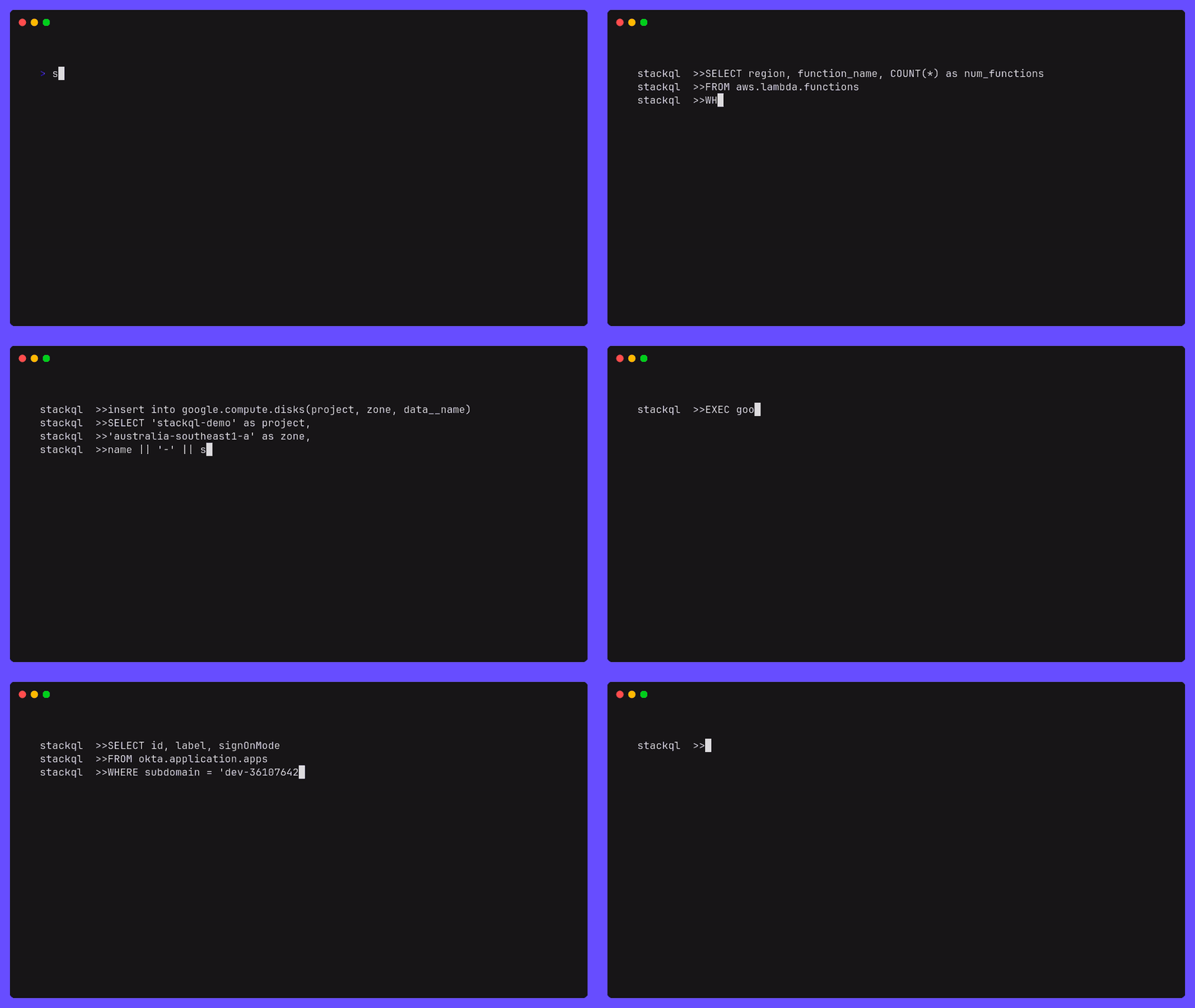
StackQL is an open-source project built with Golang that allows you to create, modify and query the state of services and resources across different local and remote interfaces, using SQL semantics. Such interfaces canonically include, but are not limited to, cloud and SaaS providers (Google, AWS, Azure, Okta, GitHub, etc.).
How it works
StackQL is a standalone application that can be used in client mode (via exec or shell) or accessed via a Postgres wire protocol client (psycopg2, etc.) using server mode (srv).
StackQL parses SQL statements and transpiles them into API requests to the (cloud) resource provider. The API calls are then executed and the results are returned to the user.
StackQL provider interfaces are canonically defined in OpenAPI extensions to the providers' specification. These definitions are then used to generate the SQL schema and the API client. The source for the provider definitions are stored in the StackQL Registry. The semantics of provider interactions are defined in our any-sdk library. For more detail on nuts and bolts, please see the local AGENTS.md file and that of any-sdk.
flowchart LR
  subgraph StackQL
    direction BT
    subgraph ProviderDefs
        Registry[Provider Registry Docs]
    end
    subgraph App
        Proc[$ stackql exec\n$ stackql shell\n$ stackql srv]
        style Proc fill:#000,stroke:#000,color:#fff,text-align:left;

        %% ,font-family:'Courier New', Courier, monospace
    end
  end
  User((User)) <--> StackQL <--> Provider[Cloud Provider API]
  ProviderDefs --> App
More detailed design documentation can be found in the here.
MCP Server
StackQL is an MCP server - SQL over 40+ cloud and SaaS providers for AI agents. Point any MCP-capable client (Claude, VS Code, Cursor, etc.) at StackQL and it can query and provision cloud resources using SQL.
Run it over stdio:
stackql mcp --mcp.server.type=stdio
StackQL MCP is published to the Official MCP Registry as io.github.stackql/stackql-mcp and distributed via npm, PyPI, Docker, a GitHub Action and .mcpb bundles. Pick an install vector and add the matching block to your MCP client config:
{
  "mcpServers": {
    "stackql": {
      "command": "npx",
      "args": ["-y", "@stackql/mcp-server"]
    }
  }
}
{
  "mcpServers": {
    "stackql": {
      "command": "uvx",
      "args": ["stackql-mcp-server"]
    }
  }
}
{
  "mcpServers": {
    "stackql": {
      "command": "docker",
      "args": ["run", "-i", "--rm", "stackql/stackql-mcp"]
    }
  }
}
Download the bundle for your platform from the latest release and install it in your MCP client (one-click in clients that support
.mcpb).
stackql-mcp-linux-x64.mcpbstackql-mcp-linux-arm64.mcpbstackql-mcp-windows-x64.mcpbstackql-mcp-darwin-universal.mcpb
Wire StackQL MCP into agentic CI workflows. Defaults to
read_onlymode, the safe default for CI.
- uses: stackql/setup-stackql-mcp@v1
  with:
    mode: read_only
For client-specific setup, authentication and server modes, see the full MCP install and usage docs.
Installation
StackQL is available for Windows, MacOS, Linux, Docker, GitHub Actions and more. See the installation instructions below for your platform.
- Homebrew (
amd64andarm64)brew install stackqlorbrew tap stackql/tap && brew install stackql/tap/stackql
- MacOS PKG Installer (
amd64andarm64)- download the latest MacOS PKG installer for StackQL
- run the installer and follow the prompts
- MSI Installer
- download the latest MSI installer for StackQL
- run the installer and follow the prompts
- Chocolatey
- install Chocolatey
- run
choco install stackql
- ZIP Archive
- download the latest Windows ZIP archive for StackQL
- extract the archive (code signed
stackql.exefile) to a directory of your choice - add the directory to your
PATHenvironment variable (optional)
- ZIP Archive
- download the latest Linux ZIP archive for StackQL
- or via
curl -L https://bit.ly/stackql-zip -O && unzip stackql-zip
- or via
- extract the archive (
stackqlfile) to a directory of your choice - add the directory to your
PATHenvironment variable (optional)
- download the latest Linux ZIP archive for StackQL
View all available StackQL images on DockerHub. Images available include
stackql,stackql-jupyter-demoand more. Pull the latest StackQL base image using:
docker pull stackql/stackql
Want findings, not infrastructure? Run a read-only cross-cloud security & FinOps audit with the standard image in one command — see the Docker audit quickstart.
Use StackQL in your GitHub Actions workflows to automate cloud infrastructure provisioning, IaC assurance, or compliance/security. Available GitHub Actions include:
setup-stackql,stackql-execand more
Usage
Caller authentication and permissions: configuration and four tested walkthroughs.
StackQL can be used via the interactive REPL shell, or via the exec command or ran as a server using the Postgres wire protocol.
ℹ️ StackQL does not require or install a database.
-
Interactive Shell
# run interactive stackql queries stackql shell --auth="${AUTH}" -
Execute a statement or file
stackql exec --auth="${AUTH}" -i myscript.iql --iqldata vars.jsonnet --output json

# or

stackql exec --auth="${AUTH}" "SELECT id, status FROM aws.ec2.instances WHERE region = 'us-east-1'"
ℹ️ output options of
json,csv,tableandtextare available for theexeccommand using the--outputflagℹ️ StackQL supports passing parameters using
jsonnetorjson, see Using Variables -
Server
# serve client requests over the Postgres wire protocol (psycopg2, etc.)
# clients are not authenticated unless mTLS is configured via --pgsrv.tls, so keep the listener on loopback otherwise
stackql srv --pgsrv.address=127.0.0.1 --auth="${AUTH}"
For more examples, please check our Blog
Contributing
Contributions are welcome and encouraged. For more information on how to contribute, please see our contributing guide.
License
Distributed under the MIT License. See LICENSE for more information. Licenses for third party software we are using are included in the /docs/licenses directory.
Contact
Get in touch with us via Twitter at @stackql, email us at info@stackql.io or start a conversation using discussions.
Acknowledgements
Forks of the following support our work:
- vitess
- kin-openapi
- gorilla/mux
- readline
- psql-wire
- mcp-postgres
- the
golangMCP SDK - ...and more. Please excuse us for any omissions.
We gratefully acknowledge these pieces of work.
Вопросы о StackQL MCP
Как добавить StackQL MCP в Claude Code?
Выполните claude mcp add stackql -- docker run -i --rm docker.io/stackql/stackql-mcp:1.0.888 в терминале. Добавьте --scope user, чтобы сервер был доступен во всех проектах.
Как добавить StackQL MCP в Cursor?
Откройте ~/.cursor/mcp.json и добавьте сервер в mcpServers, используя конфигурацию Cursor из раздела установки выше.
Как StackQL работает с облачными провайдерами?
Он анализирует SQL-запросы и транслирует их в API-запросы для провайдера ресурсов, затем выполняет эти вызовы и возвращает результаты.
Могу ли я использовать StackQL в своих CI/CD процессах?
Да, вы можете подключить StackQL MCP к агентным CI-процессам через GitHub Actions, который по умолчанию работает в безопасном режиме только для чтения.