
AI-студия контента для Instagram, которая позволяет авторам анализировать эффективность, отслеживать конкурентов, генерировать Reels и управлять очередью публикаций через чат.
Также известен как pandich93/creatorloop
- Звёзды
- 0
- Инструменты
- —
- Загрузки, 30 дней
- —
- Последняя версия
- 0.3.0
- Последний коммит
- 18 окт. 2026 г.
- Лицензия
- MIT
Что такое creatorloop MCP?
creatorloop — это MCP server. AI-студия контента для Instagram, которая позволяет авторам анализировать эффективность, отслеживать конкурентов, генерировать Reels и управлять очередью публикаций через чат.
Сводка сгенерирована из README проекта
О creatorloop MCP server
Авторы контента в Instagram могут управлять всем жизненным циклом своих публикаций через чат-интерфейс с Claude. Эта студия использует официальный Instagram API для анализа таких метрик, как время просмотра Reels, рост числа подписчиков и уровень вовлеченности. Она позволяет отказаться от догадок и перейти к решениям на основе данных, показывая, какие хуки, подписи и время публикации действительно приносят результат.
Пользователи могут легально отслеживать аккаунты конкурентов, следить за историей их подписчиков и получать уведомления, когда определенные посты показывают результаты значительно выше средних. Система также берет на себя создание и планирование контента. Она включает шаблон Remotion Reel с автоматической проверкой безопасных зон и оригинальной музыки. Для обеспечения безопасности каждое публичное действие, такое как публикация медиафайлов или ответы на комментарии, требует явного подтверждения пользователя через двухэтапный процесс.
Для настройки требуется приложение Meta, аккаунт Instagram Business или Creator, привязанный к странице Facebook, и инструмент uv для локальной установки. Сервер запускается локально на вашей машине через Python или Docker, что позволяет хранить конфиденциальные данные, такие как App Secret и токены доступа, в вашей локальной системе, а не в истории чата.
Что вы можете с ним делать
- 1Анализ эффективности контентаЗапросите отчет по вашему контенту за последние 60 дней, чтобы узнать, что работает лучше: Reels или карусели.
- 2Мониторинг роста конкурентовОтслеживайте профессиональные аккаунты, чтобы выявлять их виральные посты.
- 3Планирование постов через чатДобавьте подготовленный пост из локальной папки в очередь публикаций на определенное время.
- 4Управление взаимодействием с сообществомНаходите непрочитанные комментарии и создавайте черновики ответов для вашего утверждения.
Взято из README проекта. Каждый вариант использования проверен на соответствие цитате из него.
Как установить creatorloop MCP
Форматы проверены 10 ноя 2026Добавить в CursorДобавить в GooseУстановка creatorloop MCP в Claude Code
$ claude mcp add --env 'IG_ACCESS_TOKEN=<YOUR_IG_ACCESS_TOKEN>' creatorloop -- uvx creatorloopУстановка creatorloop MCP в Cursor
~/.cursor/mcp.json
{
  "mcpServers": {
    "creatorloop": {
      "command": "uvx",
      "args": [
        "creatorloop"
      ],
      "env": {
        "IG_ACCESS_TOKEN": "<YOUR_IG_ACCESS_TOKEN>"
      }
    }
  }
}Установка creatorloop MCP в VS Code
.vscode/mcp.json
{
  "servers": {
    "creatorloop": {
      "type": "stdio",
      "command": "uvx",
      "args": [
        "creatorloop"
      ],
      "env": {
        "IG_ACCESS_TOKEN": "<YOUR_IG_ACCESS_TOKEN>"
      }
    }
  }
}Установка creatorloop MCP в VS Code CLI
$ code --add-mcp '{"name":"creatorloop","type":"stdio","command":"uvx","args":["creatorloop"],"env":{"IG_ACCESS_TOKEN":"<YOUR_IG_ACCESS_TOKEN>"}}'Установка creatorloop MCP в Claude Desktop
claude_desktop_config.json
{
  "mcpServers": {
    "creatorloop": {
      "command": "uvx",
      "args": [
        "creatorloop"
      ],
      "env": {
        "IG_ACCESS_TOKEN": "<YOUR_IG_ACCESS_TOKEN>"
      }
    }
  }
}Установка creatorloop MCP в Codex
$ codex mcp add creatorloop --env 'IG_ACCESS_TOKEN=<YOUR_IG_ACCESS_TOKEN>' -- uvx creatorloopУстановка creatorloop MCP в Codex config.toml
~/.codex/config.toml
[mcp_servers.creatorloop]
command = "uvx"
args = ["creatorloop"]

[mcp_servers.creatorloop.env]
IG_ACCESS_TOKEN = "<YOUR_IG_ACCESS_TOKEN>"
Установка creatorloop MCP в Gemini CLI
$ gemini mcp add -s user -e 'IG_ACCESS_TOKEN=<YOUR_IG_ACCESS_TOKEN>' creatorloop uvx -- creatorloopУстановка creatorloop MCP в Gemini settings.json
~/.gemini/settings.json
{
  "mcpServers": {
    "creatorloop": {
      "command": "uvx",
      "args": [
        "creatorloop"
      ],
      "env": {
        "IG_ACCESS_TOKEN": "<YOUR_IG_ACCESS_TOKEN>"
      }
    }
  }
}Конфигурация
IG_ACCESS_TOKENСекретInstagram Graph API token (long-lived or System User). Can also live in the creatorloop .env file.
IG_USER_IDInstagram professional account ID (not the username).
| Название | Описание | Тип |
|---|---|---|
| IG_ACCESS_TOKEN | Instagram Graph API token (long-lived or System User). Can also live in the creatorloop .env file. | Секрет |
| IG_USER_ID | Instagram professional account ID (not the username). |
Автоматические проверки
Запущено 14 нояб. 2026 г.Полный отчёт →Прошло наши автоматизированные проверки. Это не аудит безопасности: изучите код и предоставьте серверу минимально необходимый доступ. Как работают проверки

- Связанный и доступный исходный репозиторийpandich93/creatorloop is public and reachablegithub.com/pandich93/creatorloop ↗Пройдено
- Пакет указывает этот репозиторий как источникcreatorloop names pandich93/creatorloop as sourcepypi.org/project/creatorloop/ ↗Пройдено
- Происхождение сборки (аттестация Sigstore)Sigstore attestation for creatorlooppypi.org/project/creatorloop/ ↗Пройдено
- Open source лицензия (OSI)MITspdx.org/licenses/MIT.html ↗Пройдено
- Коммит или релиз за последний годLast commit or release 2026-10-18github.com/pandich93/creatorloop ↗Пройдено
- OpenSSF ScorecardНе проверялось
- Имя пакета не похоже на популярный пакетNo popular package one edit away from creatorloopПройдено
- Нет критических предупреждений в пакете или его зависимостях35 resolved dependencies checked; no critical advisoryosv.dev ↗Пройдено
- Нет скрытых инструкций для модели0 tool descriptions and the README read; no override phrases, credential paths or hidden charactersПройдено
- Деструктивные инструменты помеченыНе проверялось
- Удалённая конечная точка отвечает на рукопожатие MCPНе проверялось
README
Открыть на GitHubcreatorloop
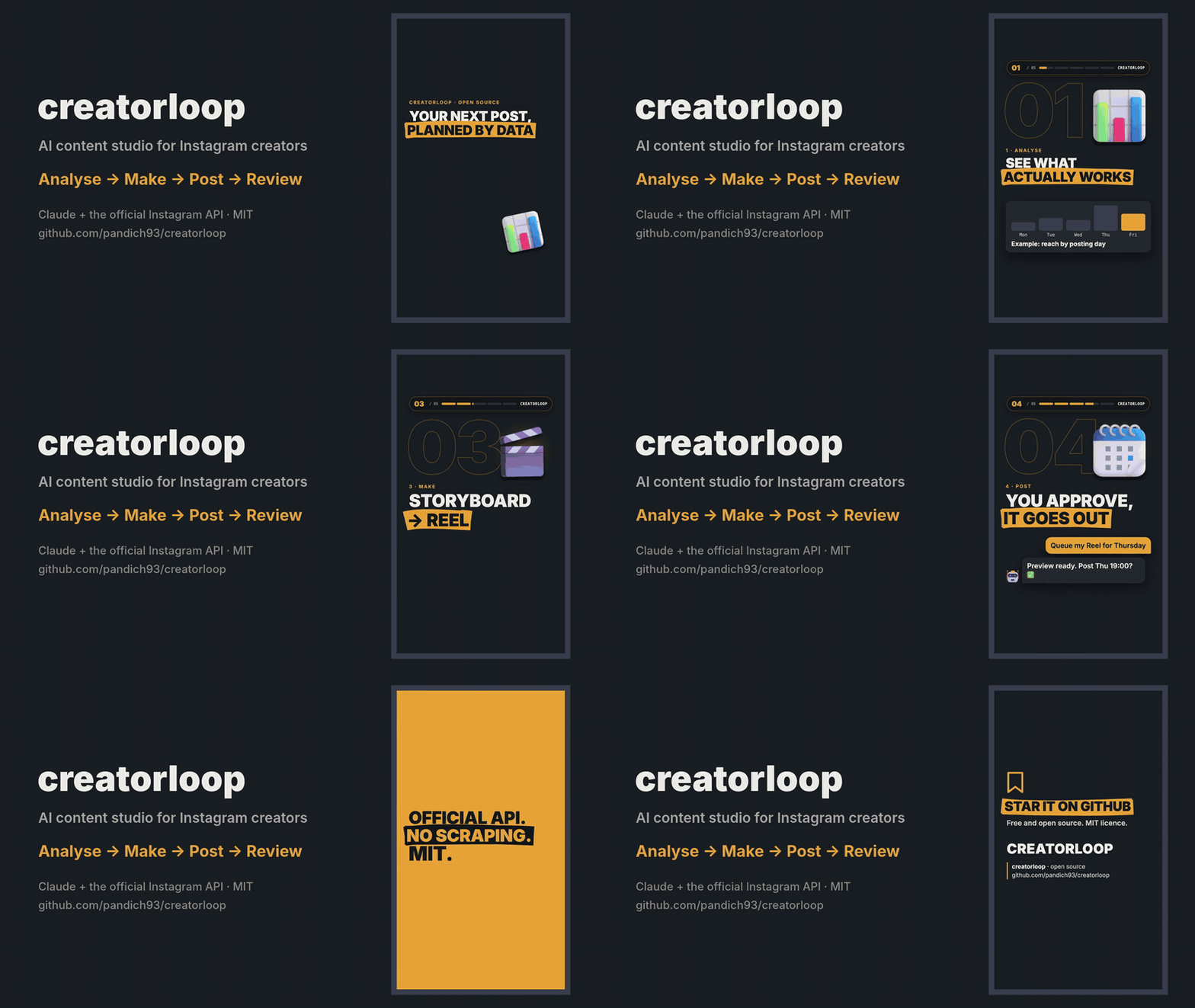
Open-source AI content studio for Instagram creators, built on Claude and the official Instagram API.
Analyse what works → make Reels and carousels → publish or queue them → review how they did. All from a chat with Claude.




Why
There are plenty of "Instagram API for Claude" servers. creatorloop is built for the creator's loop instead:
- Learn from data, not vibes. Best and worst posts with their hooks, format comparison, follows per 1,000 reach, Reels watch time, best day and hour — and which captions (language, question hook, CTA, length) actually work.
- Spy on competitors legally. Track professional accounts, keep their follower history, and get alerted to the posts that did N× better than their median. Analyse any public post by URL, slides included.
- Make the content. A Remotion Reel template with automatic checks (first-second rule, safe zones, "not a copy of the carousel"), original music and licensed 3D objects.
- Publish safely. Two-step publishing with a preview, a queue with fingerprints (a changed file blocks the post), 24 h / 72 h post reviews and comment replies — every public action needs your explicit OK.
- Official API only. No scraping, no browser automation, no risk to your account.
Quick start
You need uv, Claude Desktop, an Instagram Business or Creator account linked to a Facebook Page, and your own Meta app (5-minute guide).
uvx --from creatorloop creatorloop-setup
It connects Claude Desktop and opens a setup page in your browser: enter your app's App ID and App Secret, press Continue with Facebook, done. Then ask Claude: "How did my last 10 posts do, and what should I post next?"
Already in Claude? Ask "connect my Instagram": Claude opens the same page (open_setup). Your App Secret and
token are typed only into that local page, never into the chat.
| System | Command |
|---|---|
| Windows | powershell -ExecutionPolicy ByPass -c "irm https://astral.sh/uv/install.ps1 | iex" |
| macOS | brew install uv or curl -LsSf https://astral.sh/uv/install.sh | sh |
| Linux | curl -LsSf https://astral.sh/uv/install.sh | sh |
creatorloop runs on Python 3.12 or newer; uv downloads one by itself if you don't have it.
creatorloop-setup finds the Claude Desktop config on Windows (including the Microsoft Store build), macOS and Linux,
keeps your other servers, makes a backup and creates your settings file. Claude Desktop rewrites its config while it
runs, so on macOS the command quits and reopens it for you; on Windows and Linux it asks you to quit it first.
One-click install (Claude Desktop)
Prefer not to open a terminal? Download the .mcpb file from the
latest release and double-click it (or drag it into
Claude Desktop → Settings → Extensions). Claude Desktop sets up Python and the dependencies itself, so the first start
takes a minute. Leave the two optional fields empty and ask Claude "connect my Instagram": the same setup page opens.
Fill them in only if you already have a token and account ID — values entered there win over the setup page. If
Claude Desktop says it can't find uv, install it (see Installing uv above) and restart Claude Desktop.
Build the image straight from GitHub and keep your settings in a folder on your computer:
docker build -t creatorloop https://github.com/pandich93/creatorloop.git
mkdir "$HOME/creatorloop"
If you use the post queue, first create .env in that folder with IG_TIMEZONE=Europe/Berlin (your zone): the container
runs in UTC.
Connect your account (the setup page runs in the container; open the printed link in your browser). Keep all three
8765 the same; to use another port change all three:
docker run --rm -it -p 127.0.0.1:8765:8765 -v "$HOME/creatorloop:/data" --entrypoint creatorloop-auth creatorloop \
  login --no-browser --port 8765 --bind 0.0.0.0
creatorloop-setup doesn't run inside Docker, so add the server to claude_desktop_config.json yourself, with the
full path to the folder:
{
  "mcpServers": {
    "creatorloop": {
      "command": "docker",
      "args": ["run", "-i", "--rm", "-v", "/Users/you/creatorloop:/data", "creatorloop"]
    }
  }
}
Post folders for prepare_post and queue_post go into creatorloop/content/. The image includes cloudflared for
publishing carousels.
The open_setup tool does not work inside Docker; use the command above to reconnect.
What you can ask
- "Make a report on my content for the last 60 days. Reels or carousels — what works better, and when should I post?"
- "Compare me with @competitor1 and @competitor2. Who has the higher engagement and why?"
- "Analyse this post https://www.instagram.com/p/… and write my own version of it."
- "Track @competitor and tell me every week which of their posts took off."
- "Check the hashtags #ai, #productivity and #startup. Check the quota first."
- "Queue the post from folder
my-first-reelfor the next free slot." → preview → "yes" → it goes out on time. - "Which new comments haven't I answered? Draft replies." → you approve each reply.
Ready-made prompts in Claude Desktop's + menu: Weekly Instagram report, Competitor brief, Data-driven content ideas.
Tools
| Area | Tools |
|---|---|
| Your account | get_my_profile, get_my_media, get_media_insights, get_account_insights, get_audience_demographics |
| Content analysis | get_my_content_report, get_caption_insights, get_post_history, post_reviews |
| Competitors | get_competitor, compare_accounts, get_follower_history, track_competitor, untrack_competitor, list_tracked_competitors, update_tracked_competitors, find_viral_posts, get_competitor_post |
| Hashtags | search_hashtag, compare_hashtags, plan_hashtag_research |
| Publishing | prepare_post, get_post_job, publish_media, list_publications |
| Queue | queue_post, list_queue, cancel_queued |
| Comments | get_new_comments, reply_comment |
| Service | get_api_status, open_setup, clear_cache, restart_server |
34 tools in total. Tools that change something on Instagram are annotated as such for Claude, and their descriptions
tell it to act only after you approve: publish_media and reply_comment after you OK the preview or the exact
text, queue_post only with confirm=true after you saw the preview.
Publishing
Put the files into a folder inside your content folder (<creatorloop home>/content/<name>/):
my-carousel/                   my-reel/
  slide_01.png … slide_10.png    reel.mp4        # H.264/HEVC, 23–60 fps, ≤1920 px wide, 3 s–15 min, ≤300 MB
  caption.txt                    caption.txt
                                 reel.json       # optional: {"cover_ms": 1667, "share_to_feed": true, "trial": "SS_PERFORMANCE"}
- Slides: 1–10 PNG/JPG (API limit), aspect ratio 4:5 to 1.91:1, ordered by file name. Everything below a
---line incaption.txtis notes and is not published. - Then: "prepare the post from folder
my-carousel" → preview → "publish". Or queue it for a slot. - Carousels: Instagram downloads images from a public URL, so creatorloop opens a temporary
Cloudflare Quick Tunnel
for that minute. Install
cloudflaredonce:winget install --id Cloudflare.cloudflared -e(Windows),brew install cloudflared(macOS) or a package from pkg.cloudflare.com (Linux). - Reels upload directly to Meta (no tunnel). The MP4 header is checked before upload (duration, size, width,
moovfirst) with the exactffmpegfix if something is off. - Queue slots default to Tue/Thu/Sun 19:00 in your timezone — an example, change
QUEUE_SLOTSin the settings file. A queued post is blocked if its files or caption change after you approved it, and is marked missed if your computer was asleep for more than 3 hours past the slot. - Meta's limit is 100 posts per rolling 24 hours;
list_publicationsshows what is left. Publishing is never retried automatically, so there are no duplicates.
Making the content itself: see examples/ and the content pipeline —
a sample carousel, a sample Reel storyboard and the Remotion Reel template.
What the Instagram API allows (and doesn't)
| Possible | Not possible | |
|---|---|---|
| Your account | Reach, views, likes, comments, saves, shares, profile visits, follows per post, Reels average watch time, audience demographics, account totals | Data older than 2 years; insights per carousel slide; Stories after 24 h |
| Competitors (Business Discovery) | Public data of Business/Creator accounts: followers, posts, bio, likes, comments, Reels views per post | Personal or private accounts; their reach, saves, shares, demographics; Stories |
| Hashtags | Top posts and posts from the last 24 h | More than 30 unique hashtags per rolling 7 days; post authors; keyword, audio or trend search |
| Follower growth | creatorloop saves a daily snapshot for you and every competitor you look at | History before the first snapshot |
Engagement rate for your posts = Σ(likes + comments + saves + shares) / Σreach × 100 (weighted, so tiny posts don't skew it). Posts younger than 72 h are reported separately as "still growing". Competitors' ER is per follower — the API does not expose their reach.
Settings
creatorloop-setup creates .env in your creatorloop home folder:
| System | Home folder |
|---|---|
| Windows | %APPDATA%\creatorloop |
| macOS | ~/Library/Application Support/creatorloop |
| Linux | ~/.local/share/creatorloop (or $XDG_DATA_HOME/creatorloop) |
Set CREATORLOOP_HOME to use another folder. The home folder holds .env, the creatorloop.db database and the
content/ folder.
| Variable | Required | Meaning |
|---|---|---|
IG_ACCESS_TOKEN |
yes | Long-lived (60 days) or System User (never expires) token — see Meta setup |
IG_USER_ID |
yes | Your Instagram professional account ID (1784…), not the username |
GRAPH_API_VERSION |
no | Default v26.0 |
META_APP_ID, META_APP_SECRET |
no | Filled by the setup page; also used to check the token expiry |
IG_TIMEZONE |
no | IANA name, e.g. Europe/Berlin. Default: your computer's timezone |
QUEUE_SLOTS |
no | e.g. Mon,Wed,Fri 20:00 |
IG_DB_PATH, CACHE_TTL_*_MIN |
no | Database location, cache lifetime in minutes |
The token expiry shows up in get_api_status, and every tool answer carries a token_warning 14 days before expiry.
FAQ
Data & privacy
- Your token, settings, database and content stay on your computer in the creatorloop home folder.
- creatorloop talks to Meta only: the Instagram Graph API (
graph.facebook.com,rupload.facebook.comfor video uploads) and Instagram's media servers when it downloads the slides of a post you asked it to analyse. - To publish carousels (and Reels, if the direct upload is refused) it opens a temporary Cloudflare Quick Tunnel to your local files for the minute Meta needs to fetch them, then closes it and deletes the temporary copies.
- No analytics, telemetry or third-party services.
Development
git clone https://github.com/pandich93/creatorloop && cd creatorloop
uv sync
uv run pytest            # offline: mocked Graph API and captured response shapes
uv run creatorloop-setup # points Claude Desktop at this checkout instead of the PyPI package
See CONTRIBUTING.md. Security issues: SECURITY.md.
Disclaimer
creatorloop is an independent open-source project. Not affiliated with, endorsed or sponsored by Meta or Instagram. "Instagram" is a trademark of Meta Platforms, Inc. You are responsible for complying with the Meta Platform Terms and Instagram's policies when you use it.
License
MIT. The Reel template in examples/reel-template uses Remotion, which has
its own licence; bundled assets and fonts are listed in
examples/reel-template/public/assets/LICENSES.md.
Вопросы о creatorloop MCP
Как добавить creatorloop MCP в Claude Code?
Выполните claude mcp add --env 'IG_ACCESS_TOKEN=<YOUR_IG_ACCESS_TOKEN>' creatorloop -- uvx creatorloop в терминале. Добавьте --scope user, чтобы сервер был доступен во всех проектах.
Как добавить creatorloop MCP в Cursor?
Откройте ~/.cursor/mcp.json и добавьте сервер в mcpServers, используя конфигурацию Cursor из раздела установки выше.
Использует ли этот сервер скрапинг или автоматизацию браузера?
Нет, он использует только официальный Instagram API, что исключает риск блокировки аккаунта.
Могу ли я отслеживать показатели моих конкурентов?
Да, вы можете отслеживать профессиональные аккаунты, мониторить историю их подписчиков и получать уведомления о постах с высокими показателями.
Как работает процесс публикации?
Сервер использует двухэтапный процесс публикации с предварительным просмотром и системой очередей, чтобы вы могли подтвердить каждое действие.
К каким данным Instagram я могу получить доступ?
Вы можете получить доступ к охватам, просмотрам, лайкам, комментариям, сохранениям, репостам, посещениям профиля и демографии аудитории.