
MCP server Context.dev
Коммит 13 нояб. 2026 г.Позволяет ИИ-агентам выполнять поиск в интернете в реальном времени, сканировать веб-сайты, извлекать структурированные данные и анализировать документы через Model Context Protocol.
Также известен как context-dot-dev/mcp
- Звёзды
- 2
- Инструменты
- —
- Загрузки, 30 дней
- —
- Последняя версия
- —
- Последний коммит
- 13 нояб. 2026 г.
- Лицензия
- MIT
Что такое Context.dev MCP?
Context.dev — это MCP server. Позволяет ИИ-агентам выполнять поиск в интернете в реальном времени, сканировать веб-сайты, извлекать структурированные данные и анализировать документы через Model Context Protocol.
Сводка сгенерирована из README проекта
О Context.dev MCP server
Context MCP предоставляет ИИ-агентам доступ к интернету в реальном времени через Model Context Protocol. Это позволяет подключать совместимые клиенты, такие как Claude, ChatGPT, Cursor или Codex, для выполнения веб-поиска, скрапинга сайтов и извлечения структурированных данных. Вместо запуска локального движка для скрапинга, сервер выступает в роли интерфейса для Context.dev API, который берет на себя всю ресурсоемкую работу по обработке данных.
Настройка проста, так как для удаленной версии не требуется локальная установка. Пользователи подключаются по определенному URL и проходят аутентификацию через OAuth в браузере или путем передачи API key в заголовке авторизации. Сервер поддерживает различные специализированные инструменты, включая web-search, web-scrape и parse-document, чтобы преобразовывать веб-контент или файлы в Markdown и JSON. Он также включает функции для мониторинга изменений на сайтах и получения брендовых ассетов, таких как логотипы и цветовые схемы.
Что вы можете с ним делать
- 1Проведение оперативных веб-исследованийПопросите своего ассистента найти последние новости по конкретной теме и предоставить ссылки на источники.
- 2Извлечение структурированных данных со страницПреобразуйте информацию о товарах с веб-сайта в структурированный формат JSON.
- 3Конвертация документов в MarkdownПревратите PDF-файл в краткое изложение в формате Markdown для более удобной обработки ИИ.
- 4Мониторинг обновлений веб-сайтовНастройте систему для отслеживания изменений на конкретной странице с ценами с течением времени.
Взято из README проекта. Каждый вариант использования проверен на соответствие цитате из него.
Конфигурация
CONTEXT_API_KEY
| Название | Описание | Тип |
|---|---|---|
| CONTEXT_API_KEY | — |
Автоматические проверки
Запущено 14 нояб. 2026 г.Полный отчёт →Еще не проверено. Для сервера требуется оценка 80, отсутствие серьезных проблем и достаточно данных для нашей проверки. Как работают проверки · Что исправить, чтобы получить больше баллов

- Связанный и доступный исходный репозиторийcontext-dot-dev/mcp is public and reachablegithub.com/context-dot-dev/mcp ↗Пройдено
- Пакет указывает этот репозиторий как источникНе проверялось
- Происхождение сборки (аттестация Sigstore)Не проверялось
- Open source лицензия (OSI)MITspdx.org/licenses/MIT.html ↗Пройдено
- Коммит или релиз за последний годLast commit or release 2026-11-13github.com/context-dot-dev/mcp ↗Пройдено
- OpenSSF ScorecardНе проверялось
- Имя пакета не похоже на популярный пакетНе проверялось
- Нет критических предупреждений в пакете или его зависимостяхНе проверялось
- Нет скрытых инструкций для модели0 tool descriptions and the README read; no override phrases, credential paths or hidden charactersПройдено
- Деструктивные инструменты помеченыНе проверялось
- Удалённая конечная точка отвечает на рукопожатие MCPНе проверялось
README
Открыть на GitHub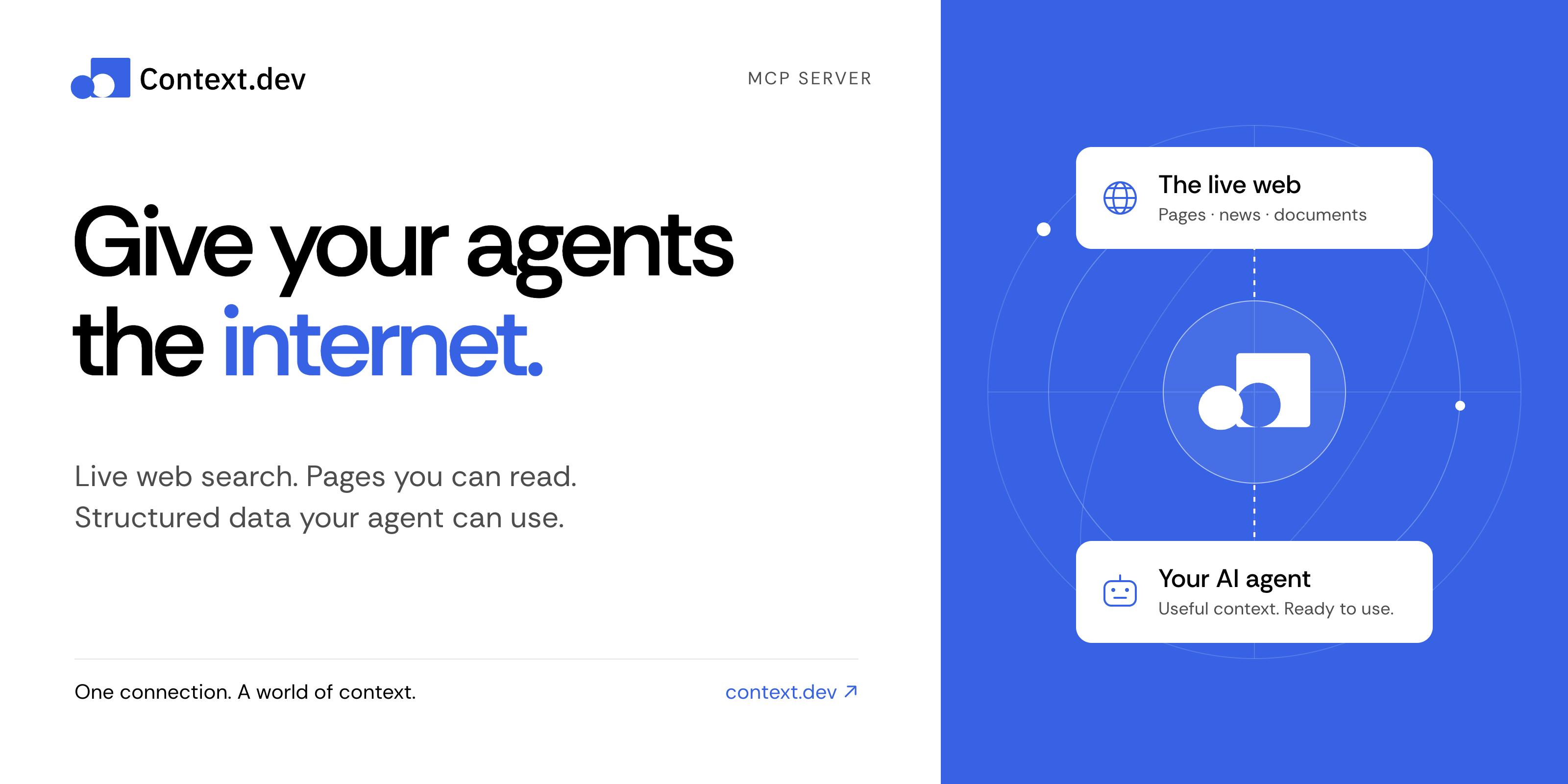
Context MCP server
Give your AI assistant live web search, web scraping, and structured data.
Context MCP is the official Context.dev server for the Model Context Protocol (MCP). Connect Claude, ChatGPT, Codex, Cursor, or another compatible AI client to search the web, read pages, research companies, parse documents, and monitor changes—all from a conversation.
Get started · Things to try · Documentation · Tool reference · Contribute
Connect in a minute
No clone, npm install, or local server needed.
-
Add this remote MCP server to your AI client's MCP or connector settings:
https://mcp.context.dev/mcp -
Sign in with your Context.dev account when prompted.
-
Start a conversation and try: “Search the web for recent developments in battery recycling. Include source links.”
Choose your client for the exact setup:
Use the official Claude connector or ChatGPT integration, then complete sign-in and enable Context in your conversation.
For a manual Claude connection, add a custom connector with the URL above. Client plans and workspace policies can affect connector availability.
claude mcp add --transport http --scope user context https://mcp.context.dev/mcp
Start Claude Code, run /mcp, select context, and finish sign-in in your browser.
codex mcp add context --url https://mcp.context.dev/mcp
Complete browser sign-in. If it does not start automatically, run:
codex mcp login context
Add this entry to .cursor/mcp.json for your project, or ~/.cursor/mcp.json for all projects. Keep any servers you already have.
{
  "mcpServers": {
    "context": {
      "url": "https://mcp.context.dev/mcp"
    }
  }
}
Enable context in Cursor's MCP settings and complete sign-in. The Context.dev Cursor plugin is another installation option; choose one to avoid duplicate connections.
For Gemini CLI, VS Code, OpenCode, and other clients, see the client setup guide. The server uses remote Streamable HTTP and supports OAuth or API key authentication.
Things to try
Ask naturally. Your assistant chooses the appropriate tools.
| What you want | Try this prompt |
|---|---|
| Research with current sources | “Find recent research on sodium-ion batteries. Summarize the main findings and link to the sources.” |
| Read a website | “Read https://docs.context.dev/ and explain how to scrape a page.” |
| Extract structured data | “From this product page, extract the name, price, currency, and availability as JSON: [URL].” |
| Explore documentation | “Crawl this documentation section and summarize its authentication methods: [URL].” |
| Research a company | “Find recent news about Stripe and retrieve its brand colors and logo.” |
| Work with a document | “Convert this PDF to Markdown and summarize the key points.” |
| Track changes | “Create a monitor for this pricing page and tell me what changes: [URL].” |
Document parsing requires a client that can supply the file's bytes. Creating monitors or batches changes your Context account and can consume credits; review the proposed action before approving it.
What can Context MCP do?
| Capability | Tools |
|---|---|
| Search and answers — find current sources and research a question | web-search, web-answers |
| Read and extract — turn pages into Markdown, HTML, screenshots, or structured JSON | web-scrape |
| Map and crawl — discover URLs and read linked pages | web-map, web-crawl |
| Company news — search a topic or a named company | get-news-search |
| Brand and design — retrieve logos, colors, company details, and design styles | get-brand, brand-retrieve-unified, brand-search, web-styleguide |
| Companies and people — find businesses and professional profiles | company-search, people-search, people-enrich |
| Documents — convert supplied files into Markdown | parse-document |
| Batches and monitors — process many URLs and track changes over time | Batch, monitor, and webhook tools |
| Account tools — inspect usage, debug requests, and manage website access policies | Usage, log, and access-policy tools |
See the complete tool reference for tool names, response formats, permissions, and limits.
Frequently asked questions
Is Context MCP free and open source?
This server's source code is available under the MIT license. Calls to Context.dev use your account's credits and entitlements, including when you run this server yourself. See current plans and pricing.
Do I need an API key?
Most supported clients connect through OAuth: sign in once in your browser. If your client cannot use OAuth, configure a private header instead:
Authorization: Bearer YOUR_CONTEXT_API_KEY
X-API-Key also works. Keep the key in your client's secret configuration, outside committed files and prompts. Prefer headers over putting credentials in the server URL.
Does this run the scraping engine on my computer?
No. This repository runs the MCP interface. Search, scraping, extraction, and other data operations are handled by the Context.dev API. Self-hosting changes where the MCP server runs; it still needs a Context account.
Why does my client show fewer tools?
OpenCode and Kilo receive a smaller core catalog by default. To request the full catalog, use https://mcp.context.dev/mcp?profile=full. To explicitly request the core catalog, use ?profile=core.
How can I use less context in my agent?
Ask for focused results, relevant highlights, or compact responses. web-search and web-scrape accept responseMode: "compact". Compact responses reduce returned content; they do not change API credit costs. See response limits and compact mode.
What if a connection or request fails?
Check that the URL includes /mcp, complete sign-in, and enable the server in your client. Reconnect if authentication has expired. If you run out of credits, check usage and billing; reconnecting will not replenish credits. See the setup and troubleshooting guide.
Run locally or self-host
For contributors and teams that want to run their own MCP interface:
git clone https://github.com/context-dot-dev/mcp.git
cd mcp
npm ci
Then start it with a key stored in your environment:
export CONTEXT_API_KEY="YOUR_CONTEXT_API_KEY"
npm run dev
Use Node.js 22.12 or later. Connect to http://localhost:3000/mcp. A real API key sends requests to the Context.dev API and uses your account's credits. Keep a local server with a fallback API key private.
- Development guide — setup, tests, and endpoint generation.
- Deployment guide — OAuth, domains, and production configuration.
- Contributing — report a bug or propose a change.
- Security policy — report a vulnerability privately.
Documentation and support
- Context.dev documentation and API reference
- Agent quickstart and documentation index for AI tools
- GitHub issues for bugs and feature requests
- Contact Context.dev for account help
Built by Context.dev. Licensed under MIT.
Вопросы о Context.dev MCP
Нужен ли мне API key?
Большинство клиентов используют OAuth для удобного входа через браузер. Если ваш клиент не поддерживает OAuth, вы можете использовать приватный заголовок с вашим Context API key.
Движок для скрапинга работает локально на моем устройстве?
Нет, вы запускаете интерфейс MCP, но все операции по поиску, скрапингу и обработке данных выполняются через Context.dev API.