
Permite que los agentes de IA consulten y aprovisionen recursos de nube y SaaS a través de docenas de proveedores utilizando semántica SQL.
También conocido como stackql/stackql, stackql, @stackql/mcp-server, stackql-mcp-server
- Stars
- 1080
- Herramientas
- —
- Descargas, 30 días
- —
- Última versión
- 1.0.888
- Último commit
- 12 nov 2026
- Licencia
- MIT
¿Qué es StackQL MCP?
StackQL es un MCP server. Permite que los agentes de IA consulten y aprovisionen recursos de nube y SaaS a través de docenas de proveedores utilizando semántica SQL.
Resumen generado a partir del README del proyecto
Acerca del MCP server de StackQL
El StackQL MCP Server ofrece una forma para que los agentes de IA gestionen e inspeccionen recursos de nube y SaaS utilizando semántica SQL estándar. Actúa como una capa de traducción que analiza sentencias SQL y las convierte en solicitudes de API para más de 40 proveedores diferentes, incluyendo AWS, Google, Azure, Okta y GitHub. Esto permite a los desarrolladores interactuar con infraestructuras complejas a través de una interfaz de datos unificada en lugar de tener que aprender las API individuales de cada proveedor.
El servidor se puede integrar en clientes compatibles con MCP como Claude, Cursor o VS Code. Está disponible a través de varios métodos de instalación, incluyendo npm vía npx, PyPI vía uvx, contenedores Docker y paquetes específicos para macOS, Windows y Linux. Para entornos automatizados, puede implementarse dentro de flujos de trabajo de GitHub Actions. Los usuarios pueden ejecutar el servidor a través de stdio o utilizarlo en modo de solo lectura para auditorías seguras de seguridad y FinOps.
Qué puedes hacer con él
- 1Aprovisionar infraestructura en la nubeUn agente de IA puede crear y modificar recursos de nube mediante el envío de comandos SQL.
- 2Realizar auditorías multi-nubeLos desarrolladores pueden ejecutar auditorías de seguridad y gestión de costes en múltiples proveedores de nube simultáneamente.
- 3Automatizar infraestructura en CI/CDIntegra la gestión de recursos de nube y las comprobaciones de cumplimiento directamente en tus flujos de trabajo de GitHub Actions.
Escrito a partir del README del proyecto. Cada caso de uso se verifica con una cita del mismo.
Cómo instalar StackQL MCP
Formatos verificados el 10 nov 2026Instalar StackQL MCP en Claude Code
$ claude mcp add stackql -- docker run -i --rm docker.io/stackql/stackql-mcp:1.0.888Instalar StackQL MCP en Cursor
~/.cursor/mcp.json
{
  "mcpServers": {
    "stackql": {
      "command": "docker",
      "args": [
        "run",
        "-i",
        "--rm",
        "docker.io/stackql/stackql-mcp:1.0.888"
      ]
    }
  }
}Instalar StackQL MCP en VS Code
.vscode/mcp.json
{
  "servers": {
    "stackql": {
      "type": "stdio",
      "command": "docker",
      "args": [
        "run",
        "-i",
        "--rm",
        "docker.io/stackql/stackql-mcp:1.0.888"
      ]
    }
  }
}Instalar StackQL MCP en Claude Desktop
claude_desktop_config.json
{
  "mcpServers": {
    "stackql": {
      "command": "docker",
      "args": [
        "run",
        "-i",
        "--rm",
        "docker.io/stackql/stackql-mcp:1.0.888"
      ]
    }
  }
}Instalar StackQL MCP en Codex
~/.codex/config.toml
[mcp_servers.stackql]
command = "docker"
args = ["run", "-i", "--rm", "docker.io/stackql/stackql-mcp:1.0.888"]
Instalar StackQL MCP en Gemini CLI
~/.gemini/settings.json
{
  "mcpServers": {
    "stackql": {
      "command": "docker",
      "args": [
        "run",
        "-i",
        "--rm",
        "docker.io/stackql/stackql-mcp:1.0.888"
      ]
    }
  }
}Verificaciones automáticas
Ejecutado 12 nov 2026Informe completo →Pasó nuestras verificaciones automáticas. Esto no es una auditoría de seguridad: lee el código y dale al servidor el acceso más limitado que necesite. Cómo funcionan las verificaciones

- Repositorio de origen vinculado y accesibleAprobado
- Licencia de código abierto (OSI)Aprobado
- Commit o lanzamiento en el último añoAprobado
- El nombre del paquete no es similar a un paquete popularAprobado
- El endpoint remoto usa HTTPSNo verificado
- Las herramientas destructivas están etiquetadasNo verificado
- Sin instrucciones ocultas para el modeloAprobado
- Sin avisos críticos en el paquete ni en sus dependenciasAprobado
README
Ver en GitHub







Deploy, manage and query cloud resources and interact with APIs using SQL
The Universal Interface for the Agentic Era. Configuration-as-Data. Infrastructure-as-Context.
Read the docs »
Raise an Issue ·
Request a Feature ·
Developer Guide ·
BYO Providers
About The Project
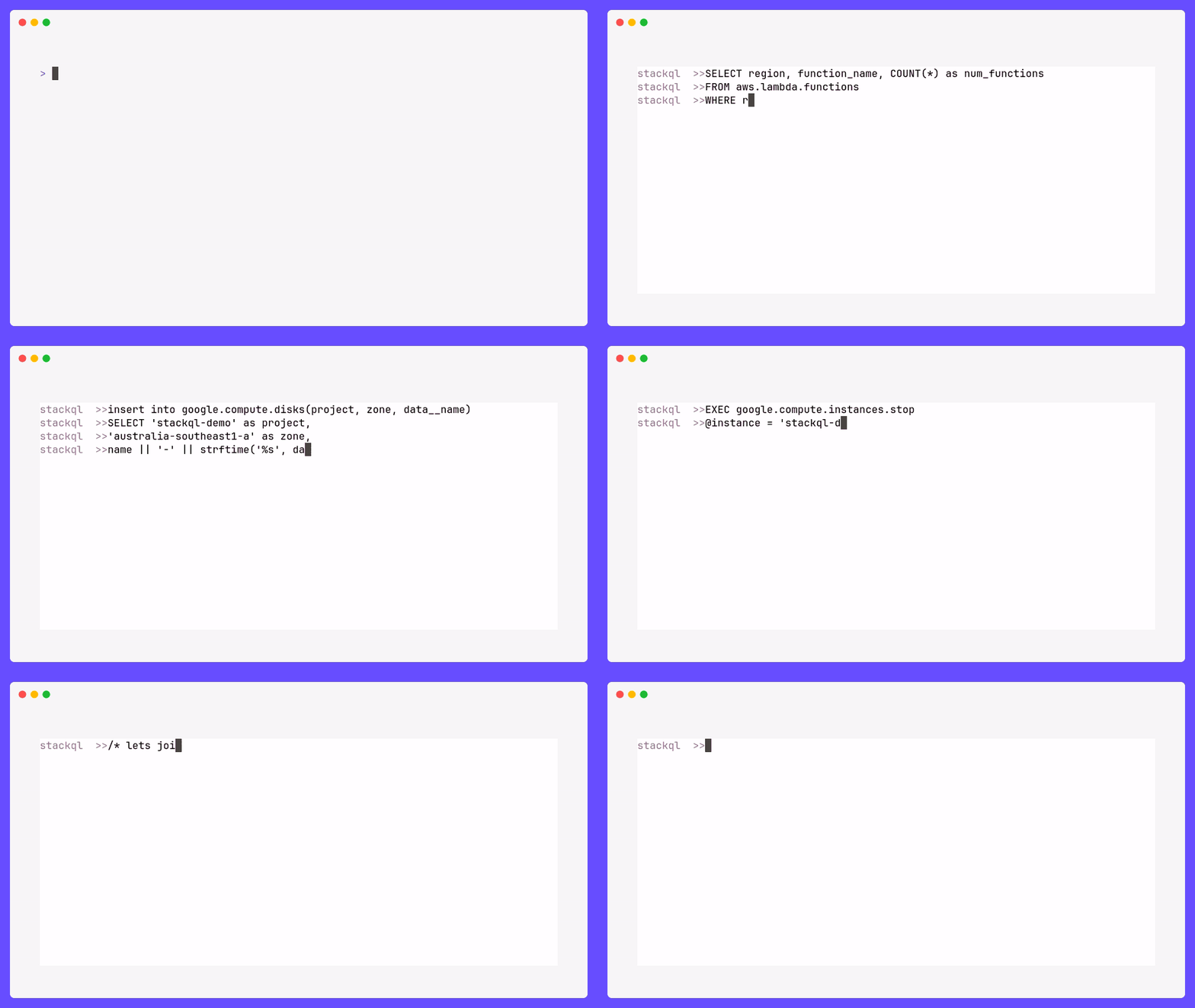
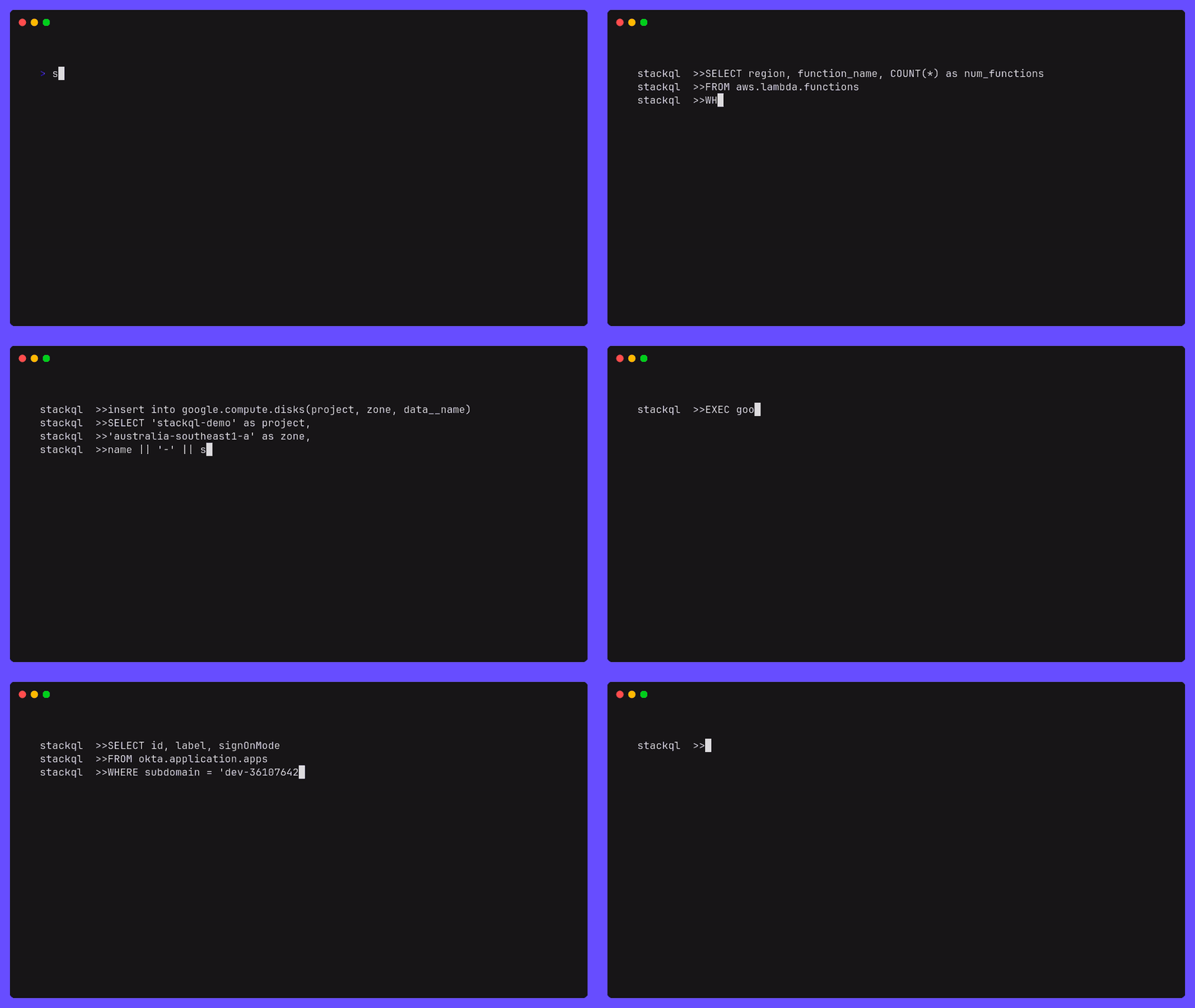
StackQL is an open-source project built with Golang that allows you to create, modify and query the state of services and resources across different local and remote interfaces, using SQL semantics. Such interfaces canonically include, but are not limited to, cloud and SaaS providers (Google, AWS, Azure, Okta, GitHub, etc.).
How it works
StackQL is a standalone application that can be used in client mode (via exec or shell) or accessed via a Postgres wire protocol client (psycopg2, etc.) using server mode (srv).
StackQL parses SQL statements and transpiles them into API requests to the (cloud) resource provider. The API calls are then executed and the results are returned to the user.
StackQL provider interfaces are canonically defined in OpenAPI extensions to the providers' specification. These definitions are then used to generate the SQL schema and the API client. The source for the provider definitions are stored in the StackQL Registry. The semantics of provider interactions are defined in our any-sdk library. For more detail on nuts and bolts, please see the local AGENTS.md file and that of any-sdk.
flowchart LR
  subgraph StackQL
    direction BT
    subgraph ProviderDefs
        Registry[Provider Registry Docs]
    end
    subgraph App
        Proc[$ stackql exec\n$ stackql shell\n$ stackql srv]
        style Proc fill:#000,stroke:#000,color:#fff,text-align:left;

        %% ,font-family:'Courier New', Courier, monospace
    end
  end
  User((User)) <--> StackQL <--> Provider[Cloud Provider API]
  ProviderDefs --> App
More detailed design documentation can be found in the here.
MCP Server
StackQL is an MCP server - SQL over 40+ cloud and SaaS providers for AI agents. Point any MCP-capable client (Claude, VS Code, Cursor, etc.) at StackQL and it can query and provision cloud resources using SQL.
Run it over stdio:
stackql mcp --mcp.server.type=stdio
StackQL MCP is published to the Official MCP Registry as io.github.stackql/stackql-mcp and distributed via npm, PyPI, Docker, a GitHub Action and .mcpb bundles. Pick an install vector and add the matching block to your MCP client config:
{
  "mcpServers": {
    "stackql": {
      "command": "npx",
      "args": ["-y", "@stackql/mcp-server"]
    }
  }
}
{
  "mcpServers": {
    "stackql": {
      "command": "uvx",
      "args": ["stackql-mcp-server"]
    }
  }
}
{
  "mcpServers": {
    "stackql": {
      "command": "docker",
      "args": ["run", "-i", "--rm", "stackql/stackql-mcp"]
    }
  }
}
Download the bundle for your platform from the latest release and install it in your MCP client (one-click in clients that support
.mcpb).
stackql-mcp-linux-x64.mcpbstackql-mcp-linux-arm64.mcpbstackql-mcp-windows-x64.mcpbstackql-mcp-darwin-universal.mcpb
Wire StackQL MCP into agentic CI workflows. Defaults to
read_onlymode, the safe default for CI.
- uses: stackql/setup-stackql-mcp@v1
  with:
    mode: read_only
For client-specific setup, authentication and server modes, see the full MCP install and usage docs.
Installation
StackQL is available for Windows, MacOS, Linux, Docker, GitHub Actions and more. See the installation instructions below for your platform.
- Homebrew (
amd64andarm64)brew install stackqlorbrew tap stackql/tap && brew install stackql/tap/stackql
- MacOS PKG Installer (
amd64andarm64)- download the latest MacOS PKG installer for StackQL
- run the installer and follow the prompts
- MSI Installer
- download the latest MSI installer for StackQL
- run the installer and follow the prompts
- Chocolatey
- install Chocolatey
- run
choco install stackql
- ZIP Archive
- download the latest Windows ZIP archive for StackQL
- extract the archive (code signed
stackql.exefile) to a directory of your choice - add the directory to your
PATHenvironment variable (optional)
- ZIP Archive
- download the latest Linux ZIP archive for StackQL
- or via
curl -L https://bit.ly/stackql-zip -O && unzip stackql-zip
- or via
- extract the archive (
stackqlfile) to a directory of your choice - add the directory to your
PATHenvironment variable (optional)
- download the latest Linux ZIP archive for StackQL
View all available StackQL images on DockerHub. Images available include
stackql,stackql-jupyter-demoand more. Pull the latest StackQL base image using:
docker pull stackql/stackql
Want findings, not infrastructure? Run a read-only cross-cloud security & FinOps audit with the standard image in one command — see the Docker audit quickstart.
Use StackQL in your GitHub Actions workflows to automate cloud infrastructure provisioning, IaC assurance, or compliance/security. Available GitHub Actions include:
setup-stackql,stackql-execand more
Usage
Caller authentication and permissions: configuration and four tested walkthroughs.
StackQL can be used via the interactive REPL shell, or via the exec command or ran as a server using the Postgres wire protocol.
ℹ️ StackQL does not require or install a database.
-
Interactive Shell
# run interactive stackql queries stackql shell --auth="${AUTH}" -
Execute a statement or file
stackql exec --auth="${AUTH}" -i myscript.iql --iqldata vars.jsonnet --output json

# or

stackql exec --auth="${AUTH}" "SELECT id, status FROM aws.ec2.instances WHERE region = 'us-east-1'"
ℹ️ output options of
json,csv,tableandtextare available for theexeccommand using the--outputflagℹ️ StackQL supports passing parameters using
jsonnetorjson, see Using Variables -
Server
# serve client requests over the Postgres wire protocol (psycopg2, etc.)
# clients are not authenticated unless mTLS is configured via --pgsrv.tls, so keep the listener on loopback otherwise
stackql srv --pgsrv.address=127.0.0.1 --auth="${AUTH}"
For more examples, please check our Blog
Contributing
Contributions are welcome and encouraged. For more information on how to contribute, please see our contributing guide.
License
Distributed under the MIT License. See LICENSE for more information. Licenses for third party software we are using are included in the /docs/licenses directory.
Contact
Get in touch with us via Twitter at @stackql, email us at info@stackql.io or start a conversation using discussions.
Acknowledgements
Forks of the following support our work:
- vitess
- kin-openapi
- gorilla/mux
- readline
- psql-wire
- mcp-postgres
- the
golangMCP SDK - ...and more. Please excuse us for any omissions.
We gratefully acknowledge these pieces of work.
Preguntas sobre StackQL MCP
¿Cómo agrego StackQL MCP a Claude Code?
Ejecuta claude mcp add stackql -- docker run -i --rm docker.io/stackql/stackql-mcp:1.0.888 en tu terminal. Añade --scope user para que esté disponible en todos los proyectos.
¿Cómo agrego StackQL MCP a Cursor?
Abre ~/.cursor/mcp.json y añade el servidor en mcpServers, usando la configuración de Cursor que se muestra en la sección de instalación de arriba.
¿Cómo funciona StackQL con los proveedores de nube?
Analiza sentencias SQL y las transpila en solicitudes de API para el proveedor de recursos, luego ejecuta esas llamadas y devuelve los resultados.
¿Puedo usar StackQL en mis flujos de trabajo de CI/CD?
Sí, puedes integrar StackQL MCP en flujos de trabajo de CI agénticos usando GitHub Actions, que por defecto utiliza un modo seguro de solo lectura.